
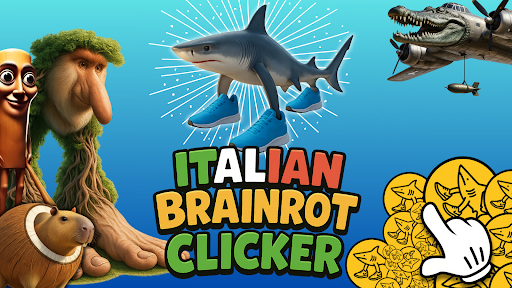
Choose your saved Points
Pick the Points balance you want to use in Italian Brainrot Clicker. Apply it, then buy upgrades in the game.
Requires the Windows app and the Bytonian Mods browser extension for Chrome or Edge. Browser setup guide

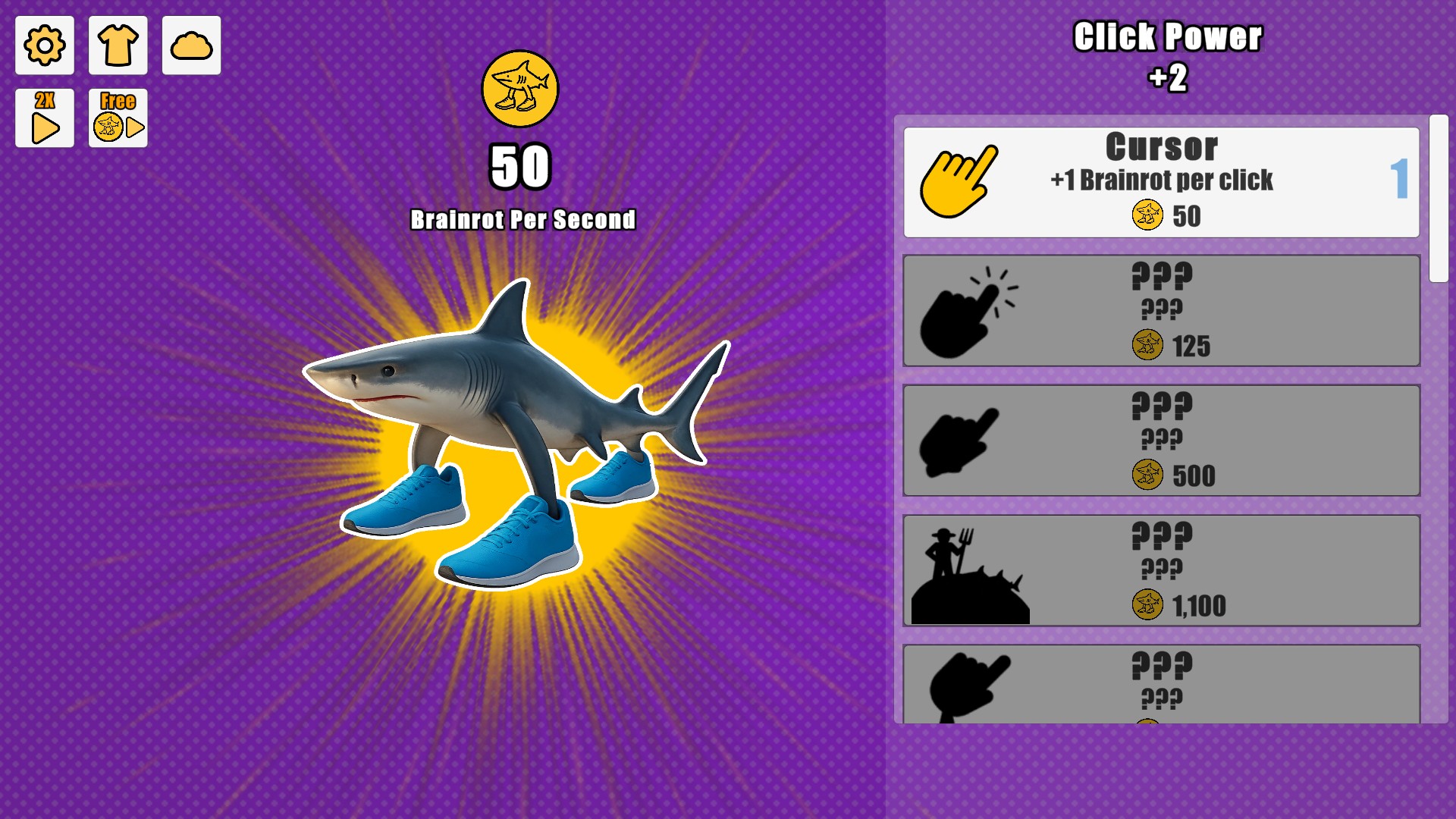
Saved Points for clicker upgrades
Set your saved Points balance, then spend it on upgrades such as Cursor to increase Click Power.
How to use Saved Points
Enter a whole-number amount from 0 to 1,000,000 and apply it. Open the game to see the balance, then choose an upgrade from the shop.
What it changes
Saved Points changes your current balance. Upgrade purchases and ownership still happen in the game.
Available customisation options
PointsFree
Choose the saved Points balance you can spend on clicker upgrades.
Enter a whole-number amount, apply it, then return to the game and choose an upgrade from the shop.
This changes your current balance. It does not purchase or unlock upgrades for you.
Using these features
Connect your game, then open Customise in the Windows app. Choose an option, check its available values and follow its instructions. Each option lists its own requirements and limits.
Setup for Italian Brainrot Clicker →