
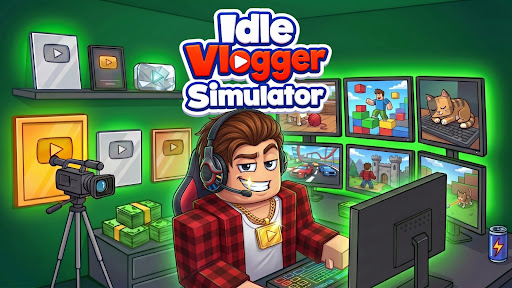
Customise
2 optionsCash supports equipment purchases. Video-Coins support Team hiring and upgrades.
View customisation options →Set Cash for better equipment or choose Video-Coins for Team hiring and upgrades. Pick a theme, record your next video and build out your studio.
Requires the Windows app and the Bytonian Mods browser extension for Chrome or Edge. Browser setup guide

Start with free mods
Download Bytonian Mods for Windows and try these free features. Choose one to see how it works and any requirements.
Set your Cash balance for computer and other equipment purchases.
Enter an amount, apply it, then open Hardware and buy an available upgrade.
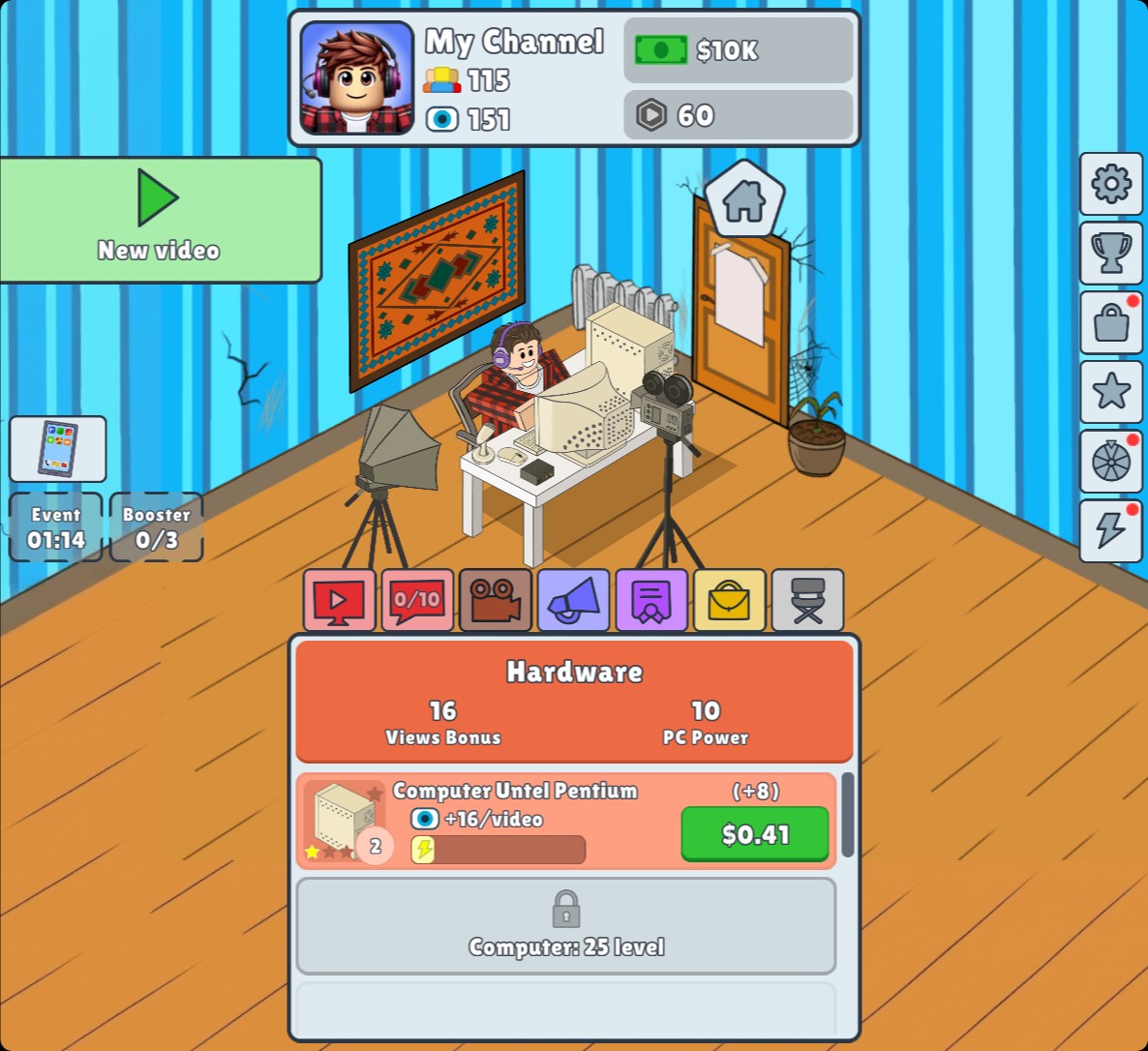
Build up your vlogger studio
Buy better equipment through the Hardware menu. The upgraded computer shown here adds16 views per video.
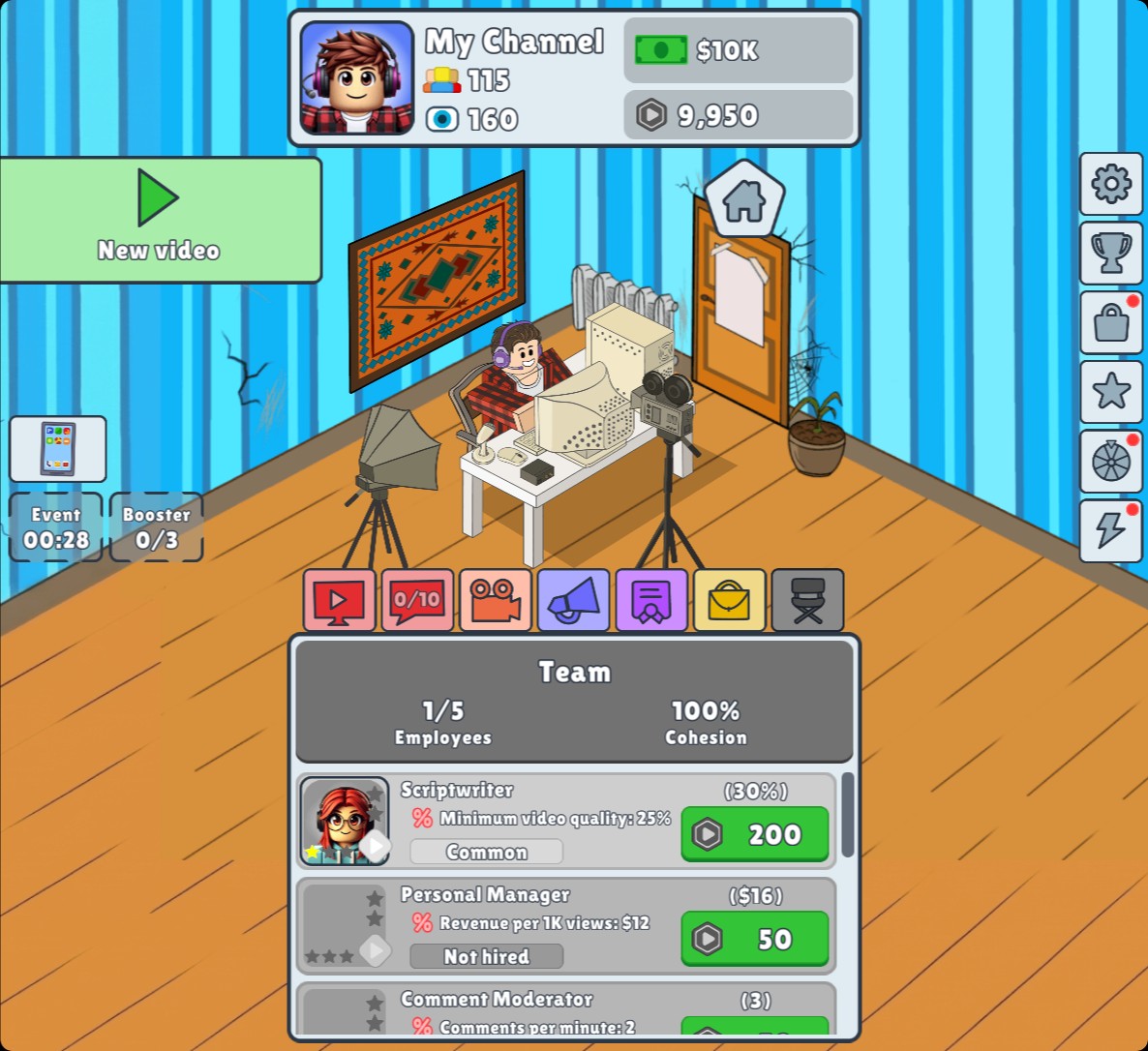
Hire help for your channel
Bring a Scriptwriter onto your Team to raise minimum video quality. Video-Coins also fund employee upgrades through the normal menu.
A better computer adds a larger views bonus to each video. The Cash control lets you choose a balance, then buy upgrades from Hardware as you build your channel.
Video-Coins fund Team hiring and upgrades. A Scriptwriter raises minimum video quality, giving your channel a useful next step beyond equipment.
Cash supports equipment purchases. Video-Coins support Team hiring and upgrades.
View customisation options →Download the Windows app and follow the setup prompts.
Set up the browser extension in Chrome or Edge, then open the supported YouTube Playable. Follow the connection guide if the game is already running.
Open Customise in Bytonian Mods, choose an option and follow its instructions. Check the available values and any limits before making your change.