
Choose Your Idle Restaurants Coins
Enter your preferred Coins amount and apply it. Return to your restaurant to see the balance and choose your next upgrades.
Requires the Windows app and the Bytonian Mods browser extension for Chrome or Edge. Browser setup guide

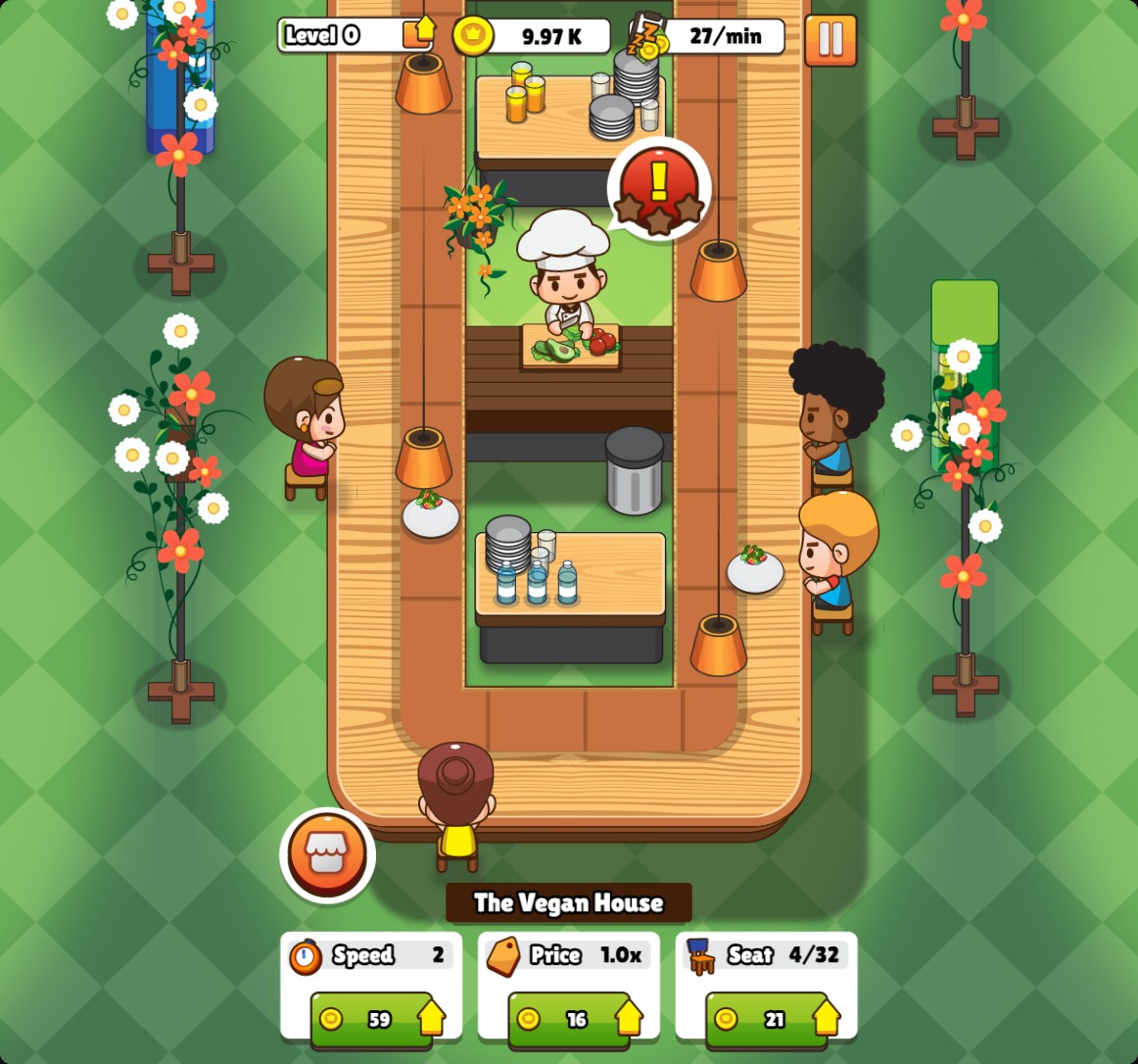
Build up your restaurant with more coins
Choose your coin balance, then spend it on the restaurant upgrades you want next.
Set Your Coin Balance
Open the Coins control, enter your amount and apply your choice. Press Play when the game loads, then return to your restaurant.
Spend Through the Normal Upgrade Buttons
Use the restaurant's upgrade buttons to make your purchases. Normal prices and requirements still apply, and your balance changes with income and spending.
Available customisation options
CoinsFree
Choose your coin balance to spend on restaurant upgrades.
Enter your Coins amount, apply it and press Play to return to your restaurant.
Your balance changes with normal income and spending. Upgrade requirements still apply.
Questions about customisation options
- Is the Coins setting Free?
- Yes. Coins is a Free customization option.
Using these features
Connect your game, then open Customise in the Windows app. Choose an option, check its available values and follow its instructions. Each option lists its own requirements and limits.
Setup for Idle Restaurants →