

Customise
1 optionSet your saved money balance.
View customisation options →Add 1,000 Coins before a shop visit, add 1,000 Skip-Its to their balance, finish the current cone level, or set a Money total before the next round. Hold a flavour button to pour vanilla, strawberry or chocolate ice cream and match the cone shown on screen.
Requires the Windows app and the Bytonian Mods browser extension for Chrome or Edge. Browser setup guide

Start with free mods
Download Bytonian Mods for Windows and try these free features. Choose one to see how it works and any requirements.
Add 1,000 coins to your current balance.
Press once while the game is ready.
Adds 1,000 coins when you trigger the action.
Game Actions has one-press coin and Skip-It grants plus Finish Current Level. Customise lets you enter your saved money balance and reload the game.
Coins and Skip-Its have separate grant actions. Use Finish Current Level when you want to move to the next cone.
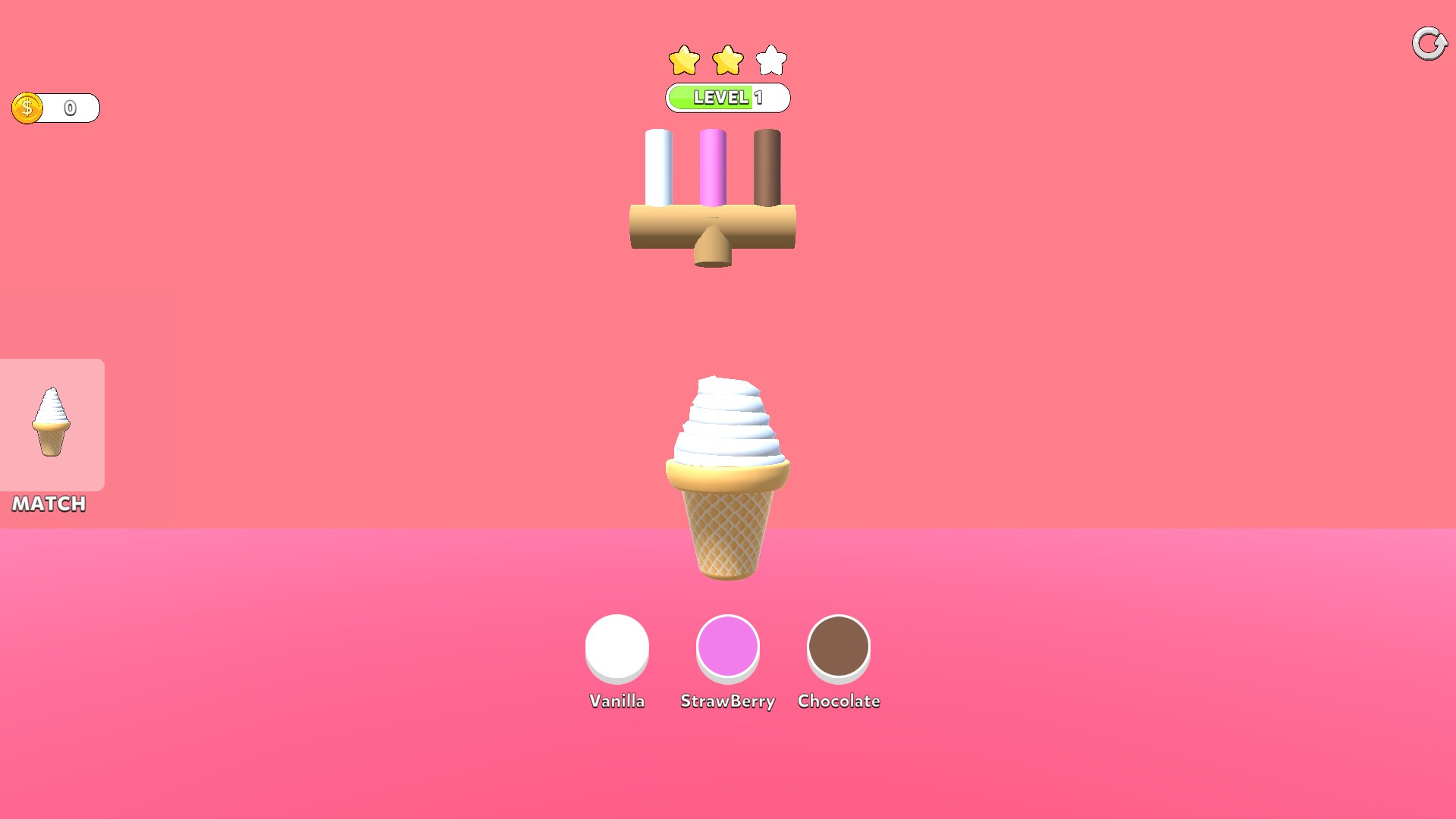
Swirl a vanilla cone
Hold the flavour button to build your ice cream and match the cone on the left.
Set your saved money balance.
View customisation options →One-press grants and level completion.
View game actions →Download the Windows app and follow the setup prompts.
Set up the browser extension in Chrome or Edge, then open the supported YouTube Playable. Follow the connection guide if the game is already running.
Review the available options in the app and choose the ones that suit how you play.