

Choose your cash balance
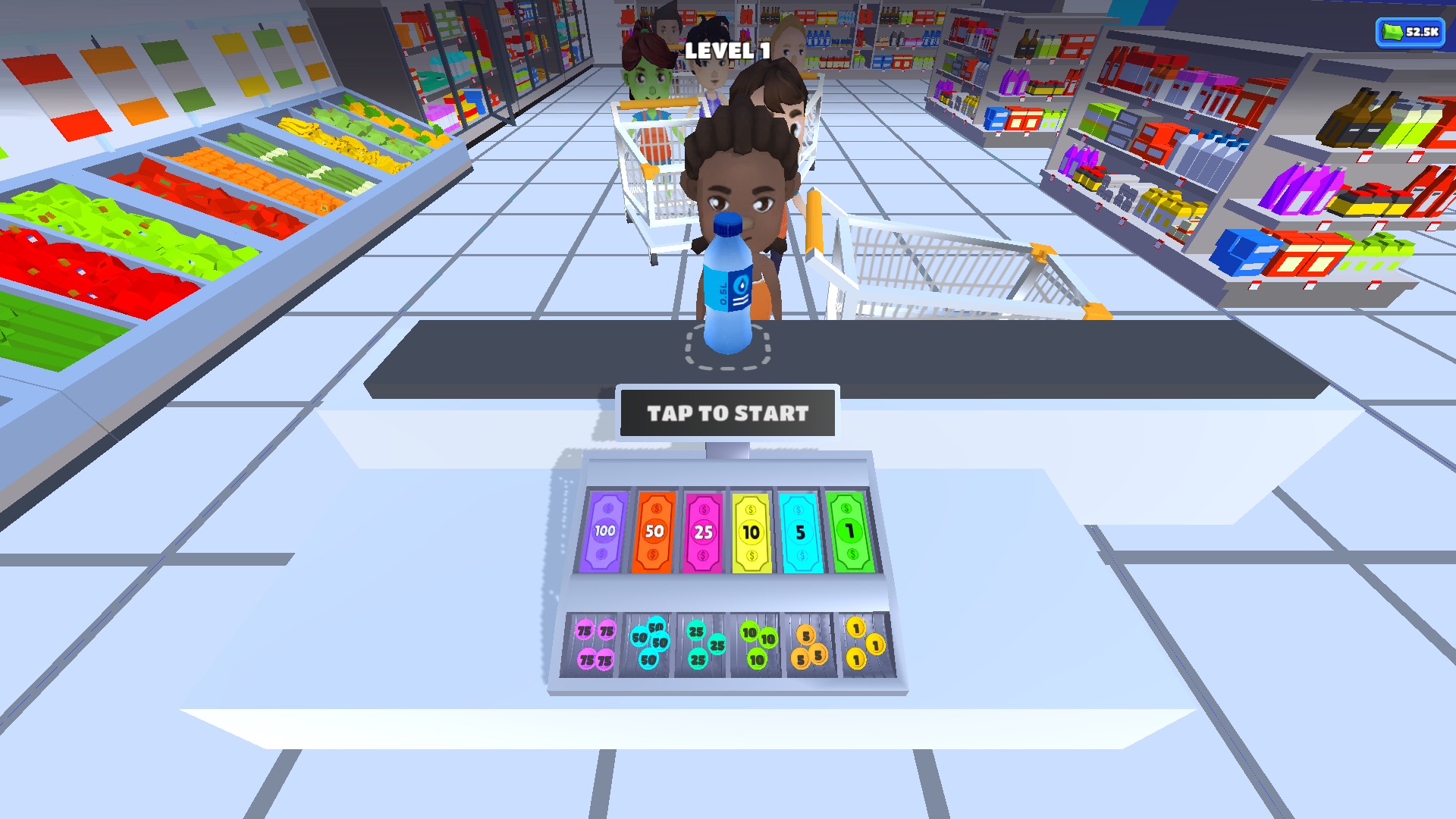
Set your preferred cash balance with a simple amount control. Reopen the game afterward to refresh the counter.
Requires the Windows app and the Bytonian Mods browser extension for Chrome or Edge. Browser setup guide

Refresh your checkout balance
Enter the amount you want and apply Cash. Reopen the game to see the updated counter, then continue scanning items and building your store through the usual checkout and shop areas.
Available resources
CashPremium
Choose the cash balance you want.
Enter your preferred cash balance and apply it. Reopen the game to refresh the counter.
Choose your cash balance
Set your preferred cash balance, then reopen the game to refresh the counter.
More ways to customise Hypermarket 3D: Store Cashier
- Hypermarket 3D: Store Cashier game actions
Skip a level, return to the previous challenge or open your store.
Using these features
Choose the feature in the Windows app after connecting your game. Check its requirements before making a change.
Setup for Hypermarket 3D: Store Cashier →