
Set your travel pace and jump strength
Move between rooms faster, slow down for a careful look around, or give your jumps extra reach. Walking and running share one speed percentage, while jump strength has its own setting.

A pace that suits the job
The speed control changes both walking and running. A setting of 100% uses normal speed, a lower value slows travel and a higher value speeds it up.
Choose smaller or higher jumps
Jump strength changes how strongly you take off. Use a lower percentage for smaller hops or a higher percentage to reach above the usual jump height.
Available stat modifiers
Jump strengthPremium
Choose smaller hops or higher jumps while exploring your property.
Turn on Jump strength and choose a total strength percentage. Use 100% for normal strength.
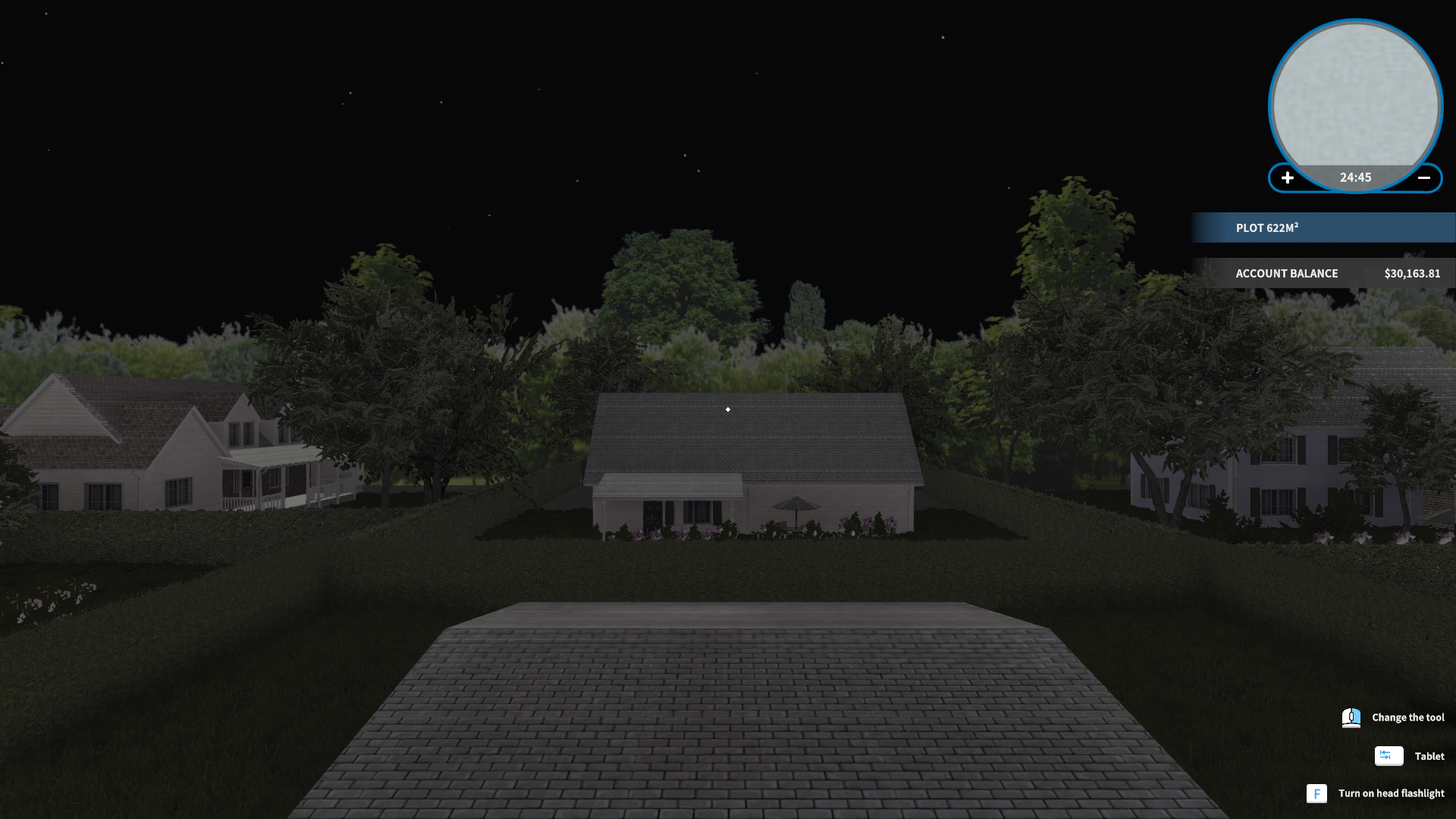
Jump strength
Jump higher to get a different view of your property and reach raised spots. Adjust the strength to suit your pace, or use 100% for the usual jump.
Walk and run speedFree
Adjust walking and running speed for a pace that suits your renovation project.
Turn the control on and choose a total speed percentage. Use 100% for normal speed.
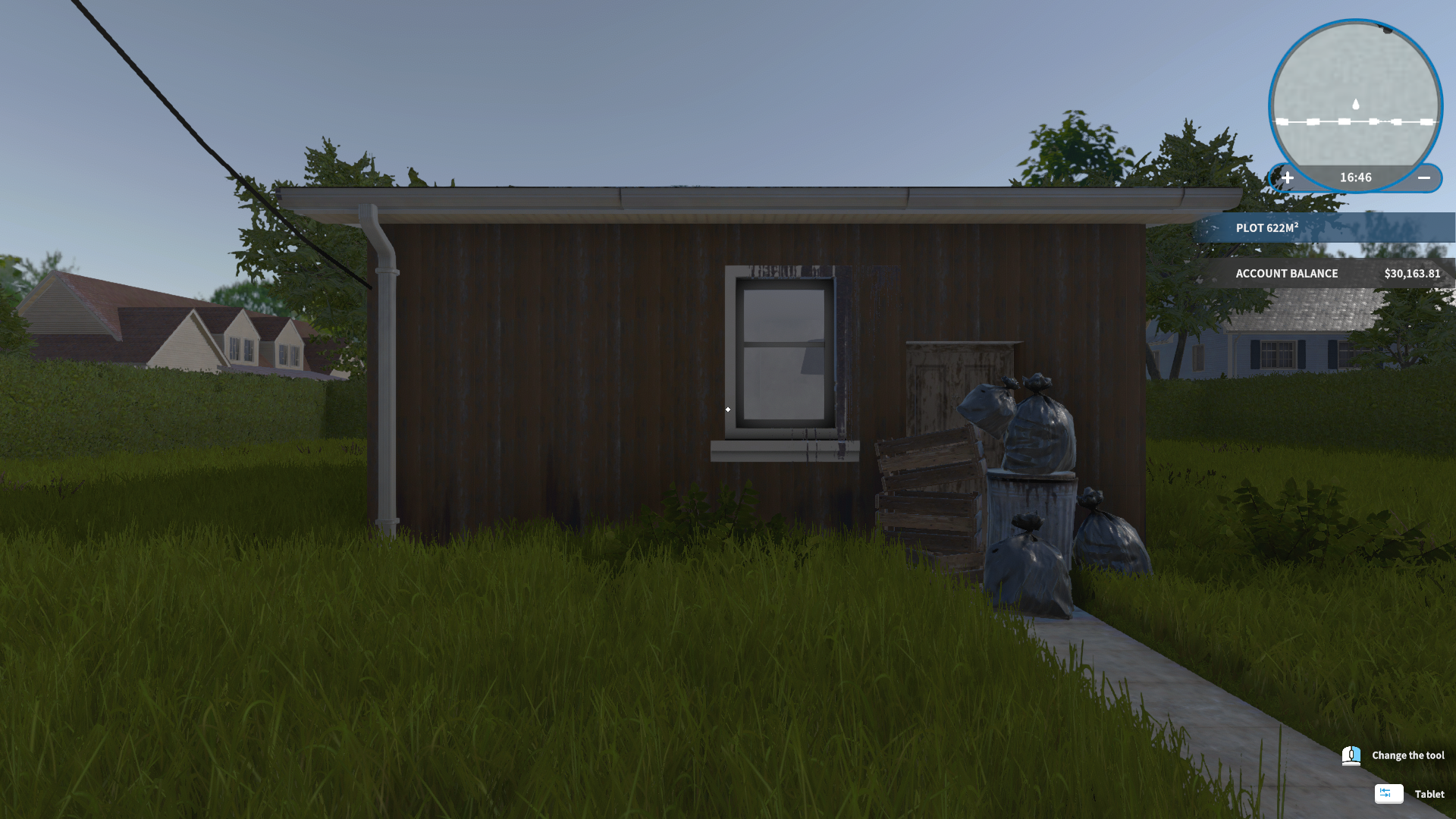
Walk and run speed
Choose your walking and running pace as you move around your House Flipper properties. Use 100% for normal speed or switch the control off to return to the game's usual movement.
More ways to customise House Flipper
- House Flipper ability modifiers
Fly around the property with editable controls and separate travel speeds.
Using these features
Choose the feature in the Windows app after connecting your game. Check its requirements before making a change.
Setup for House Flipper →