
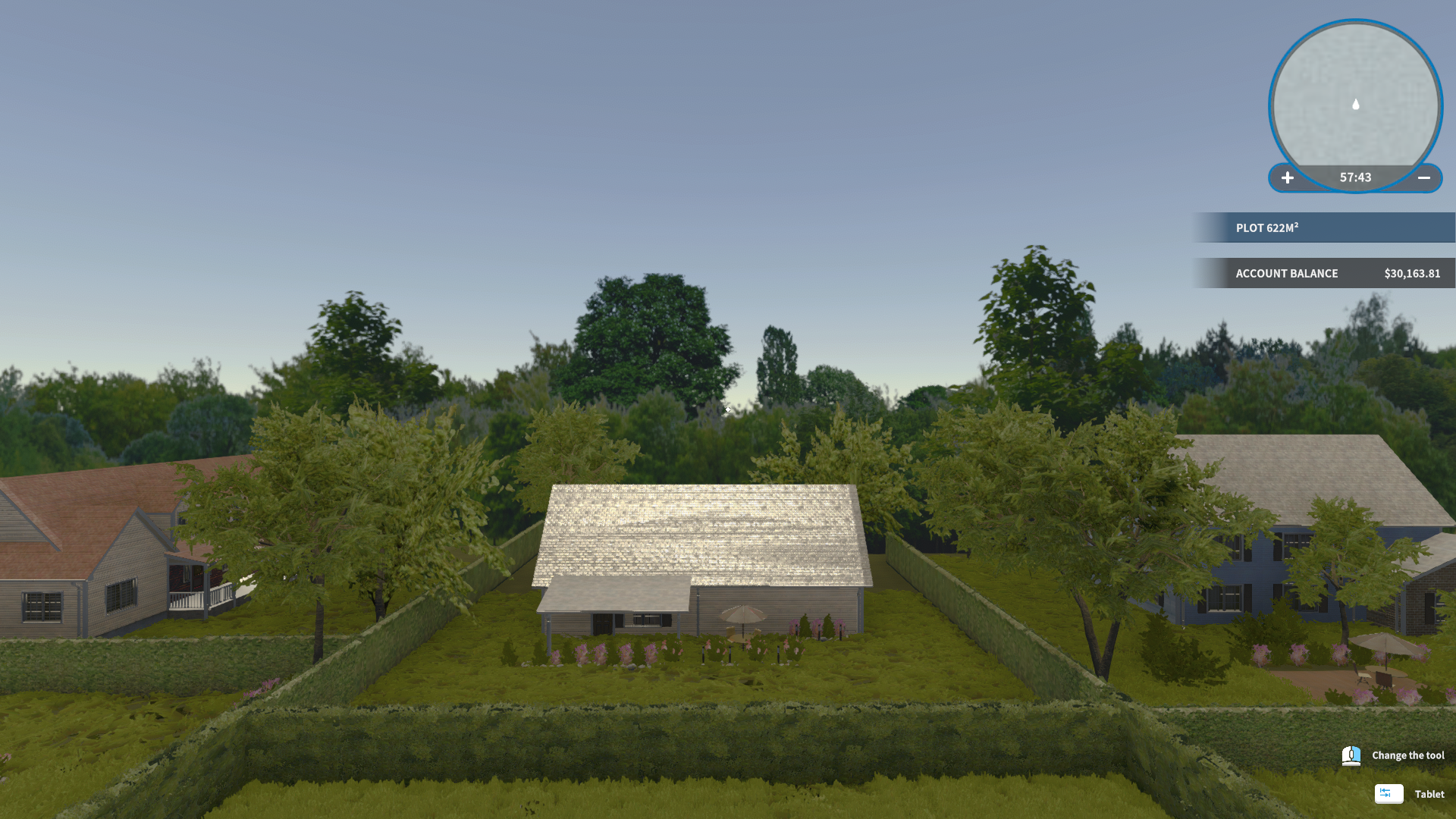
See your property from above with Fly
Move freely around your renovation site, rise above the roofline and pass through ordinary walls and roofs. Fly keeps your normal looking controls and gives you separate normal and boost speeds.
Move in any direction
Toggle Movement with V, travel with WASD, rise with Space, descend with Ctrl and hold Shift to boost. You can edit these bindings in the controls.
Return to normal movement
Move back to open ground before switching Fly off. Game menus and other player-control restrictions take over when needed. If the game returns you to a safe position, switch Movement off and on to resume.
Available ability modifiers
MovementPremium
Fly above your property and pass through ordinary walls and roofs for a different way to explore the layout.
Toggle with V, move with WASD, rise with Space, descend with Ctrl and boost with Shift. Choose normal and boost speeds in metres per second.
Return to open ground before switching off. Menus and other player-control restrictions take over when needed. If the game returns you to a safe position, switch Movement off and on to resume.
Supported movement styles: Fly
Fly
Fly above your property or pass through ordinary walls and roofs. Return to open ground before switching off. If the game returns you to a safe position, switch Movement off and on to resume.
More ways to customise House Flipper
- House Flipper stat modifiers
Tune walking, running and jump strength independently.
Using these features
Choose the feature in the Windows app after connecting your game. Check its requirements before making a change.
Setup for House Flipper →