
Resources
3 optionsAdjust coins or choose a normal or milk puzzle.
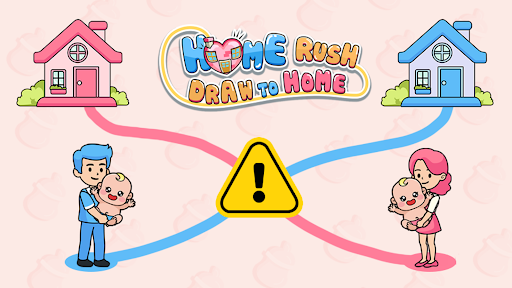
View resources →Revisit a normal puzzle, choose a milk challenge when that mode is open, or adjust coins before drawing the next route. Elf baby outfits and snowy cottages change how the families and homes look as you guide parents back to their babies.
Requires the Windows app and the Bytonian Mods browser extension for Chrome or Edge. Browser setup guide

Start with free mods
Download Bytonian Mods for Windows and try these free features. Choose one to see how it works and any requirements.
Choose the original babies or their Elf outfits.
Select Original or Elf, then apply to reload the normal puzzle.
Supports these two appearances. Applying restarts the normal puzzle.
In Resources, choose Coins, Normal puzzle or Milk puzzle. Pick a board to revisit or a different challenge without working through every earlier puzzle.
In Game actions, choose Baby appearance or House appearance. Pick Elf outfits for the babies or snowy cottages for the houses; applying either appearance restarts the normal puzzle.
Open this game in Bytonian Mods and connect its YouTube Playables tab. Enable the control you want, then follow its instructions.
Open milk mode before using Milk puzzle. It requires normal progress at level 16.
Find a safe route home
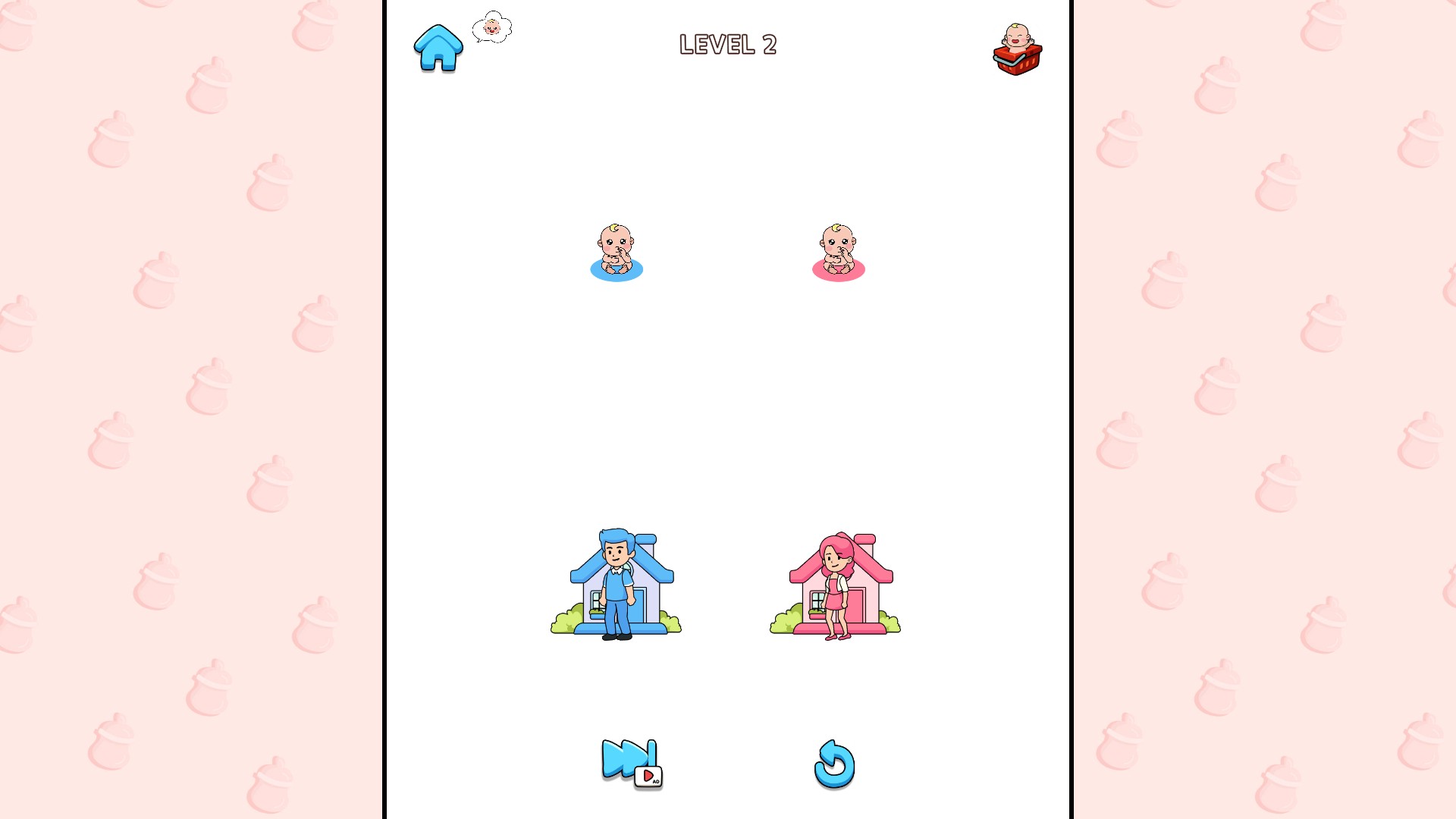
Guide each parent to the baby with the matching color, then bring them back home.
Adjust coins or choose a normal or milk puzzle.
View resources →Choose Elf babies or snowy cottages for normal puzzles.
View game actions →Download the Windows app and follow the setup prompts.
Set up the browser extension in Chrome or Edge, then open the supported YouTube Playable. Follow the connection guide if the game is already running.
Review the available options in the app and choose the ones that suit how you play.