

Customise
2 optionsSet coins for purchases or unlock the full vehicle lineup.
View customisation options →Hill Climber combines hilly driving with a garage of vehicles offering different fuel capacity and engine power. Choose a vehicle, keep your balance and see how far you can drive.
Requires the Windows app and the Bytonian Mods browser extension for Chrome or Edge. Browser setup guide

Start with free mods
Download Bytonian Mods for Windows and try these free features. Choose one to see how it works and any requirements.
Set the coins available for vehicle purchases in the garage.
Choose a whole coin amount, apply it, then open vehicle selection and buy the vehicle you want.
Normal vehicle purchases spend their displayed coin prices.
Use Customization to set a coin budget for normal purchases, or make all ten garage vehicles available together. Browse their fuel and engine bars to find the one you want to drive.
Open Hill Climber with Bytonian Mods connected, choose Customization and apply the control you want. Use the blue vehicle button on the main menu to open selection, browse with the arrows and confirm your choice.
Set coins for purchases or unlock the full vehicle lineup.
View customisation options →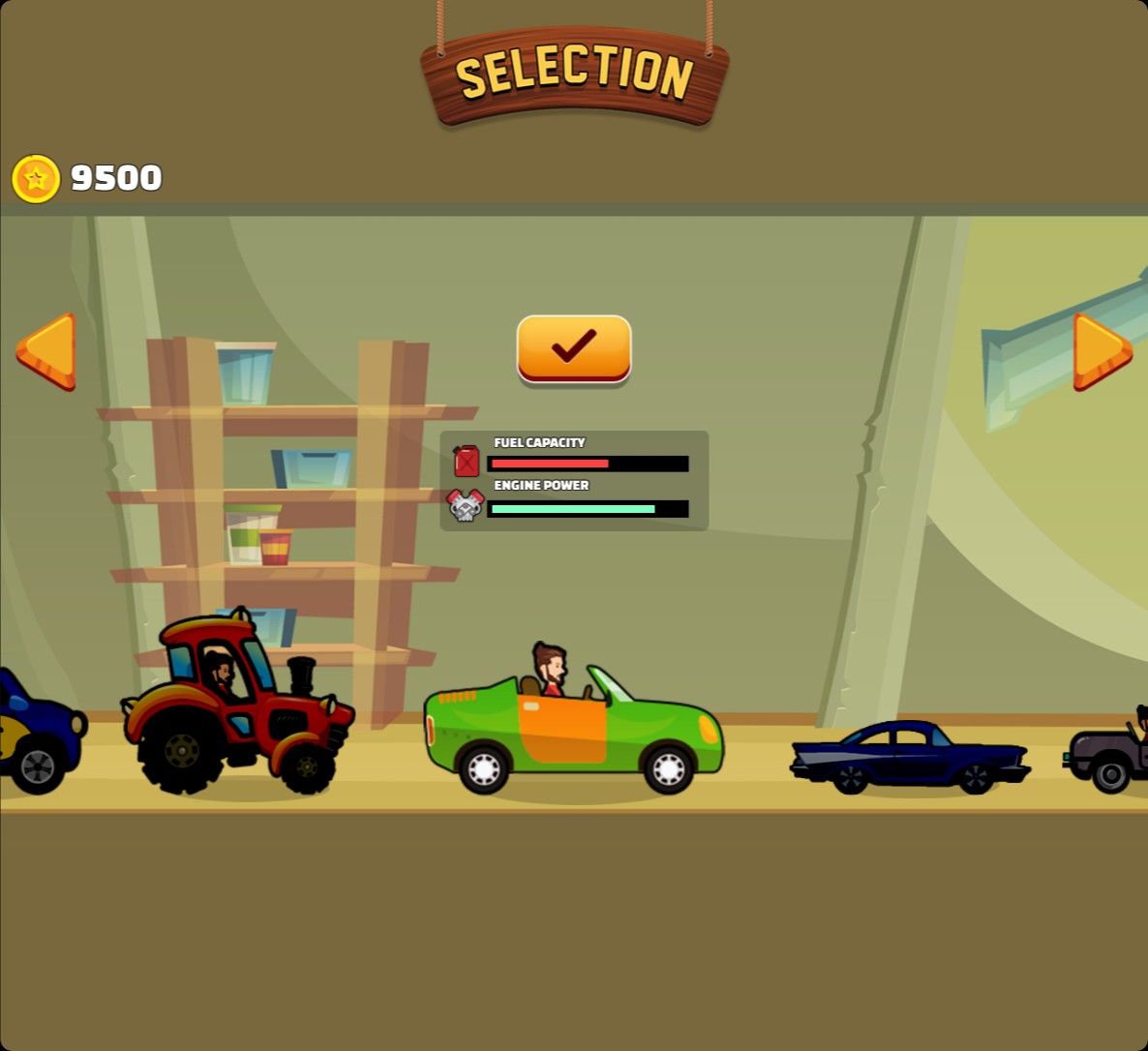
Explore the vehicle lineup
Browse Hill Climber's garage and compare each vehicle's fuel capacity and engine power before your next drive.
Download the Windows app and follow the setup prompts.
Set up the browser extension in Chrome or Edge, then open the supported YouTube Playable. Follow the connection guide if the game is already running.
Open Customise in Bytonian Mods, choose an option and follow its instructions. Check the available values and any limits before making your change.