
Choose Your Coins and Hill Climber Upgrades
Choose your coin balance and tune three Hill Climber upgrades independently. Engine level is free; coins, suspension and tire levels are Premium controls.
Requires the Windows app and the Bytonian Mods browser extension for Chrome or Edge. Browser setup guide

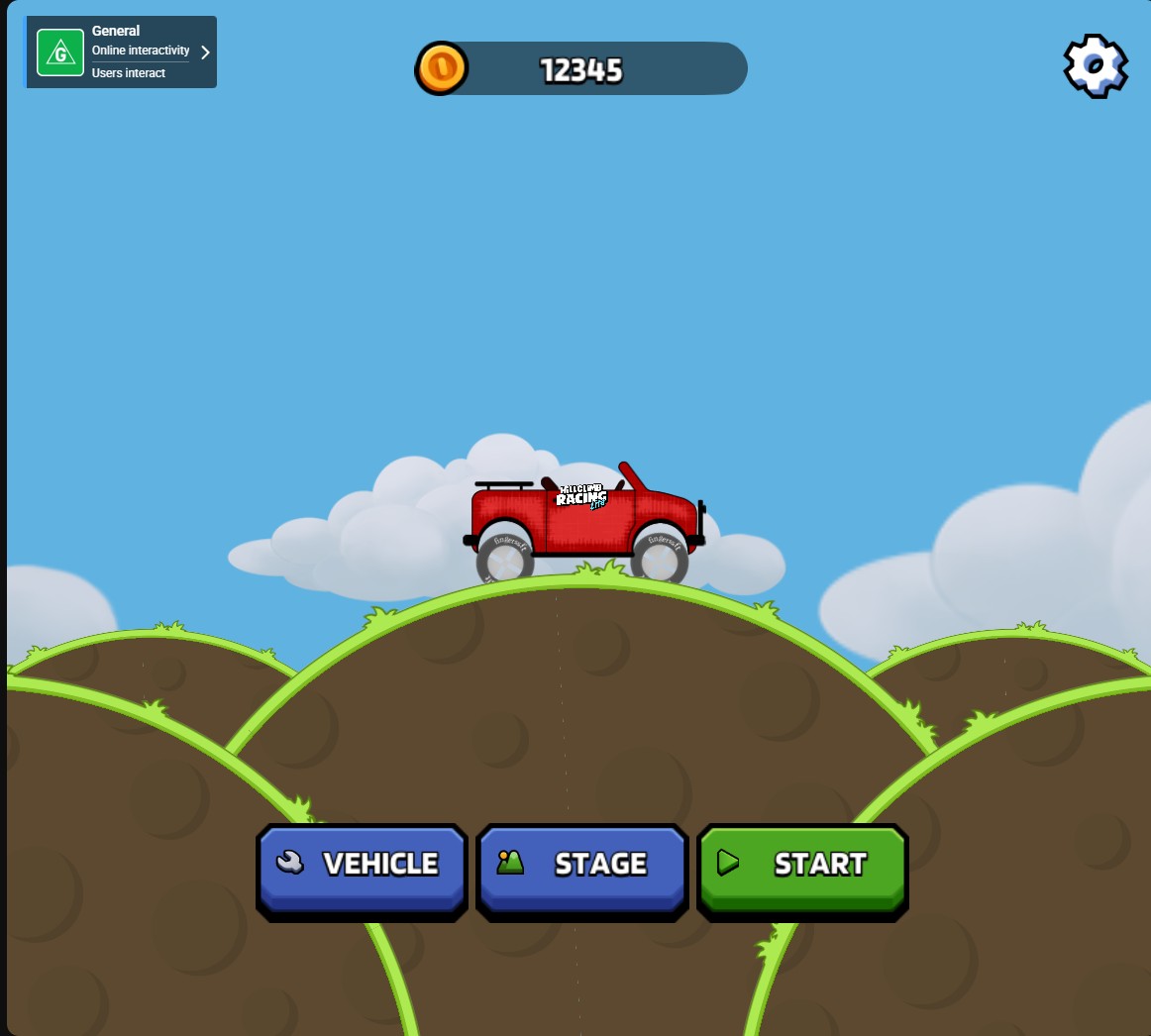
Choose your coin balance
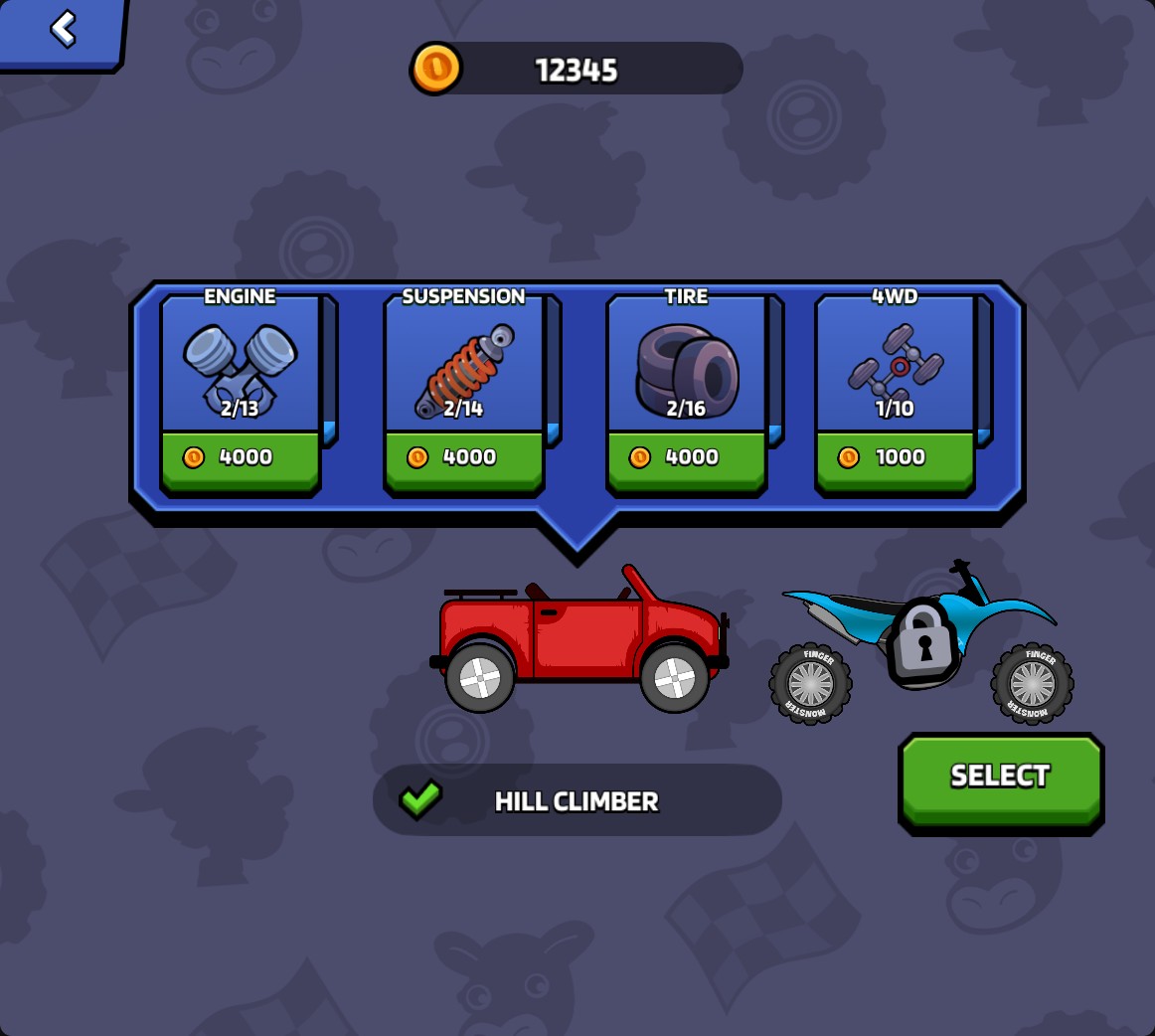
Set your coin balance before your next drive. The menu shows 12,345 coins with the Hill Climber ready to go.
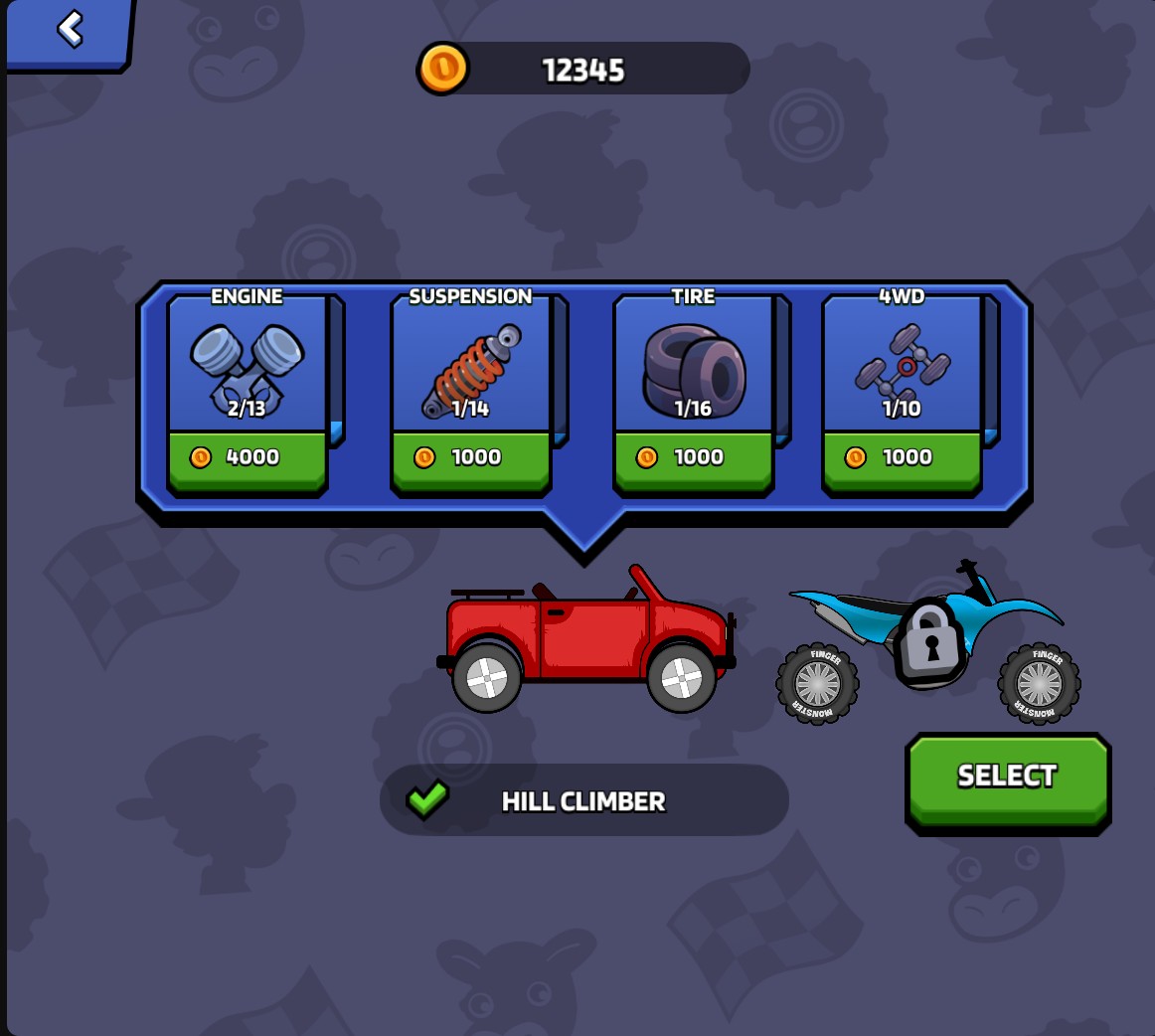
Tune your Hill Climber engine
Choose your Hill Climber's engine level. The garage shows the engine at level 2 of 13.
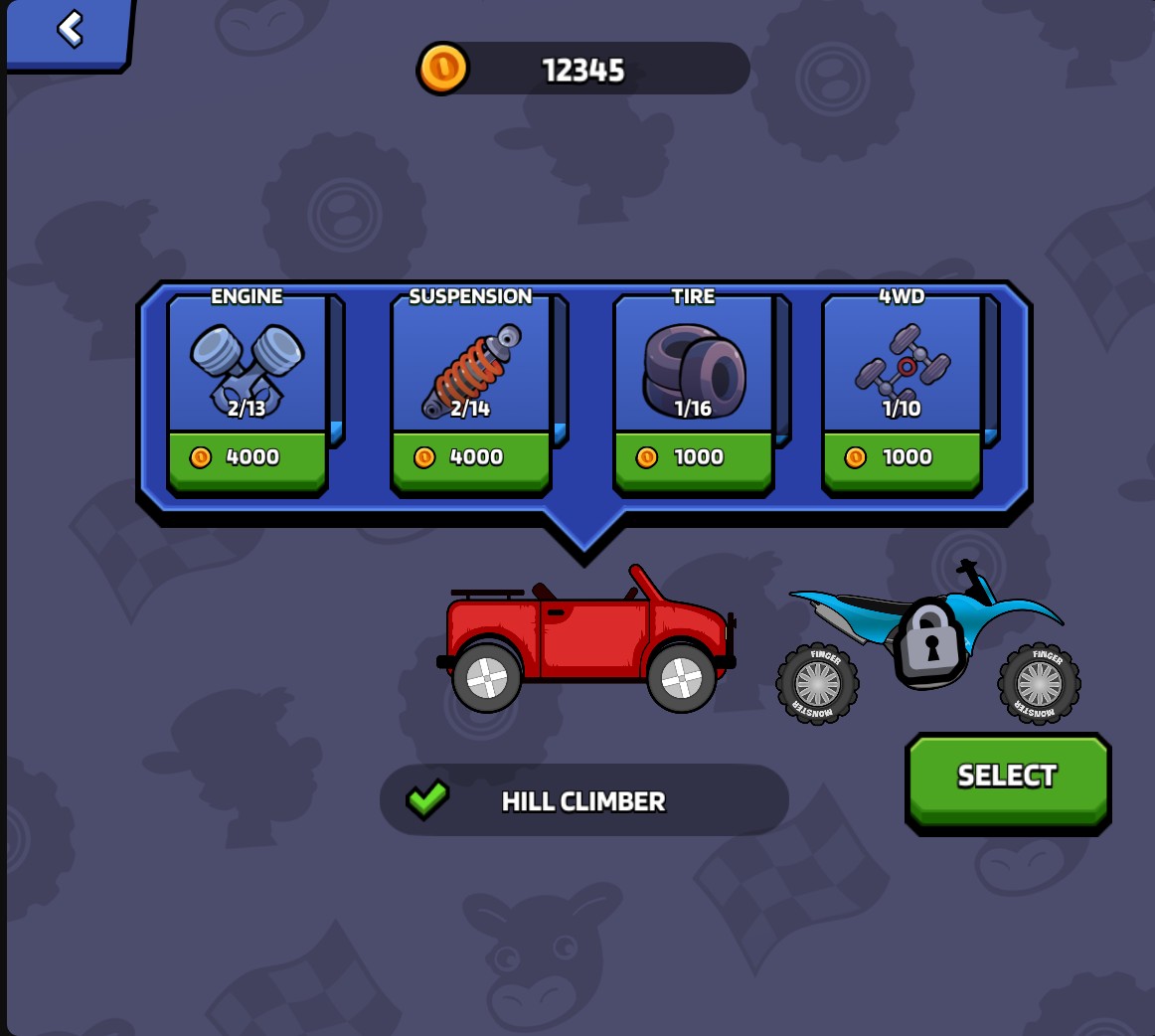
Choose your suspension level
Adjust the Hill Climber's suspension upgrade level. The garage shows suspension at level 2 of 14.
Set the Hill Climber tire level
Choose your tire upgrade level. The Hill Climber garage shows tires at level 2 of 16.
Choose your garage levels
Adjust the Hill Climber's engine, suspension and tire upgrade levels without changing the other controls. These three settings apply to the Hill Climber.
Set your coin balance
Enter the coin balance you want to see in the game menu. Use it alongside your preferred garage settings before your next drive.
Available customisation options
CoinsPremium
Set your coin balance before your next drive.
Enter a balance, apply it and check the coin total in the loaded menu.
Engine levelFree
Choose the Hill Climber's engine upgrade level.
Open Vehicle after the game menu loads to see the engine level in the garage.
Applies to the Hill Climber.
Suspension levelPremium
Choose the Hill Climber's suspension upgrade level.
Choose a level, apply it and open Vehicle to check Suspension in the Hill Climber garage.
Applies to the Hill Climber.
Tire levelPremium
Choose the Hill Climber's tire upgrade level.
Choose a level, apply it and open Vehicle to check Tires in the Hill Climber garage.
Applies to the Hill Climber.
Questions about customisation options
- Can I change just one upgrade?
- Yes. Engine, suspension and tire levels have separate controls, so you can choose the upgrade you want to adjust.
Using these features
Connect your game, then open Customise in the Windows app. Choose an option, check its available values and follow its instructions. Each option lists its own requirements and limits.
Setup for Hill Climb Racing Lite →