
Customize your Hexa Stack saved counts
Set coins and choose each booster count separately. Apply the amounts before you return to your single-player puzzle.
Requires the Windows app and the Bytonian Mods browser extension for Chrome or Edge. Browser setup guide

Coins
Set the coin balance displayed in the game.
Booster stock
Set each booster's saved count separately. Hammer keeps its Level 3 requirement, Move Level 5, Redraw Level 8 and Undo Level 11.
Available customisation options
CoinsPremium
Set the saved coin balance displayed in your single-player puzzle session.
Enter the balance you want and apply the change before playing.
Hammer StockFree
Set your saved Hammer count. The booster keeps its normal Level 3 requirement.
Choose the stock count you want and apply the change for your single-player session.
Move StockPremium
Set your saved Move count. The booster keeps its normal Level 5 requirement.
Choose the stock count you want and apply the change for your single-player session.
Redraw StockPremium
Set your saved Redraw count. The booster keeps its normal Level 8 requirement.
Choose the stock count you want and apply the change for your single-player session.
Undo StockPremium
Set your saved Undo count. The booster keeps its normal Level 11 requirement.
Choose the stock count you want and apply the change for your single-player session.
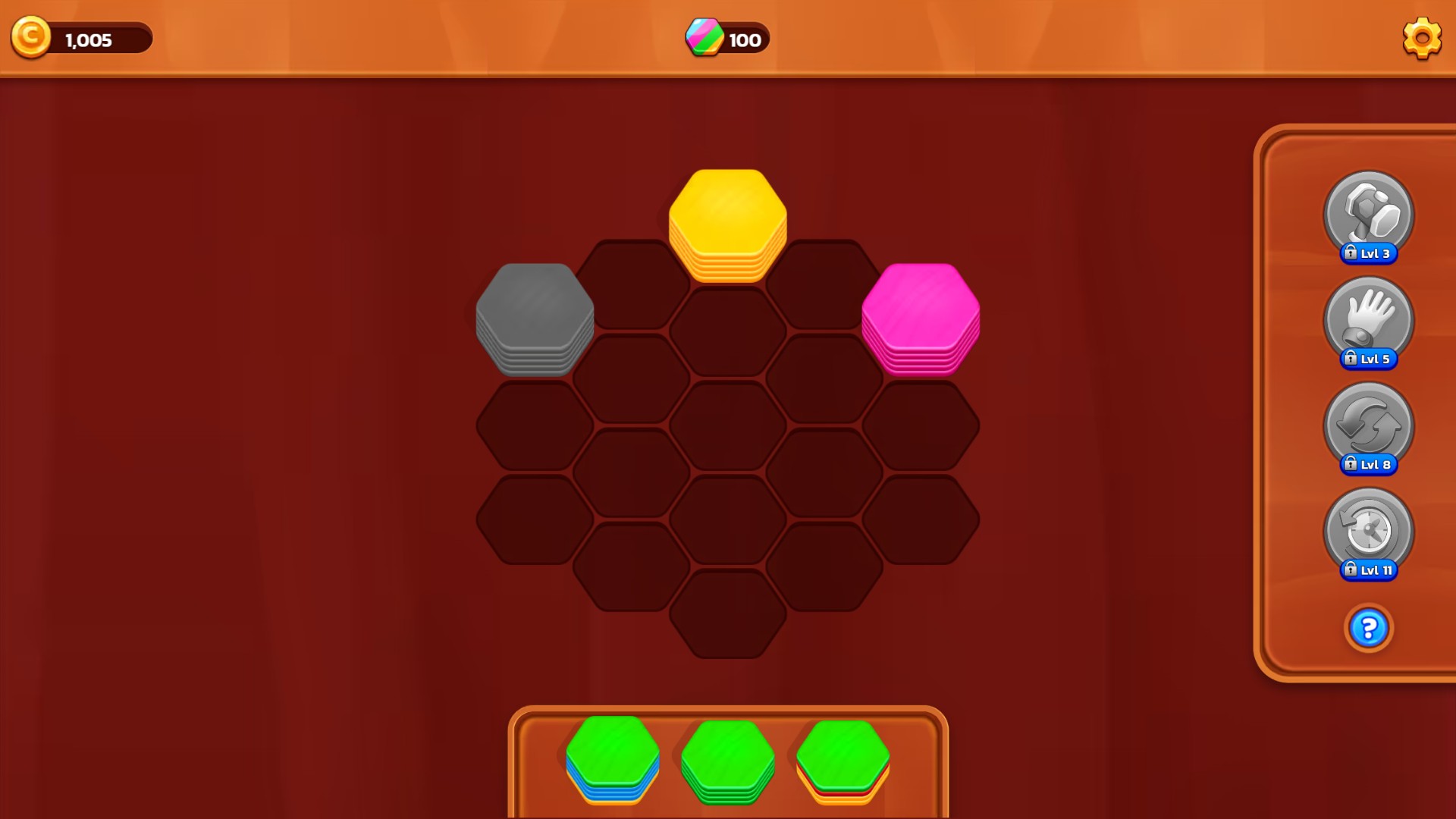
Coin balance before customization
The puzzle board with a coin balance of 1,005 before changing Coins.
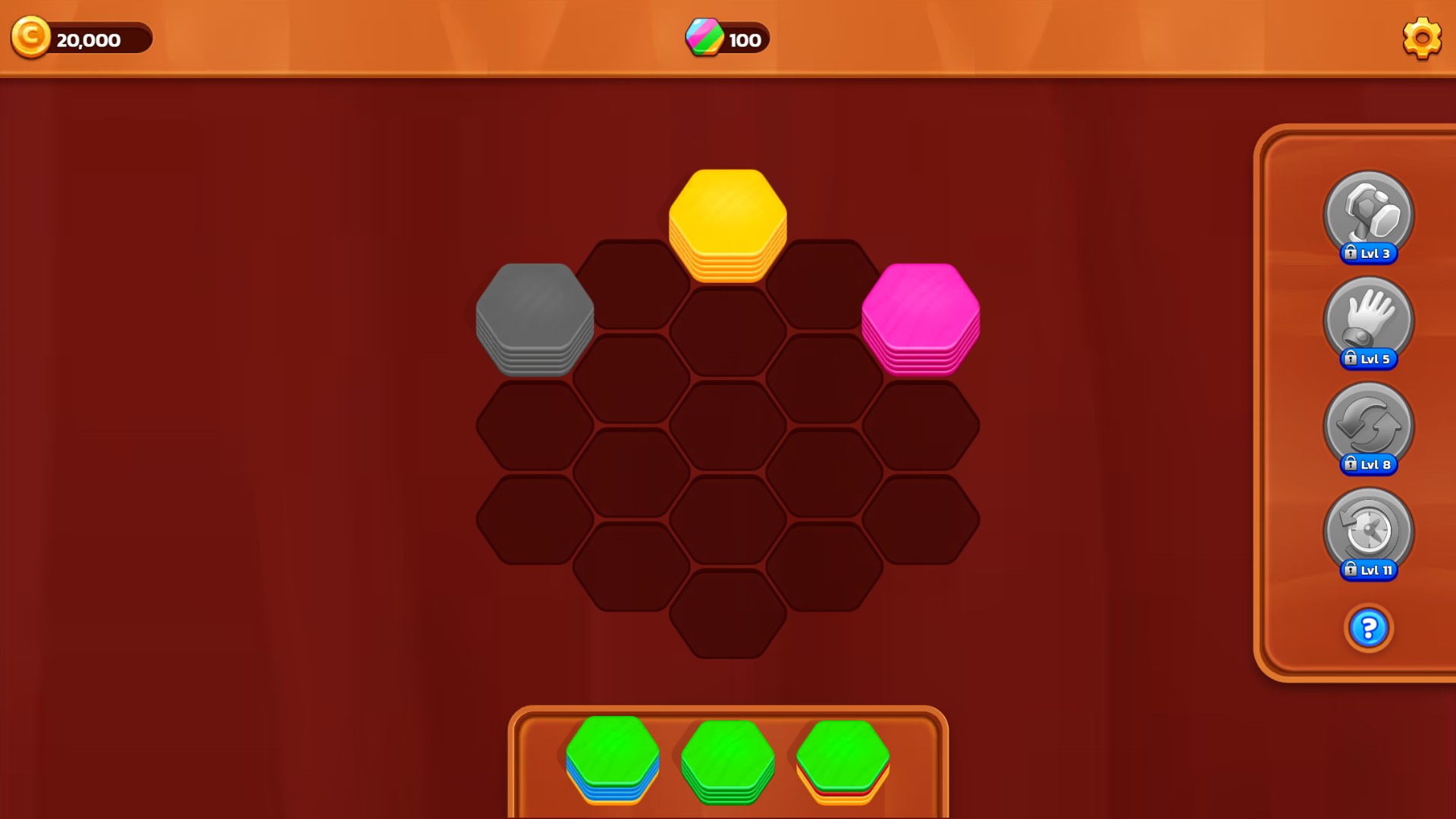
Set your coin balance
The same puzzle board showing 20,000 coins after applying the Coins setting.
Questions about customisation options
- Which setting changes my booster count?
- Choose the named stock setting for that booster: Hammer Stock, Move Stock, Redraw Stock or Undo Stock.
Using these features
Connect your game, then open Customise in the Windows app. Choose an option, check its available values and follow its instructions. Each option lists its own requirements and limits.
Setup for Hexa Stack →