
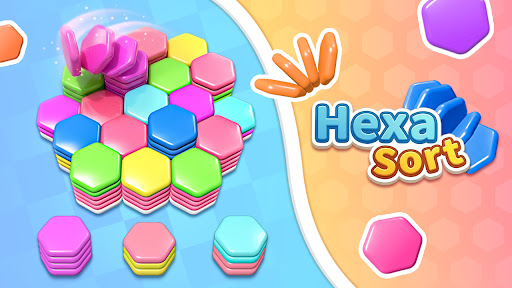
Choose your Hexa Sort booster supplies
Give yourself more chances to adjust a tricky board. Set each tool supply separately, then return to the puzzle and use the normal Hammer, Swap or Refresh button when you need it.
Requires the Windows app and the Bytonian Mods browser extension for Chrome or Edge. Browser setup guide

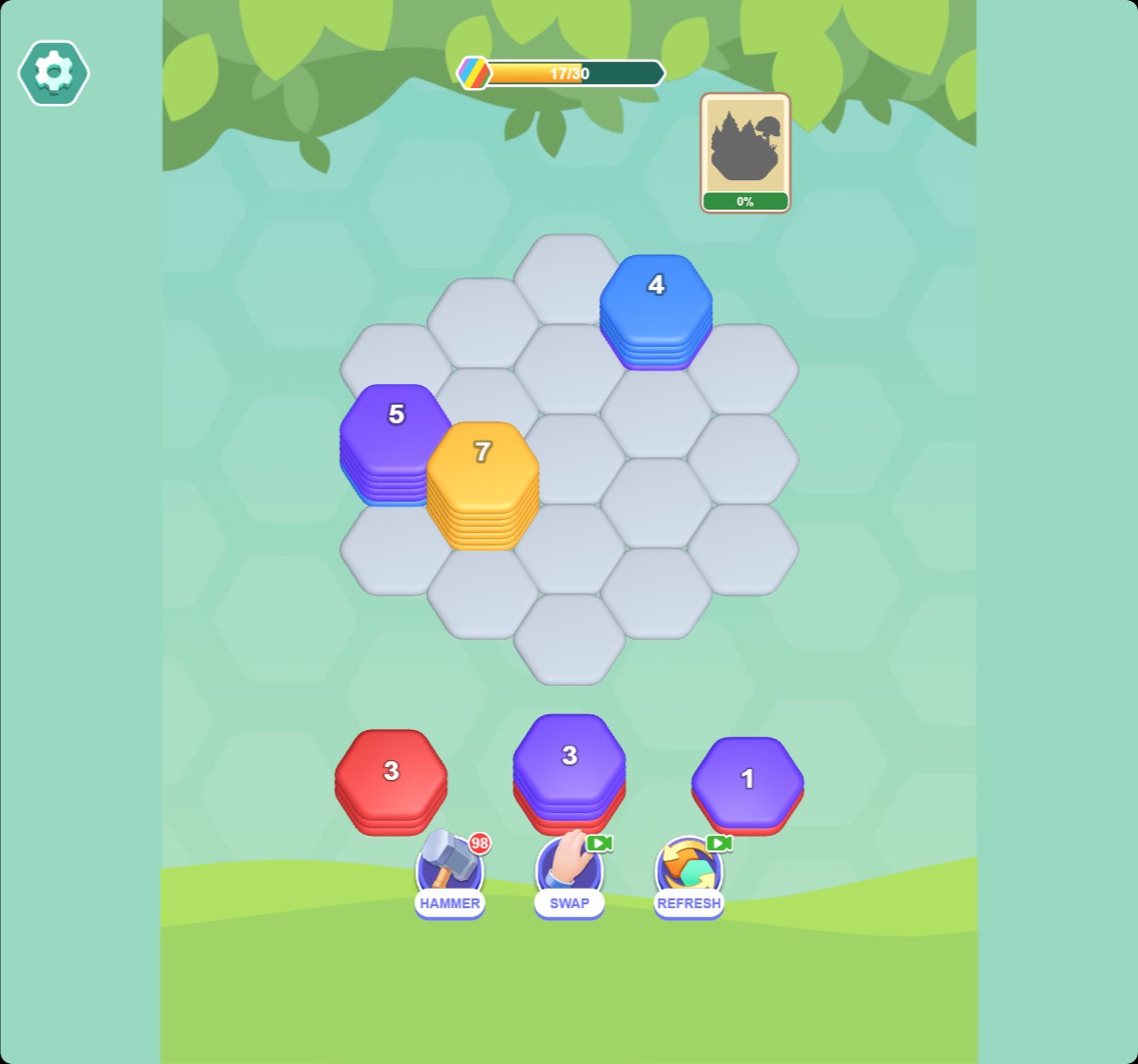
Keep Hammers ready for crowded boards
Set your Hammer supply, then use the normal tool to clear an unwanted stack. There are 98 Hammers remaining here after clearing a stack of four.
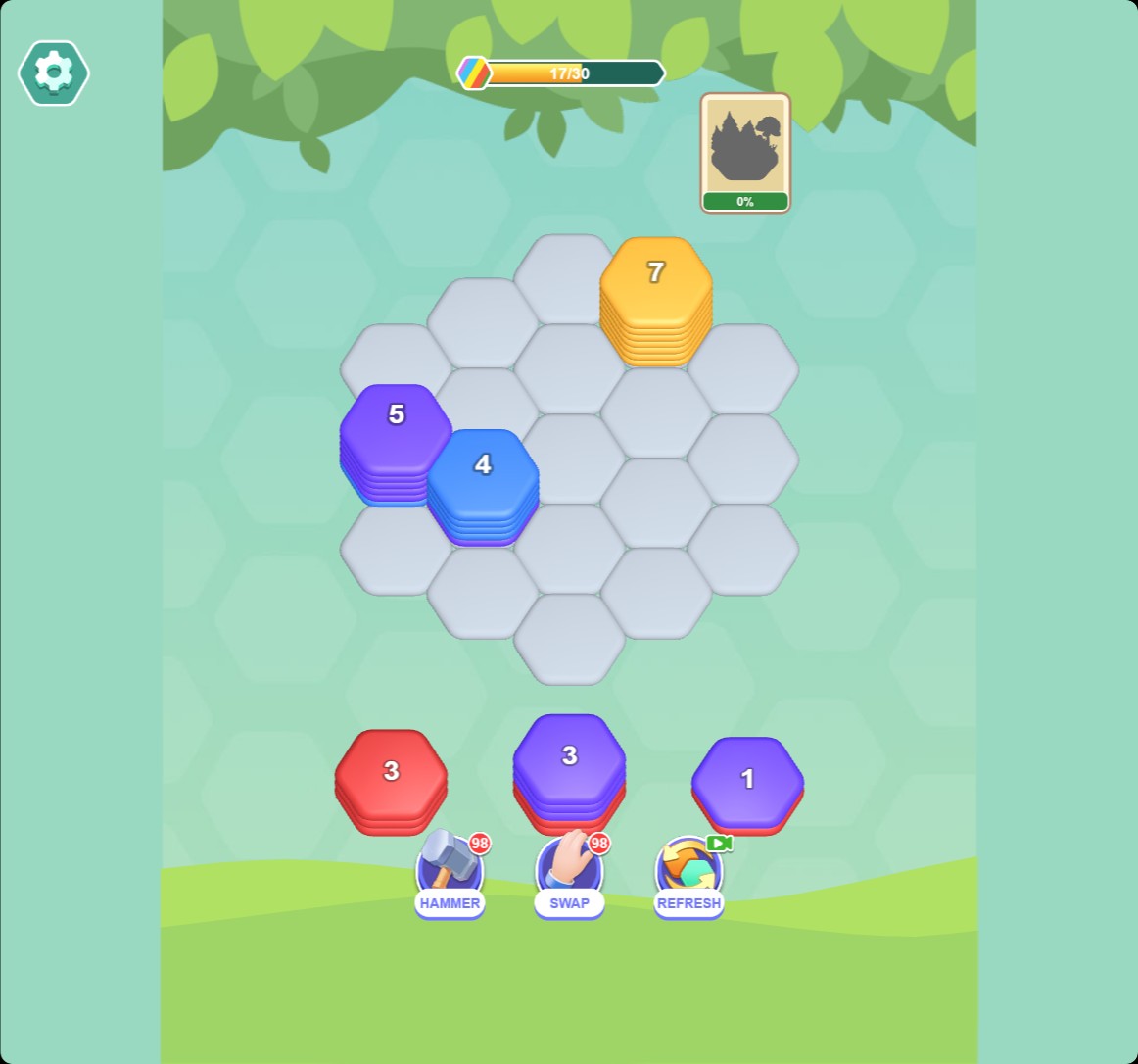
Rearrange stacks with extra Swaps
Set your Swap supply and exchange two stacks on the board. This board has 98 Swaps remaining after moving the blue and yellow stacks.
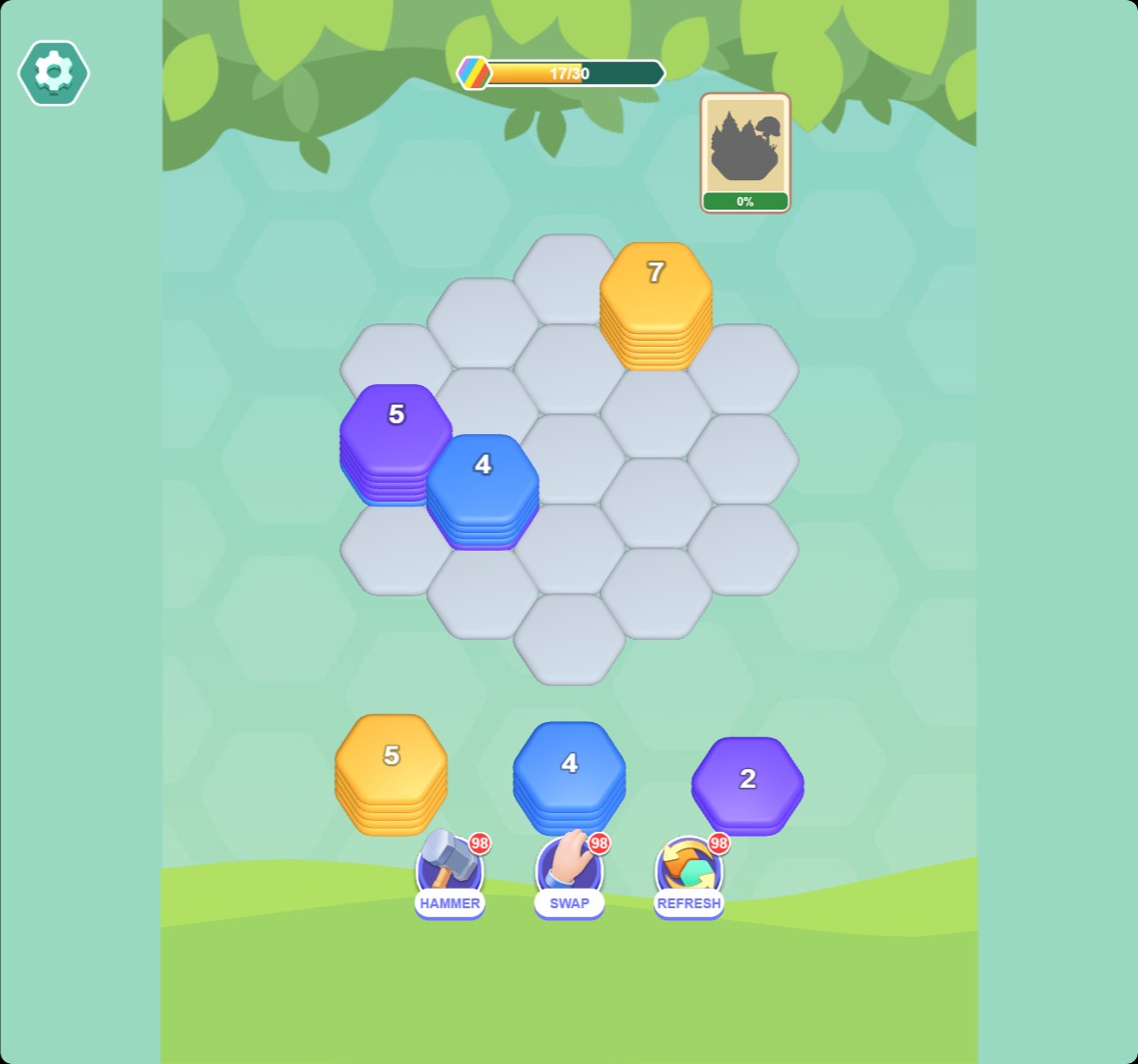
Refresh the waiting stacks
Choose your Refresh supply and replace the stacks waiting below the board. The new tray here contains yellow, blue and purple stacks, with 98 Refreshes remaining.
Clear space with Hammers
Set Hammer stock, choose the Hammer button and select the stack you want to remove. This Free control is useful when one stack is blocking your next placement.
Rearrange stacks or change the tray
Set Swap stock to exchange two occupied stacks on the board. Choose Swap, then drag one board stack onto another.
Set Refresh stock to replace the waiting stacks below the board. The stacks already placed on the board stay in position. Swap and Refresh stock controls are Premium.
Available customisation options
Hammer stockFree
Set your Hammer supply so you can clear an unwanted stack when the board gets crowded.
Choose a whole number from 0 to 99. In the puzzle, choose Hammer and select a stack to clear.
Each Hammer use spends one stock.
Swap stockPremium
Choose your Swap supply and exchange two stacks already on the board.
Set stock from 0 to 99, choose Swap in the puzzle, then drag one board stack onto another.
Each Swap use spends one stock.
Refresh stockPremium
Choose your Refresh supply to replace the stacks waiting below the board.
Set stock from 0 to 99, then choose Refresh when you want a different waiting tray.
Each Refresh use spends one stock.
Questions about customisation options
- Can I set just one tool?
- Yes. Hammer, Swap and Refresh have separate stock controls, so you can choose which supplies to change.
- How much stock can I choose?
- Each control accepts a whole number from 0 to 99. Each use of that tool spends one stock.
Using these features
Connect your game, then open Customise in the Windows app. Choose an option, check its available values and follow its instructions. Each option lists its own requirements and limits.
Setup for Hexa Sort →