
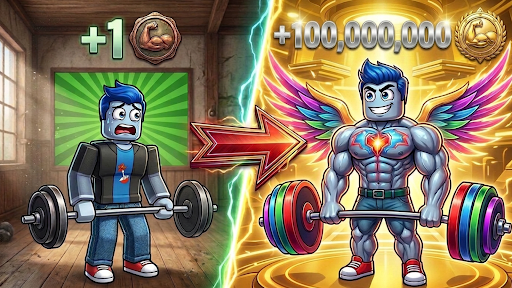
Stat Modifiers
1 optionSet your running pace for quicker solo gym exploration.
View stat modifiers →Fly above the gym walkways or choose a faster running pace on foot. Use either control during solo play to get around the gym the way you want.
Requires the Windows app and the Bytonian Mods browser extension for Chrome or Edge. Browser setup guide
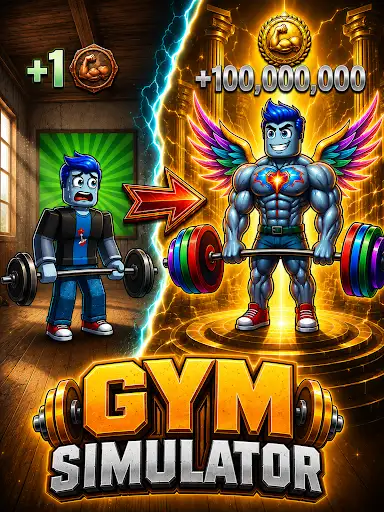
Start with free mods
Download Bytonian Mods for Windows and try these free features. Choose one to see how it works and any requirements.
Explore the gym from above with free flight controls.
Enter solo play, enable Fly and use the movement keys shown on the card. Switch it off to return to ordinary movement.
Available in solo play.
Flight gives you a different view of the gym from above. Running speed keeps you on foot while letting you choose your pace. Pick the control that suits how you want to explore.
Open Gym Simulator: Escape in Bytonian Mods, enter solo play and enable the control you want to use. The flight card includes movement keys and speed settings; the running-speed card has a pace setting.
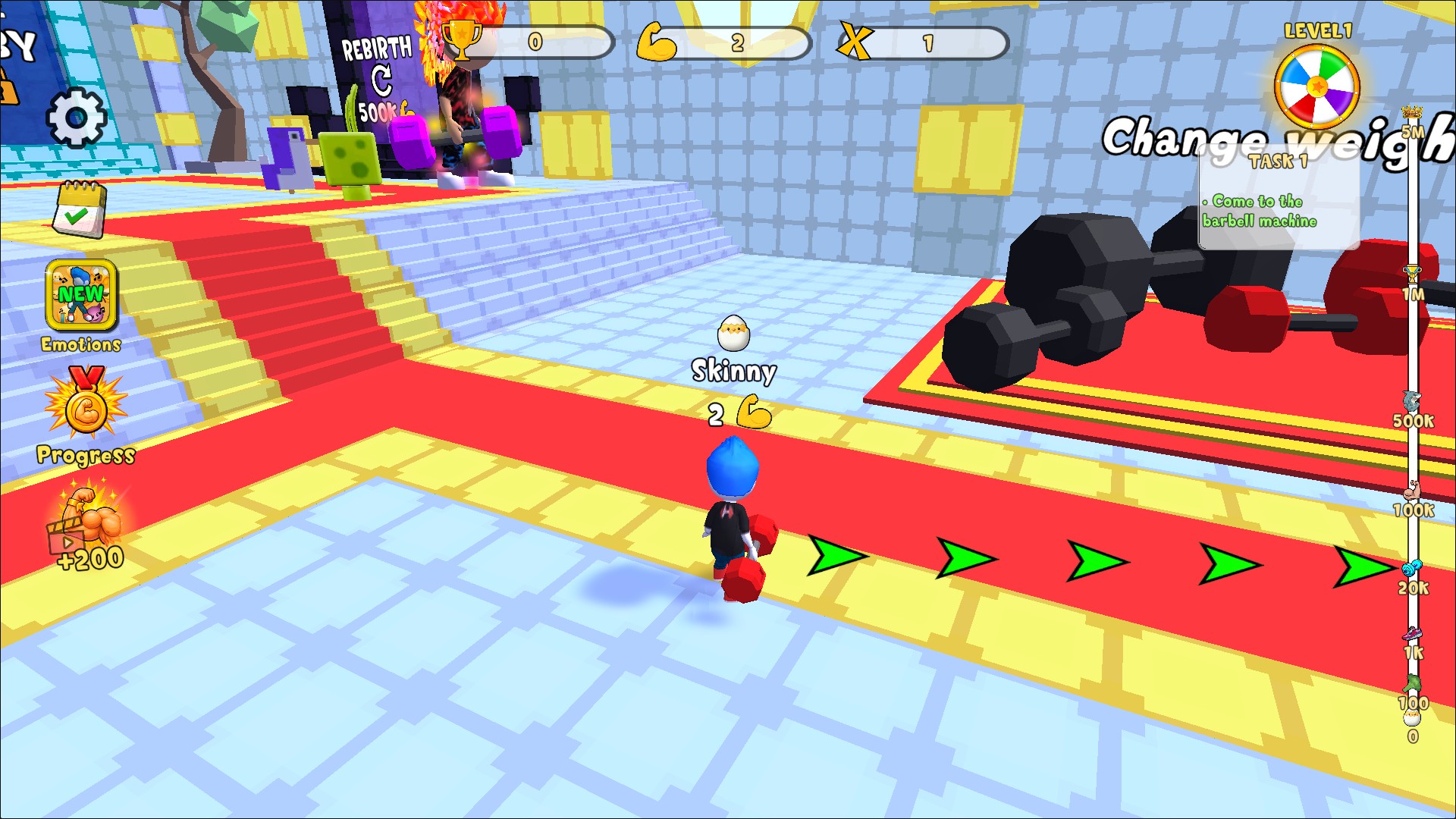
Inside Gym Simulator: Escape
Explore the colorful gym and its training areas.
Set your running pace for quicker solo gym exploration.
View stat modifiers →Take a higher view of the gym with free flight.
View ability modifiers →Download the Windows app and follow the setup prompts.
Set up the browser extension in Chrome or Edge, then open the supported YouTube Playable. Follow the connection guide if the game is already running.
Review the available options in the app and choose the ones that suit how you play.