
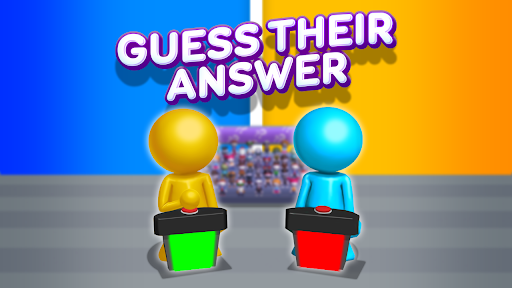
Fund Wardrobe Skins and Unlock Beach
Use Cash for the wardrobe's random-skin purchases, or unlock Beach and select it from the scene tab to change the arena.
Requires the Windows app and the Bytonian Mods browser extension for Chrome or Edge. Browser setup guide

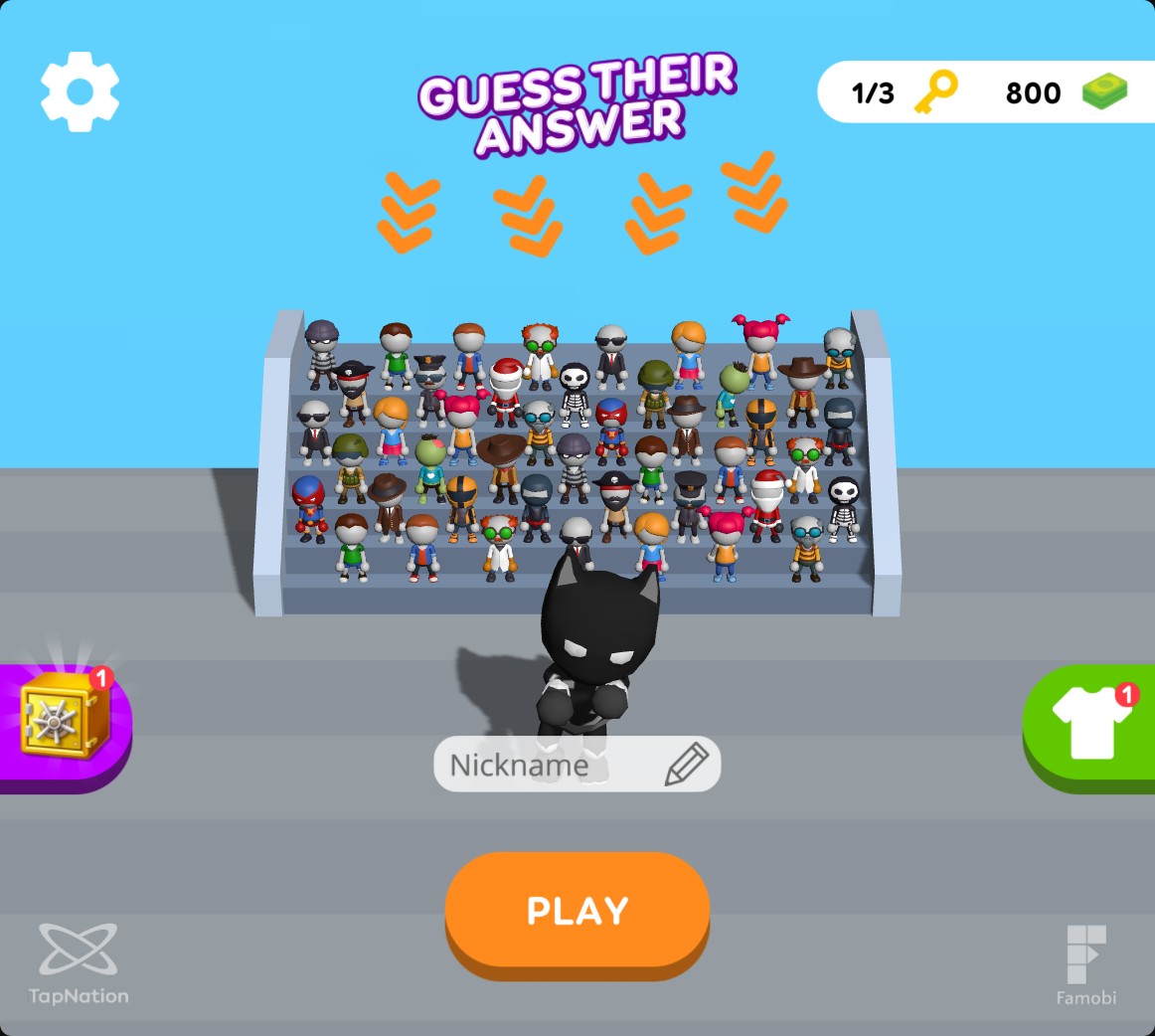
Cash for a new wardrobe look
Set cash, then use the wardrobe's normal random-skin purchase to change your character's appearance.
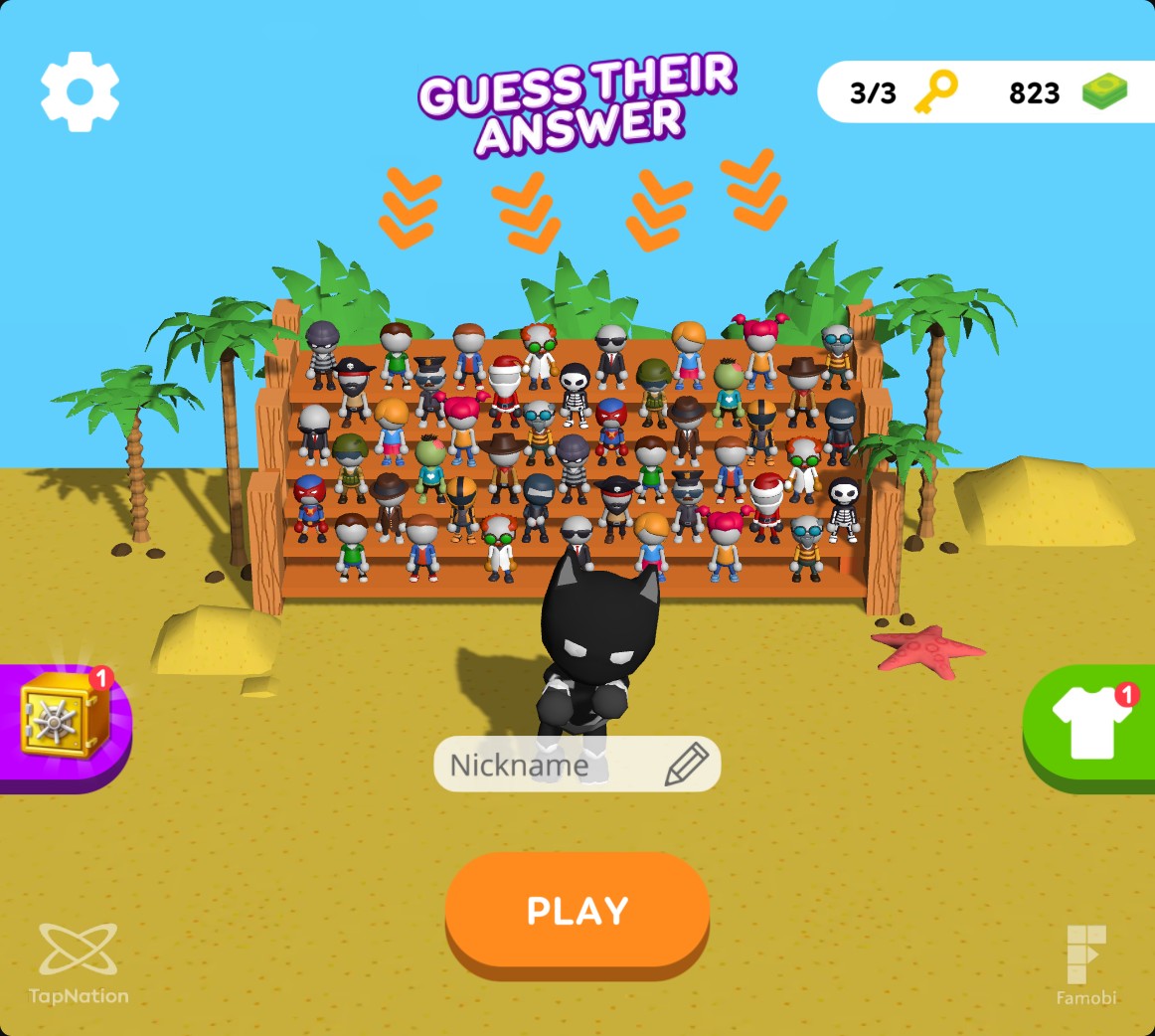
Choose the Beach setting
Unlock Beach, then select it from the scene tab for a sandy arena with palms and a wooden audience stand.
Buy a random wardrobe skin
Set your cash balance, open the wardrobe and use the normal random-skin purchase. Purchases still spend cash and choose a random skin.
Select the Beach setting
Apply the Beach unlock, open the wardrobe's scene tab and choose Beach using the second page dot. Press Select to use its sand, palms and wooden audience stand.
Available customisation options
CashFree
Set cash for normal random-skin purchases in the wardrobe.
Apply your cash balance, open the wardrobe and use its random-skin purchase.
Purchases spend cash normally and choose a random skin.
Beach scenePremium
Unlock the Beach setting for a sandy arena with palms and a wooden audience stand.
Apply the unlock, open the scene tab, choose Beach and press Select.
Questions about customisation options
- Can I pick the skin a purchase gives me?
- The wardrobe purchase chooses a random skin.
- How do I use Beach after unlocking it?
- Open the scene tab, go to Beach and press Select.
Using these features
Connect your game, then open Customise in the Windows app. Choose an option, check its available values and follow its instructions. Each option lists its own requirements and limits.
Setup for Guess Their Answer →