

Add people to the town
Choose a character from Spawn's preview list and add them near your player. Four townspeople and a police officer give you a choice of characters for the streets.
Choose a character and quantity
Enter the town on foot, close the menus and open Spawn. Pick a character, choose a quantity of one to three and use the spawn action.
Available game actions
SpawnFree
Choose a person or police officer from the preview list and add them near your character.
Enter the town on foot and close menus. Choose a character and a quantity of one to three, then use the spawn action.
What you can spawn
- People (5)
- Including People A, People B, People C, People D, Cop.
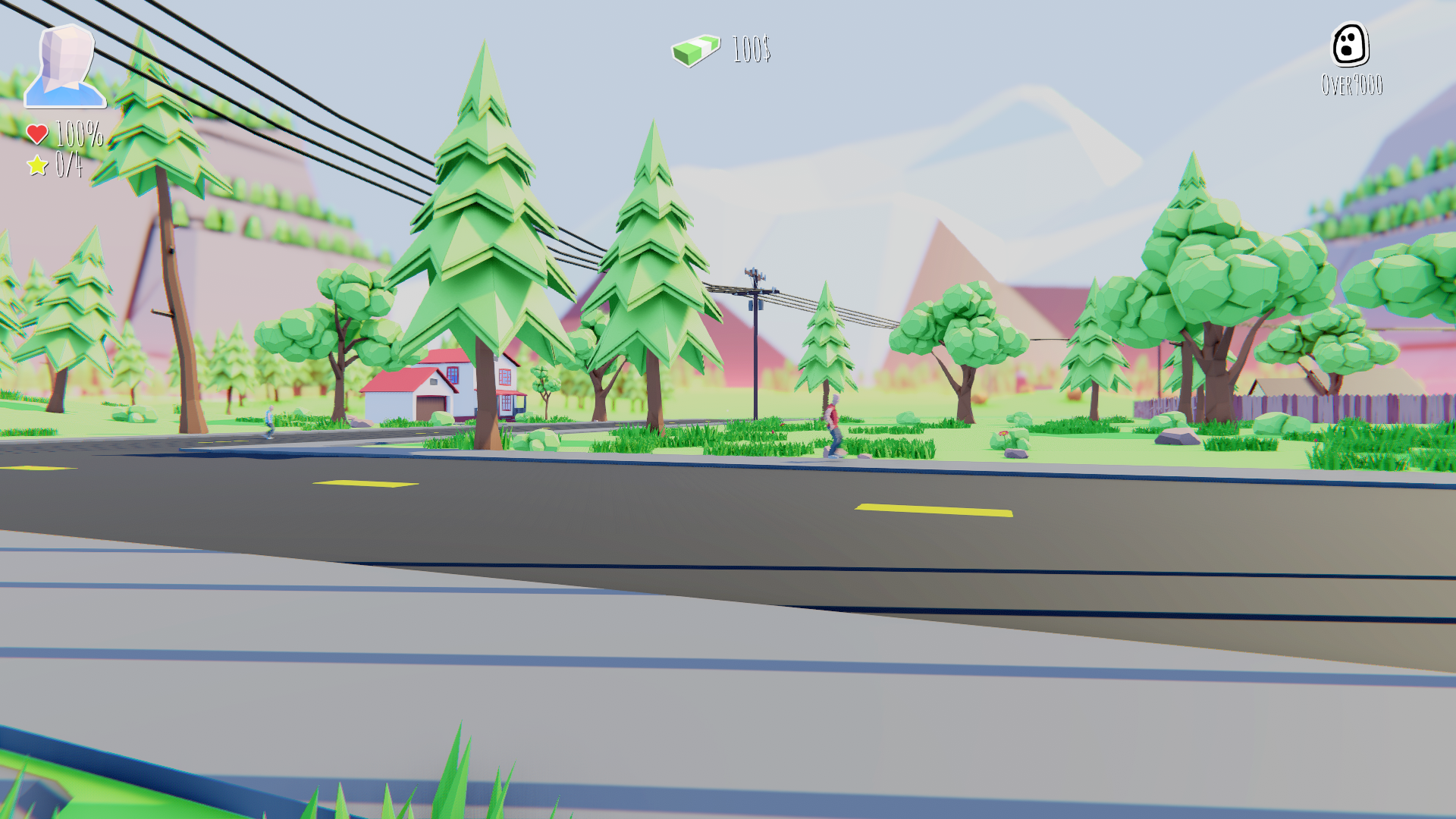
Add people to the town
Choose people from the Spawn list and add them to nearby streets while exploring on foot.
More ways to customise Grand Dude Simulator
- Grand Dude Simulator stat modifiers
Adjust normal movement, protect your character and choose a comfortable view.
- Grand Dude Simulator ability modifiers
Switch between three ways to travel around the town.
Using these features
Choose the feature in the Windows app after connecting your game. Check its requirements before making a change.
Setup for Grand Dude Simulator →