

Movement styles
Travel above the town with Fly, keep contact with solid ground in Free Walk, or ride along streets with Board. Choose one style from the Movement card.
Tune your travel
Adjust movement speed and acceleration to suit your route. Board also has carving, braking and jump settings. Turn Movement off to return to normal character controls.
Available ability modifiers
MovementPremium
Explore with Fly, Free Walk or Board, with separate settings for travel speed and board handling.
Enter the town on foot and choose a style from the Movement card.
Supported movement styles: Fly, Free Walk, Board
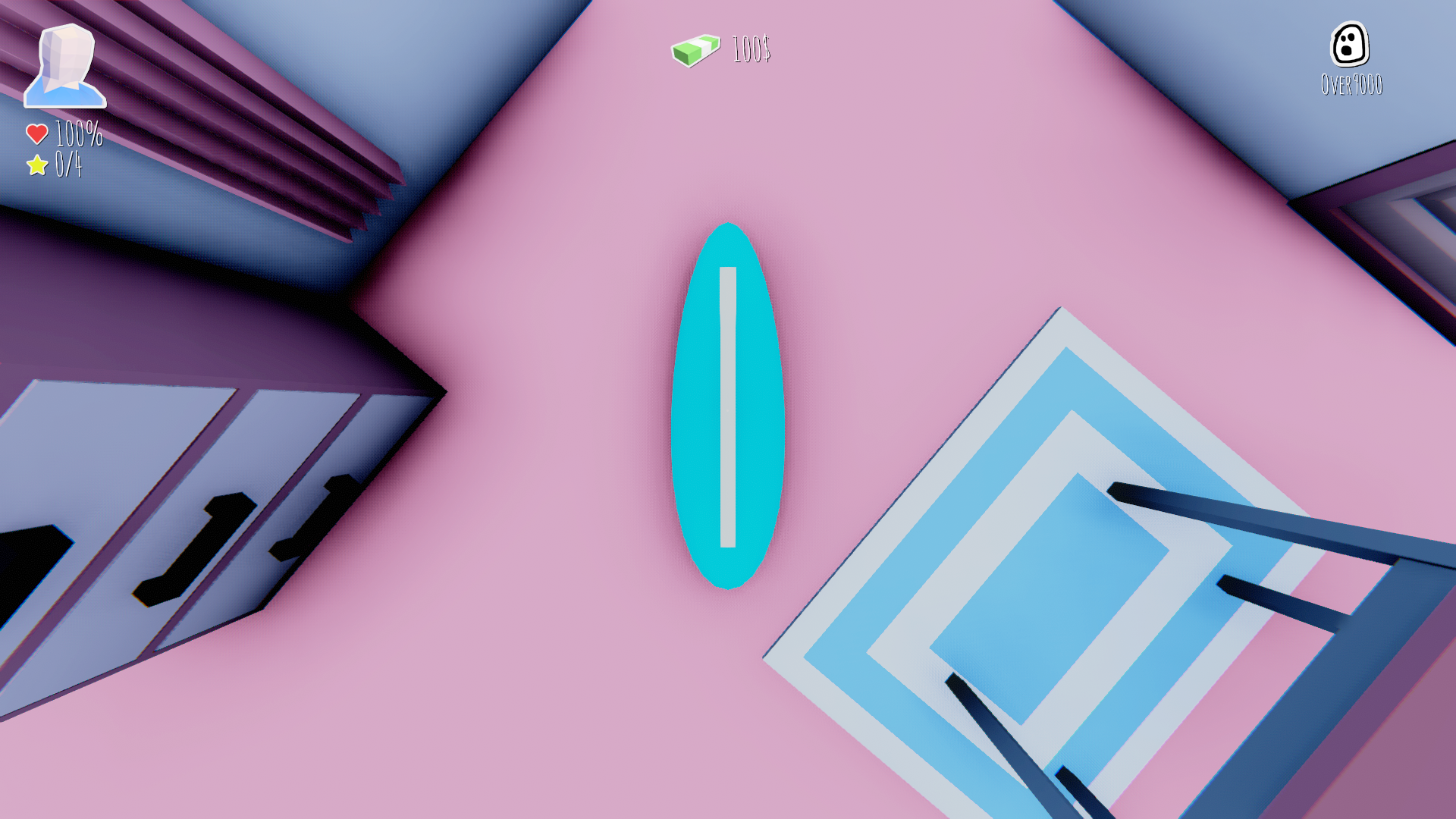
Board movement
Choose Board for momentum-based travel and jumps, or switch back to your normal controls when you are done.
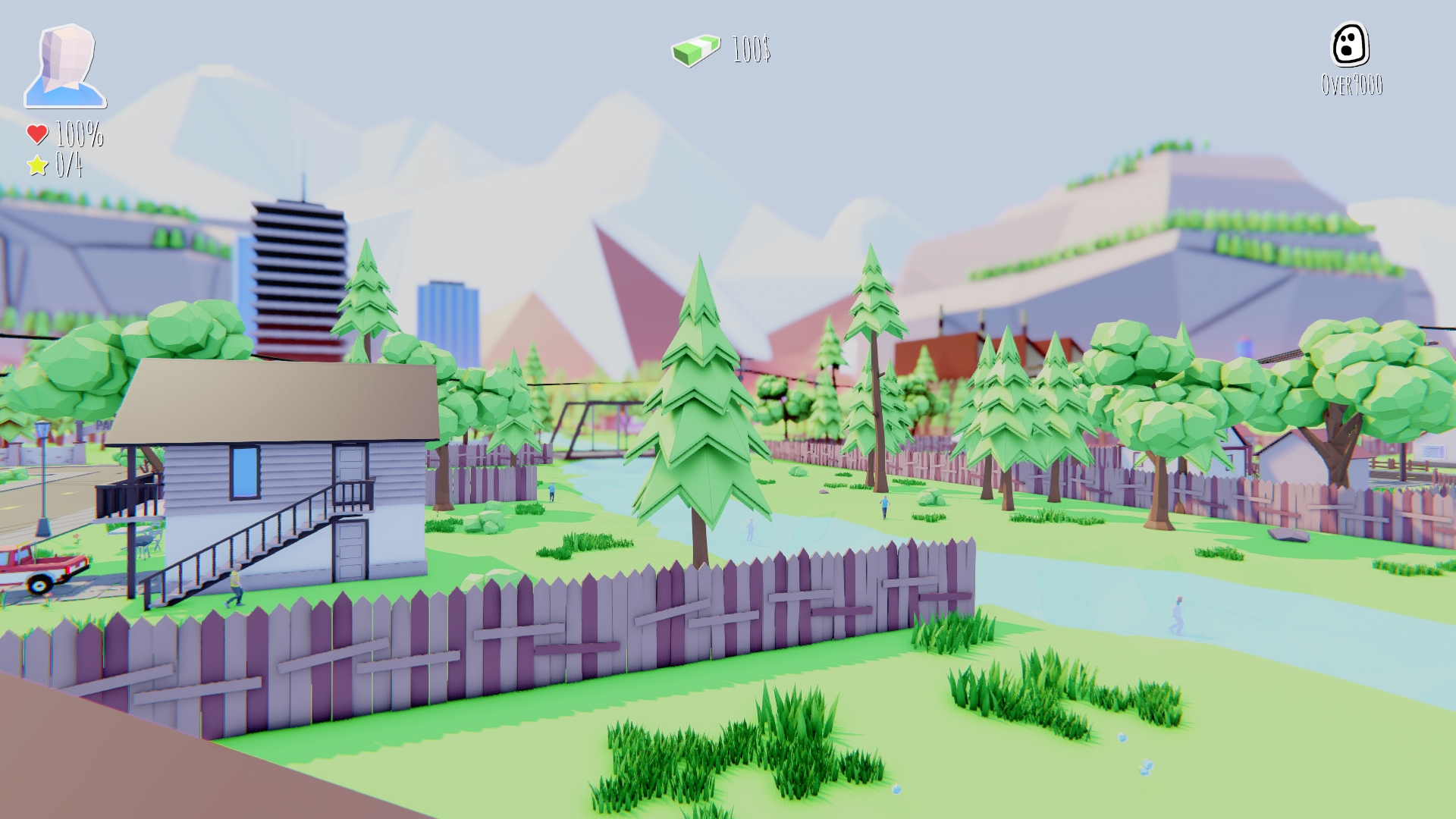
Explore the town with Fly
Rise above the houses and explore the town from a different angle with Fly movement.
1 / 2
More ways to customise Grand Dude Simulator
- Grand Dude Simulator stat modifiers
Adjust normal movement, protect your character and choose a comfortable view.
- Grand Dude Simulator game actions
Browse five character previews and add people nearby.
Using these features
Choose the feature in the Windows app after connecting your game. Check its requirements before making a change.
Setup for Grand Dude Simulator →