
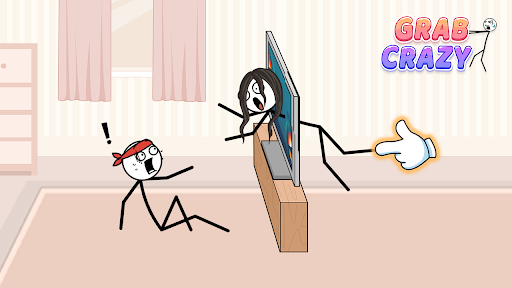
Game Actions
2 optionsUse a hint for guidance or skip the puzzle and start the next one.
View game actions →Show a gesture hint for your current Grab Crazy puzzle, or skip to the next challenge when you want to move on. Help stick-figure characters tackle everyday tasks, from getting out of bed to answering the phone.
Requires the Windows app and the Bytonian Mods browser extension for Chrome or Edge. Browser setup guide

Start with free mods
Download Bytonian Mods for Windows and try these free features. Choose one to see how it works and any requirements.
Show a gesture hint when you need a nudge in the current puzzle.
Open a puzzle, then press Show hint to bring up its gesture guide.
The free hint control brings up a gesture guide for your current puzzle. The Premium skip control moves you on to the next one, where Tap to play starts the new challenge.
Use a hint for guidance or skip the puzzle and start the next one.
View game actions →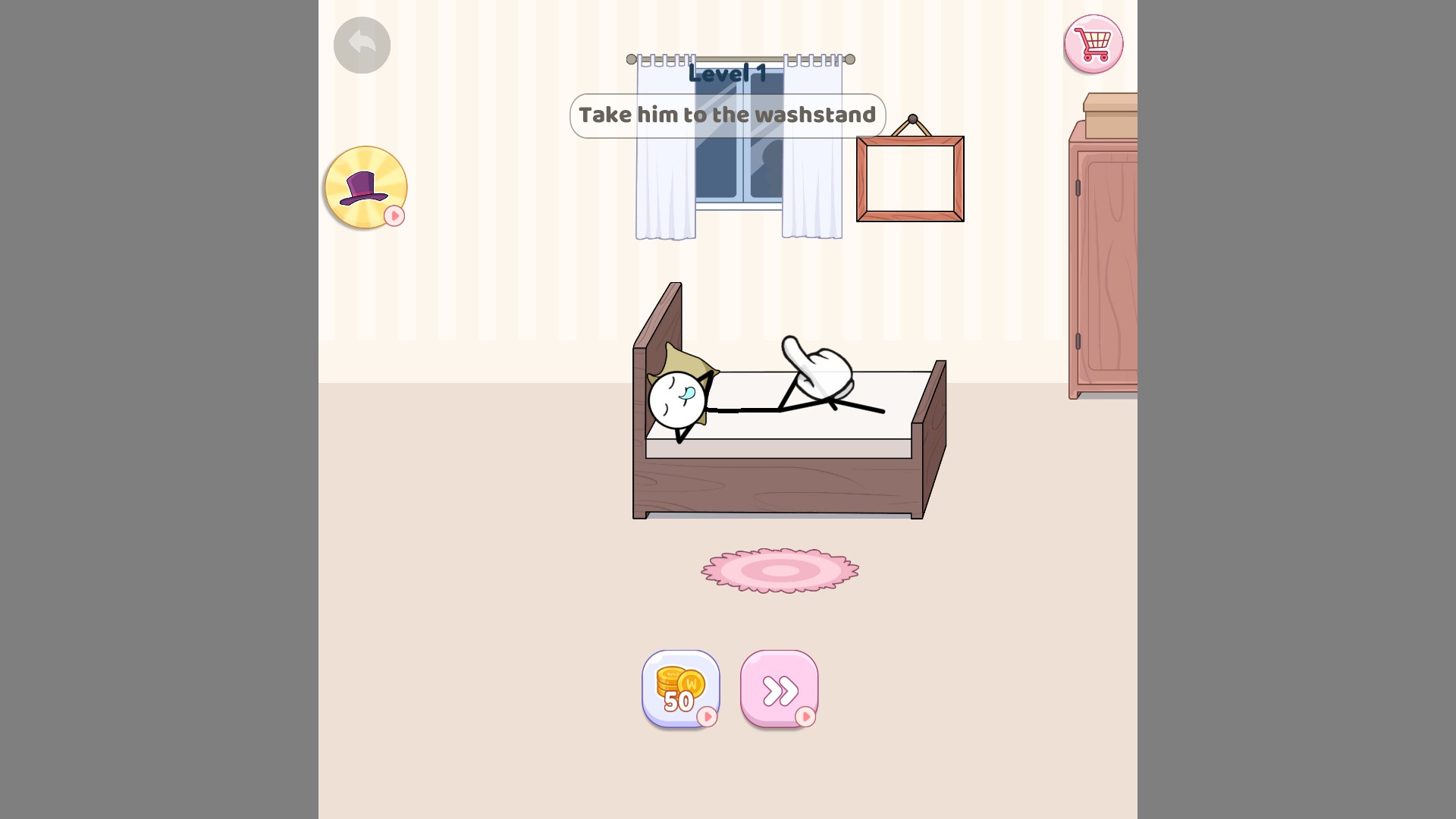
A hint when you get stuck
Bring up a gesture hint for the current puzzle.
Download the Windows app and follow the setup prompts.
Set up the browser extension in Chrome or Edge, then open the supported YouTube Playable. Follow the connection guide if the game is already running.
Review the available options in the app and choose the ones that suit how you play.