
Customize Gems and Go Escape Pack Progress
Choose a gem balance for cosmetic purchases, or adjust the Go Escape pack's completed-level count to reach a later puzzle.
Requires the Windows app and the Bytonian Mods browser extension for Chrome or Edge. Browser setup guide
Choose a new ball design with Gems
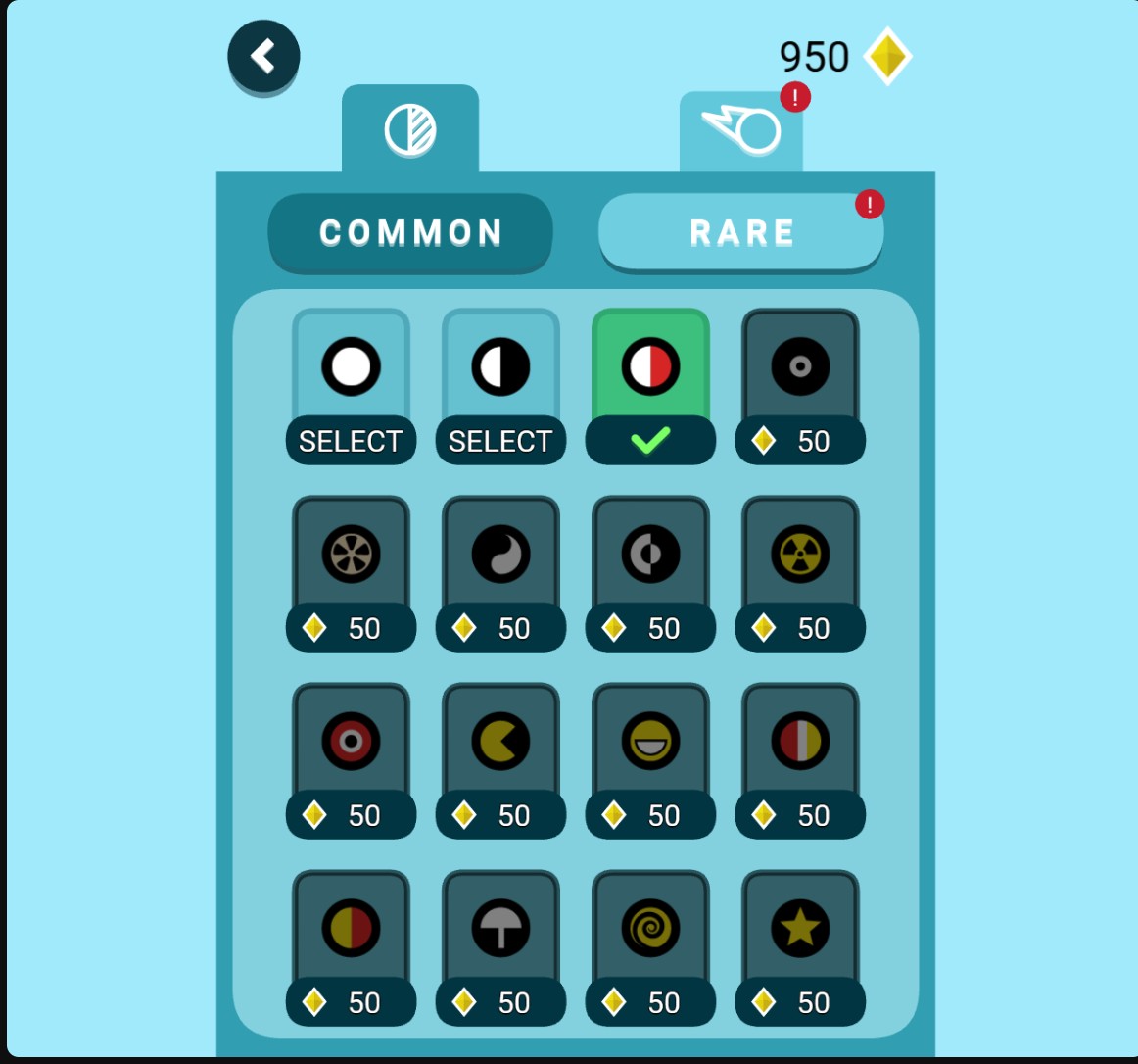
Buy a ball design at its normal gem price and select it in the collection.
Open the next Go Escape level
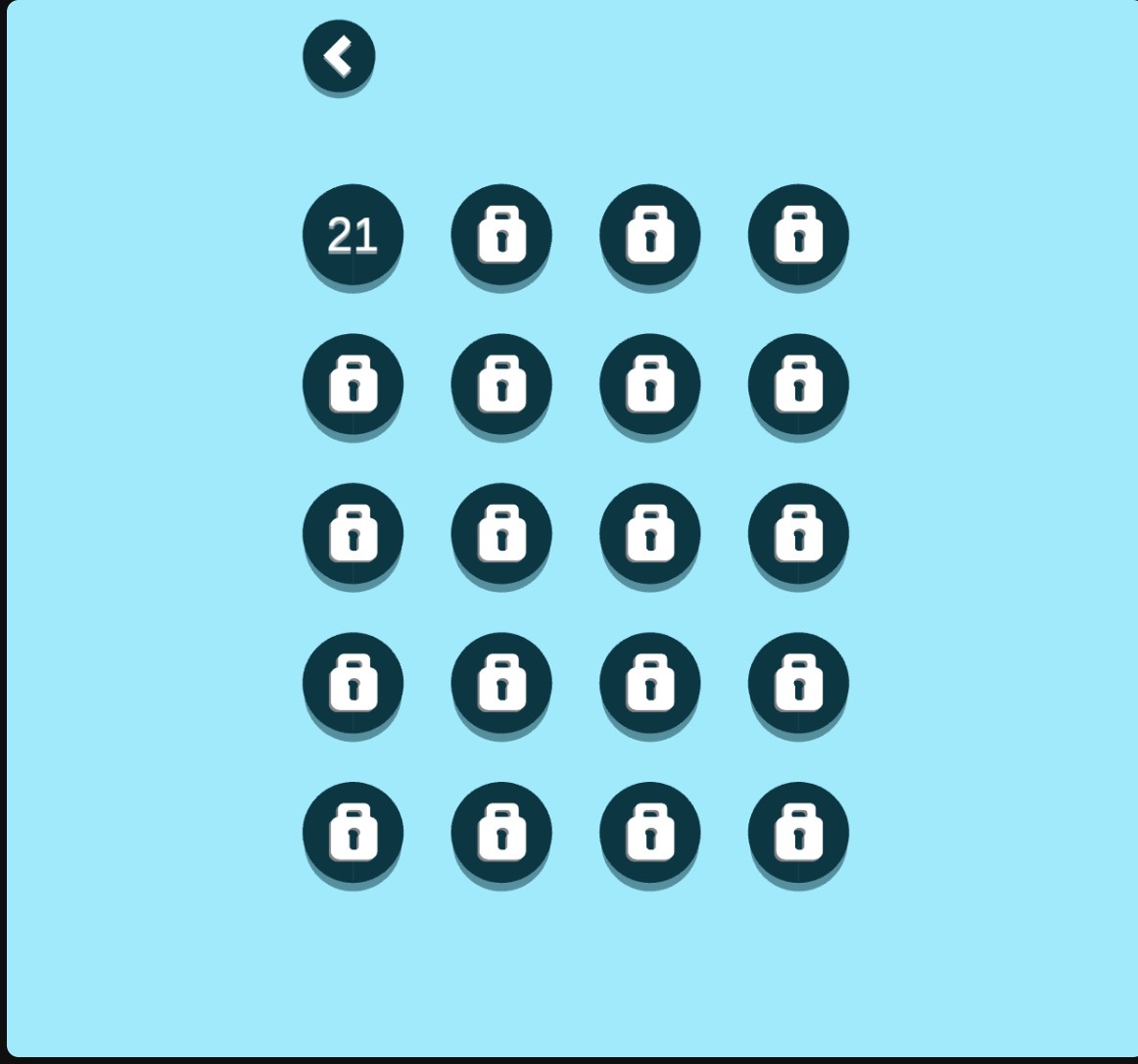
Choose your completed-level count for the Go Escape pack, then select the next level from the menu.
Prepare Your Gems Balance
On a new game, buy the zero-cost second ball design in the collection or finish a level first. Then enter your Gems amount and apply it. Return to the collection and buy the design you want at its normal price.
Choose Your Pack Progress
Complete a level first, then choose a completed-level count from 0 to 199 and apply it. The next level becomes available in the Go Escape pack's menu. For example, 20 opens Level 21.
Keep Progress Changes Deliberate
A lower completed-level count can lock later levels again. This control changes access in the Go Escape pack; it does not award completion rewards or automatically unlock reward cosmetics.
Available customisation options
GemsFree
Choose your gem balance to buy ball designs in the collection.
On a new game, buy the zero-cost second ball design or finish a level first. Enter your Gems amount, apply it and open the collection.
Collection items still use their normal gem prices.
Go Escape pack progressPremium
Choose how many Go Escape levels are marked complete to open the next level.
Complete a level first. Choose a completed-level count and apply it, then open the Go Escape level menu. A count of 20 opens Level 21.
Lowering the count can lock later levels. This changes access without granting completion rewards or reward cosmetics.
Questions about customisation options
- Does this change To the Moon progress?
- The progress control edits the Go Escape pack only.
Using these features
Connect your game, then open Customise in the Windows app. Choose an option, check its available values and follow its instructions. Each option lists its own requirements and limits.
Setup for Go Escape! →