

Customize your airline
Choose a cash balance for your next aircraft purchase, select ticket price upgrades for higher flight income, or adjust passenger happiness. Apply your choices to reload the game with the selected values.
Requires the Windows app and the Bytonian Mods browser extension for Chrome or Edge. Browser setup guide

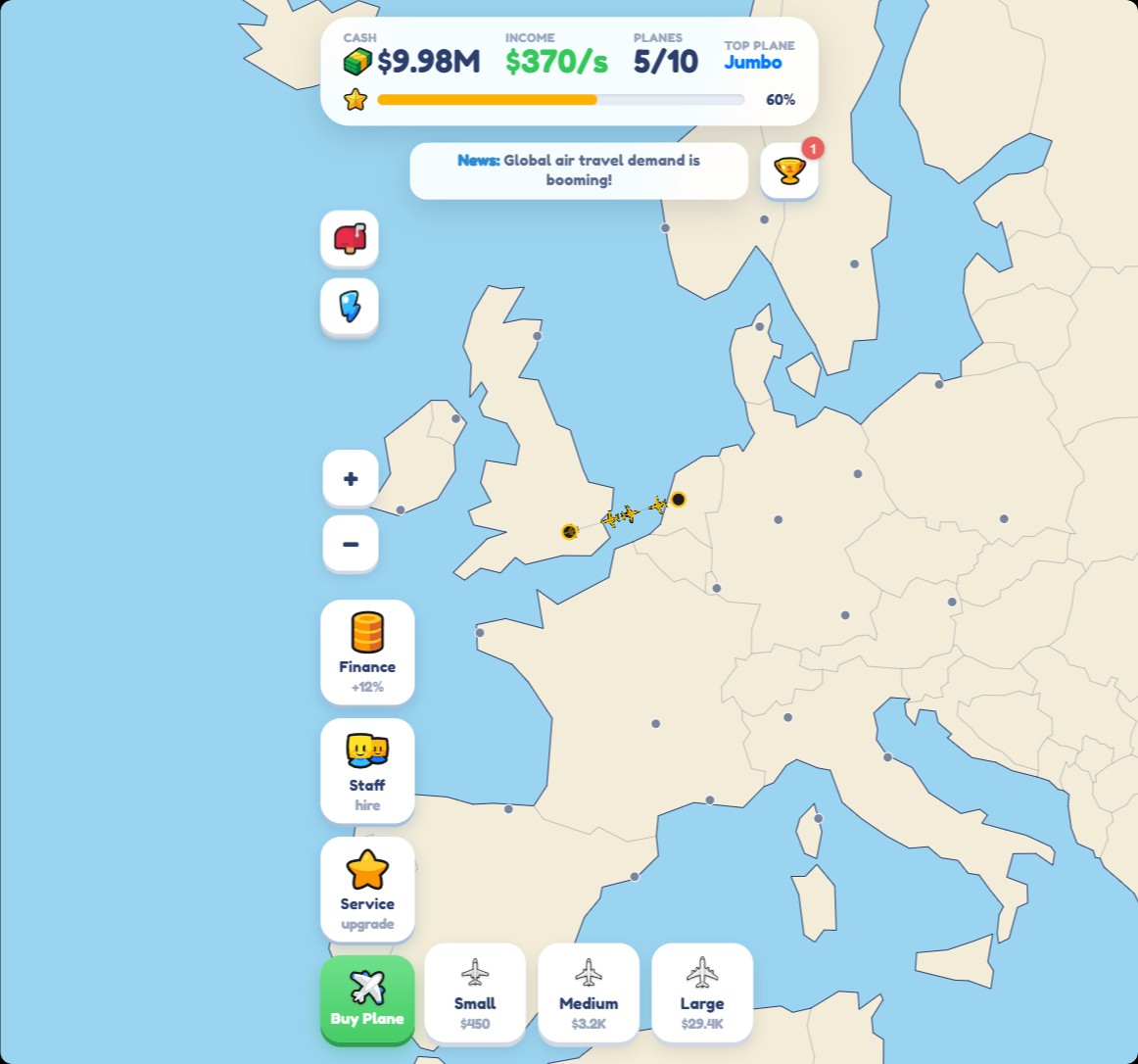
Grow your airline fleet
Set your cash balance and spend it on normal aircraft purchases. A Jumbo joins this airline's fleet.
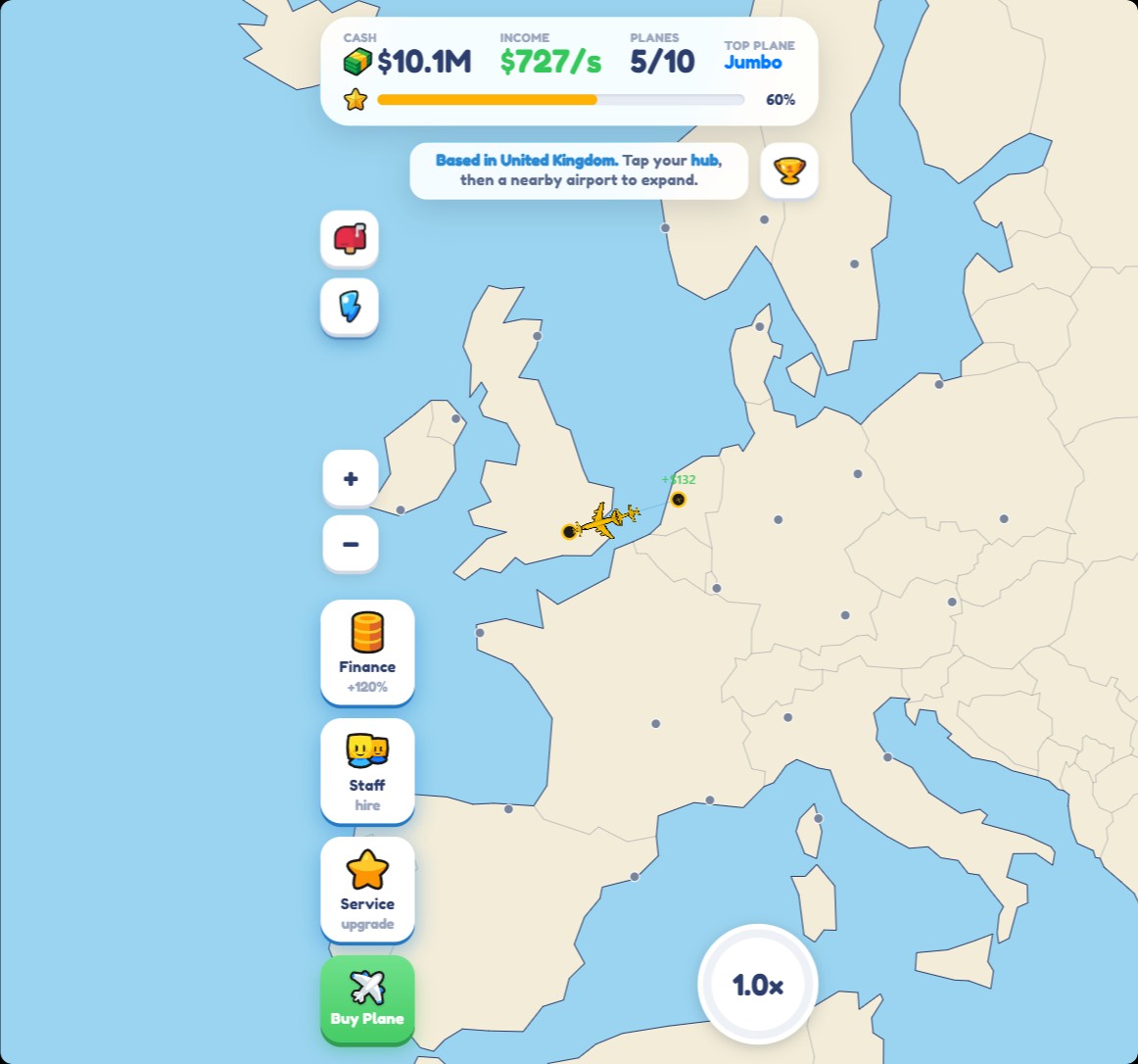
Earn more from ticket upgrades
Choose Ticket Price Upgrades to increase the income earned by your airline's normal flights.
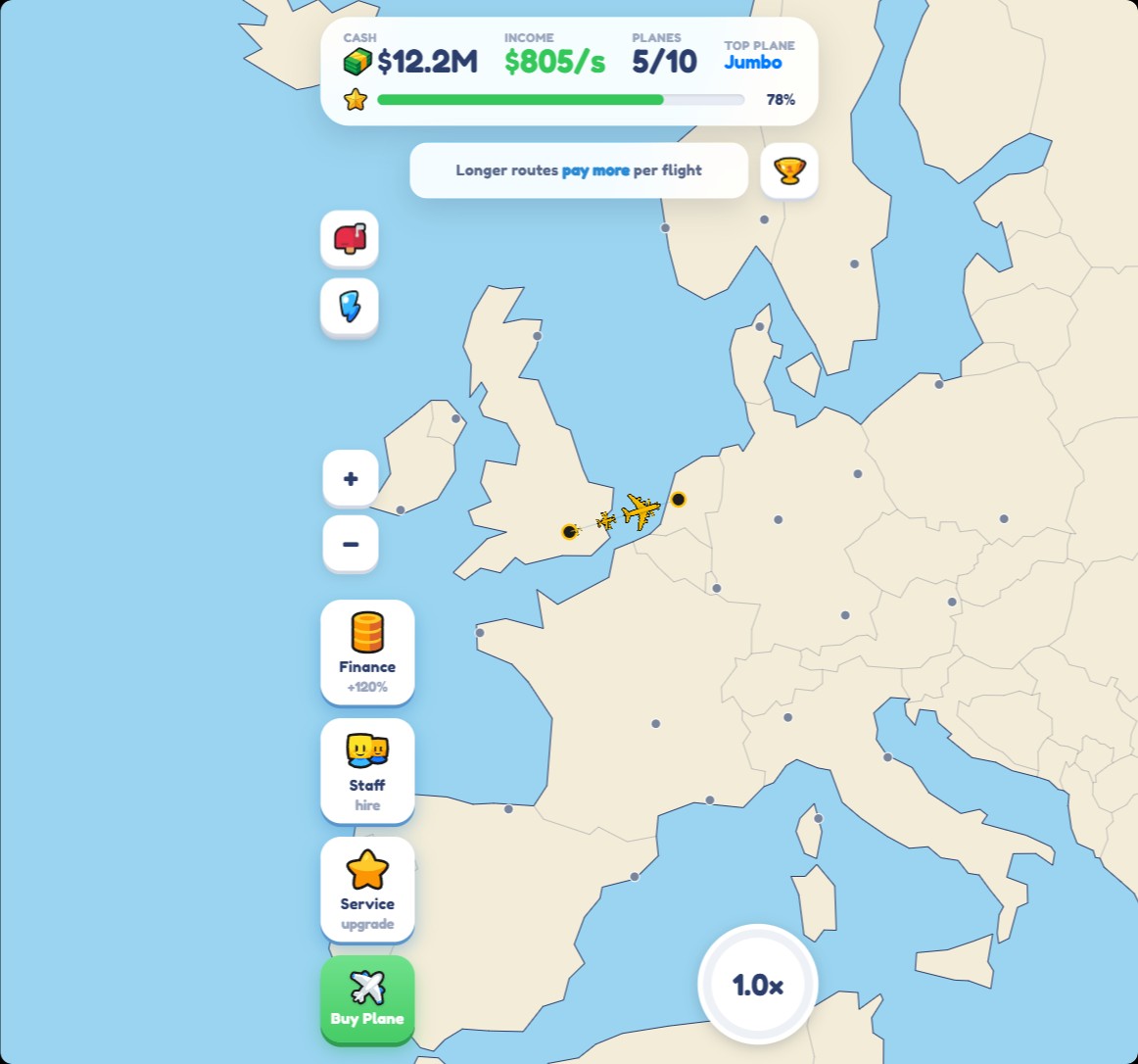
Lift passenger happiness
Set passenger happiness to improve your airline's rating and flight income. Happiness continues to change during normal play.
Cash and ticket upgrades
Cash funds the game's normal purchases and is spent as you buy. Each ticket upgrade step adds 12% flight income, and five steps fill one displayed level.
Passenger happiness
Choose happiness from 0 to 100. Higher happiness lifts flight income, then continues to change during normal play. The selected value is not locked.
Available customisation options
CashPremium
Set your airline's cash balance for normal aircraft and upgrade purchases.
Choose an amount and Apply. The game reloads with your chosen balance.
Purchases spend cash and flights continue earning more.
Ticket Price UpgradesPremium
Choose ticket price upgrade steps to increase normal flight income. Each step adds 12%, and five steps fill one displayed level.
Select 0 to 20 steps and Apply to reload the game.
Passenger HappinessFree
Set passenger happiness from 0 to 100 to lift your airline's rating and flight income.
Choose a value and Apply to reload the game.
Happiness continues to change during normal play; the selected value is not locked.
Questions about customisation options
- Which control is Free?
- Passenger Happiness is Free. Cash and Ticket Price Upgrades are Premium.
- Does cash stay at the selected amount?
- This sets your cash balance. Normal purchases spend it, and your flights continue earning more.
Using these features
Connect your game, then open Customise in the Windows app. Choose an option, check its available values and follow its instructions. Each option lists its own requirements and limits.
Setup for Global Idle Airline Tycoon →