

Set your Geometry Loop Coin balance
Choose how many Coins to keep in your save before browsing the SKINS panel. The free control changes the balance used for normal purchases.
Requires the Windows app and the Bytonian Mods browser extension for Chrome or Edge. Browser setup guide

Use Coins in the shop
Enter a whole number from 0 to 100,000 and apply it. Open Classic mode, then SKINS, to view the game's prices. A purchase deducts its displayed cost from your Coins.
This control changes Coins, not skin ownership. The game may show a purchased skin as locked again after you reopen it.
Available customisation options
Saved CoinsFree
Choose the saved Coin balance used by Geometry Loop's skin shop.
Enter a whole-number amount and apply it, then open Classic mode and the SKINS panel to make a normal purchase.
Changes Coins only; it does not unlock skins directly. A purchased skin may appear locked again after reopening the game.
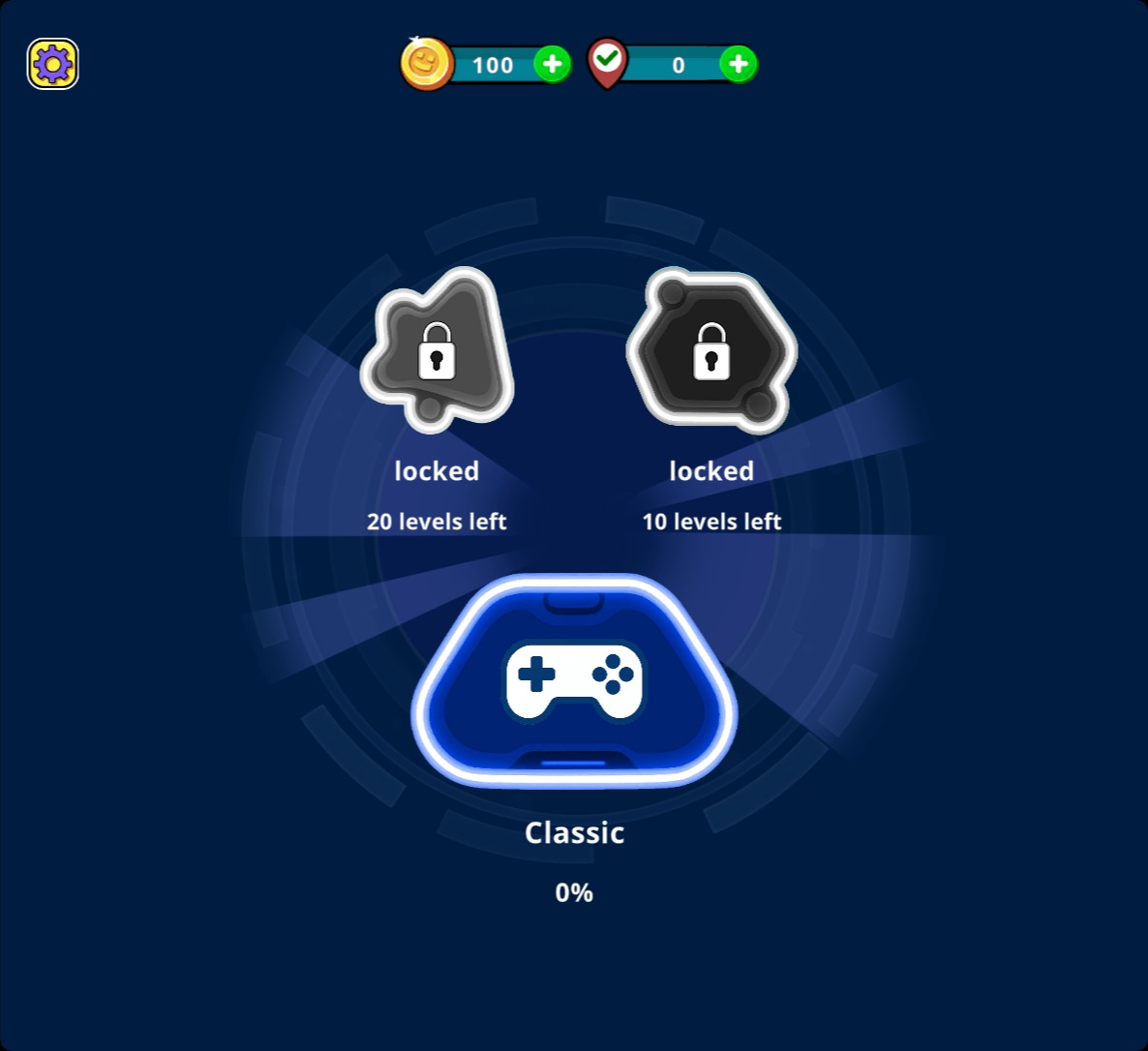
Coins for your next skin
Set your Coin balance, then visit the skin shop to choose a new look for Geometry Loop.
Using these features
Connect your game, then open Customise in the Windows app. Choose an option, check its available values and follow its instructions. Each option lists its own requirements and limits.
Setup for Geometry Loop →