
Resources
5 optionsChoose your cash, diamonds, metal, steel or skill-point balance.
View all resources →Choose cash and material balances, adjust your tool or spawn vehicles and characters nearby as you build your Gas Station: Junkyard Tycoon business. Manage collected cards when you want to work on your collection.
Requires the Windows app and the Bytonian Mods browser extension for Chrome or Edge. Browser setup guide
Start with free mods
Download Bytonian Mods for Windows and try these free features. Choose one to see how it works and any requirements.
Bring vehicles, customers and named characters into your junkyard with the Spawn menu.
Enter the game, open Spawn in the app, then search or choose a category and click the entry you want.
People can move away after appearing.
Give your current tool more power with an adjustable damage boost.
100% is normal damage; 200% is double. Turn the boost off when you want to stop using it.
Tool upgrades or other changes made by the game can replace the boost.
Choose your player level from the available customisation controls.
Explore this free feature →Adjust your metal balance separately from cash, diamonds and steel.
Explore this free feature →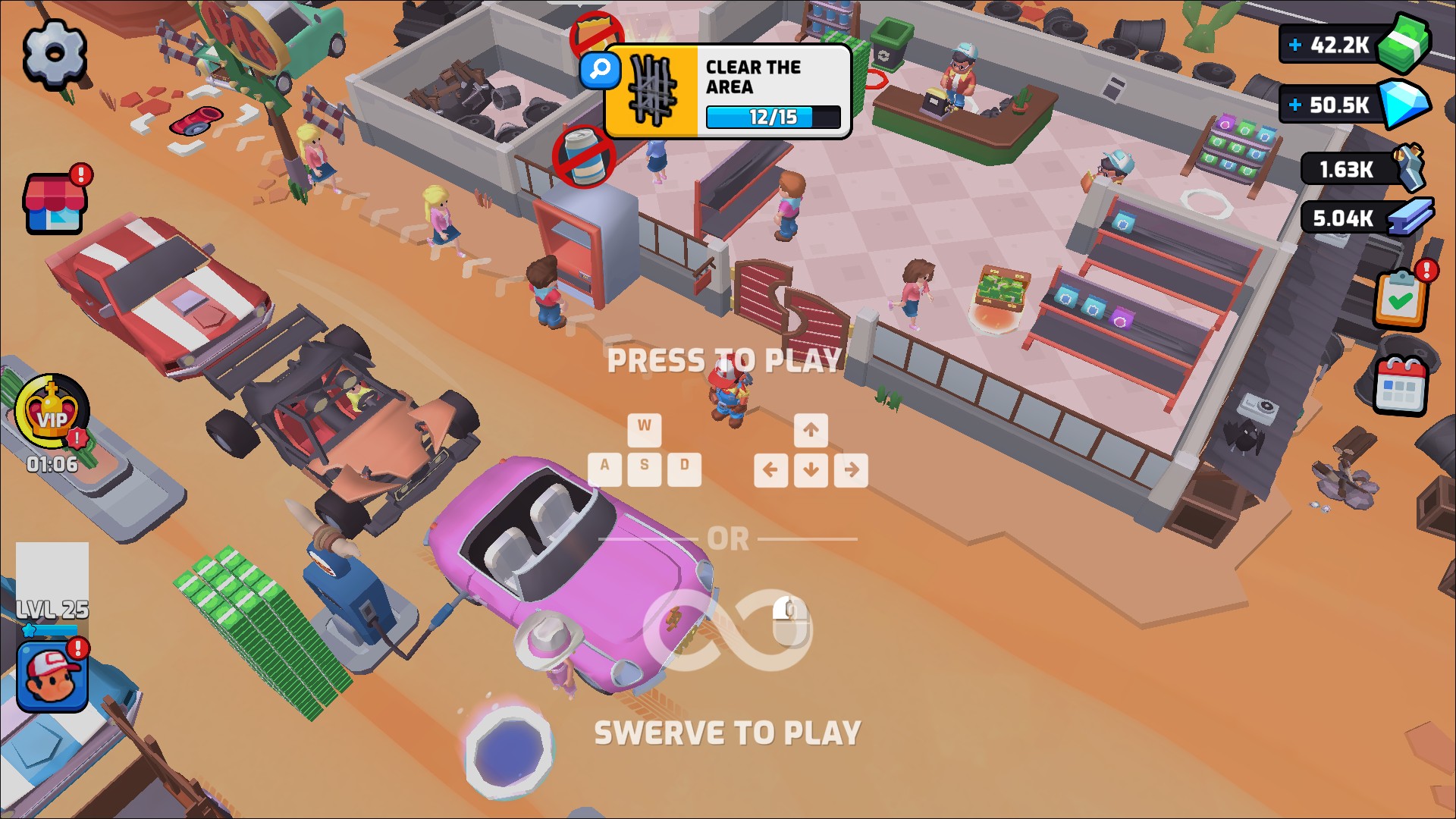
Your junkyard in Gas Station: Junkyard Tycoon
Take a look around the junkyard in Gas Station: Junkyard Tycoon, with cars to work on and workshops to explore.
Clear the scrap, work on cars and turn a rundown roadside site into a growing business. If you want more control over your next step, Bytonian Mods brings the available changes together in the Windows app.
Start with the part of the game you want to change. Resources covers your balances, Stat Modifiers covers your tool, and Progression Systems covers collection cards. Each page explains what its features do and what you need before using them. The free Spawn menu adds vehicles, customers and named characters nearby.
Gas Station: Junkyard Tycoon With 10× Tool Damage
See tools deal 10× damage in Gas Station: Junkyard Tycoon.
Choose your cash, diamonds, metal, steel or skill-point balance.
View all resources →Adjust tool damage or level, with separate controls for each.
View stat modifiers →Choose your player level and current tool power.
View customisation options →Spawn vehicles and people nearby, or refresh your current tool's appearance.
View game actions →Manage collected-card copies and upgrades in Collections.
View progression systems →Download the Windows app and follow the setup prompts.
Set up the browser extension in Chrome or Edge, then open the supported YouTube Playable. Follow the connection guide if the game is already running.
Review the available options in the app and choose the ones that suit how you play.