
Customise
2 optionsSet up to 1,000,000 coins and choose a player level from 1 to 15.
View customisation options →Choose coins for normal tool purchases or raise your player level to open Adventure access and more fruit progression in Fruit Clash. Aim your drops and merge matching fruit as you tackle Classic or Adventure goals.
Requires the Windows app and the Bytonian Mods browser extension for Chrome or Edge. Browser setup guide
Start with free mods
Download Bytonian Mods for Windows and try these free features. Choose one to see how it works and any requirements.
Set your coin balance to afford normal purchases, including hammers.
Choose a balance and apply it, then buy a tool through the game's usual button.
Purchases still follow their normal unlock requirements.
The free Coins control lets you choose your balance. Spend coins through the game's normal buttons, such as buying a hammer to remove a fruit that is in the way. Purchases still follow their own unlock requirements.
The Player level control lets you choose a level from 1 to 15. Raising it to 15 opens Adventure access and more fruit progression. Adventure stages and other boosters retain their own requirements, so this is not a complete-unlock button.
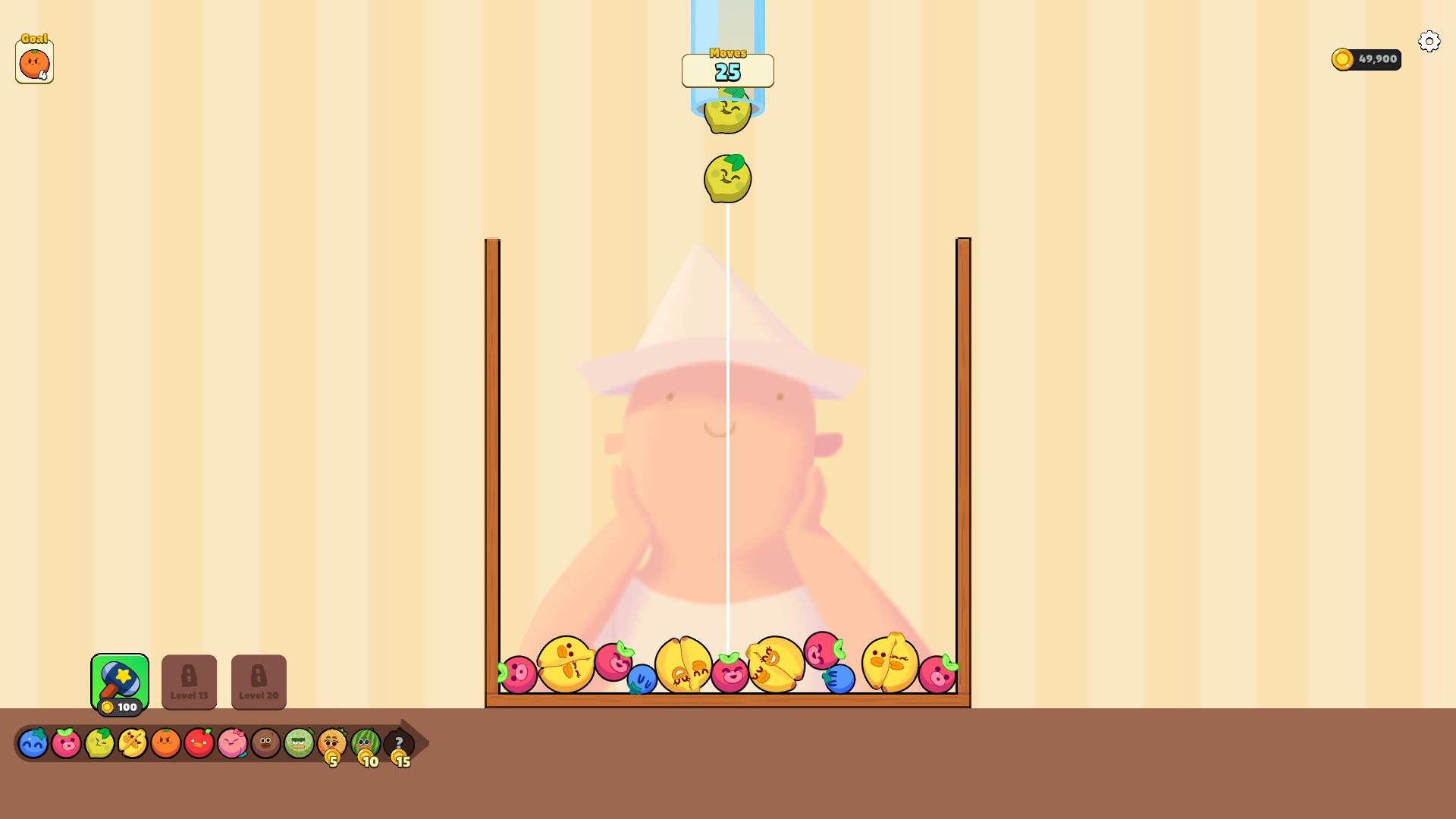
Fruit Clash tools for your next run
Merge fruit in Classic or work toward Adventure goals. Set coins for normal tool purchases and choose your player level for more progression access.
Set up to 1,000,000 coins and choose a player level from 1 to 15.
View customisation options →Download the Windows app and follow the setup prompts.
Set up the browser extension in Chrome or Edge, then open the supported YouTube Playable. Follow the connection guide if the game is already running.
Open Customise in Bytonian Mods, choose an option and follow its instructions. Check the available values and any limits before making your change.