
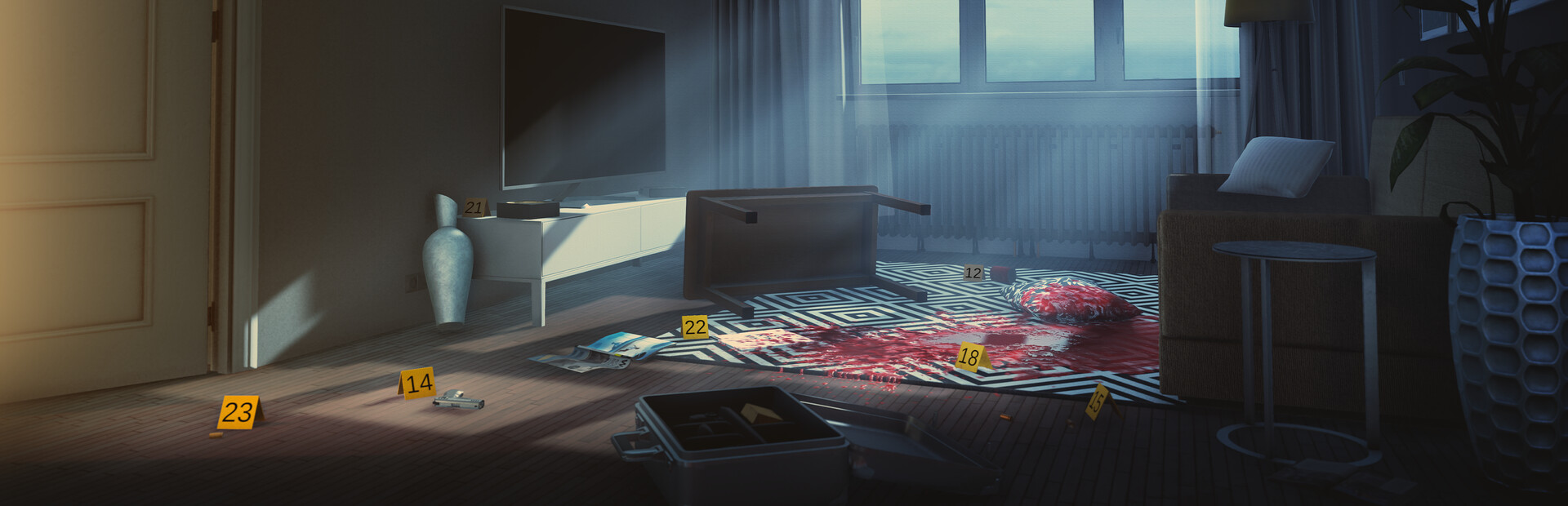
Change how you move through a scene
Walking speed helps you cross a scene more quickly while keeping normal walking controls. Fly in Movement gives you control over height and direction, with collision-free movement for exploring beyond solid scenery.

Adjust walking speed
Enable Walking speed and expand its percentage setting. The default is 200%, with a range from 100% to 400%. Turn it off to return to your normal walking pace.
Fly through scenery
Open Movement and select Fly. Toggle Movement with your shortcut (V by default), move with WASD, rise with Space, descend with Ctrl and hold Shift for faster flight. Expand the controls to change speeds or movement keys.
Land on a safe floor before switching back to normal movement. The game's own area recovery can still return you to a safe spawn if you leave an area.
Available ability modifiers
MovementPremium
Rise, hover and fly through solid scenery while exploring.
Open Movement and select Fly. Toggle with your Movement shortcut (V by default). Use WASD to move, Space and Ctrl to change height, and Shift for faster flight. Adjust speeds and keys in the controls.
The game's area recovery can return you to a safe spawn. Land on a safe floor before turning Movement off.
Supported movement styles: Fly
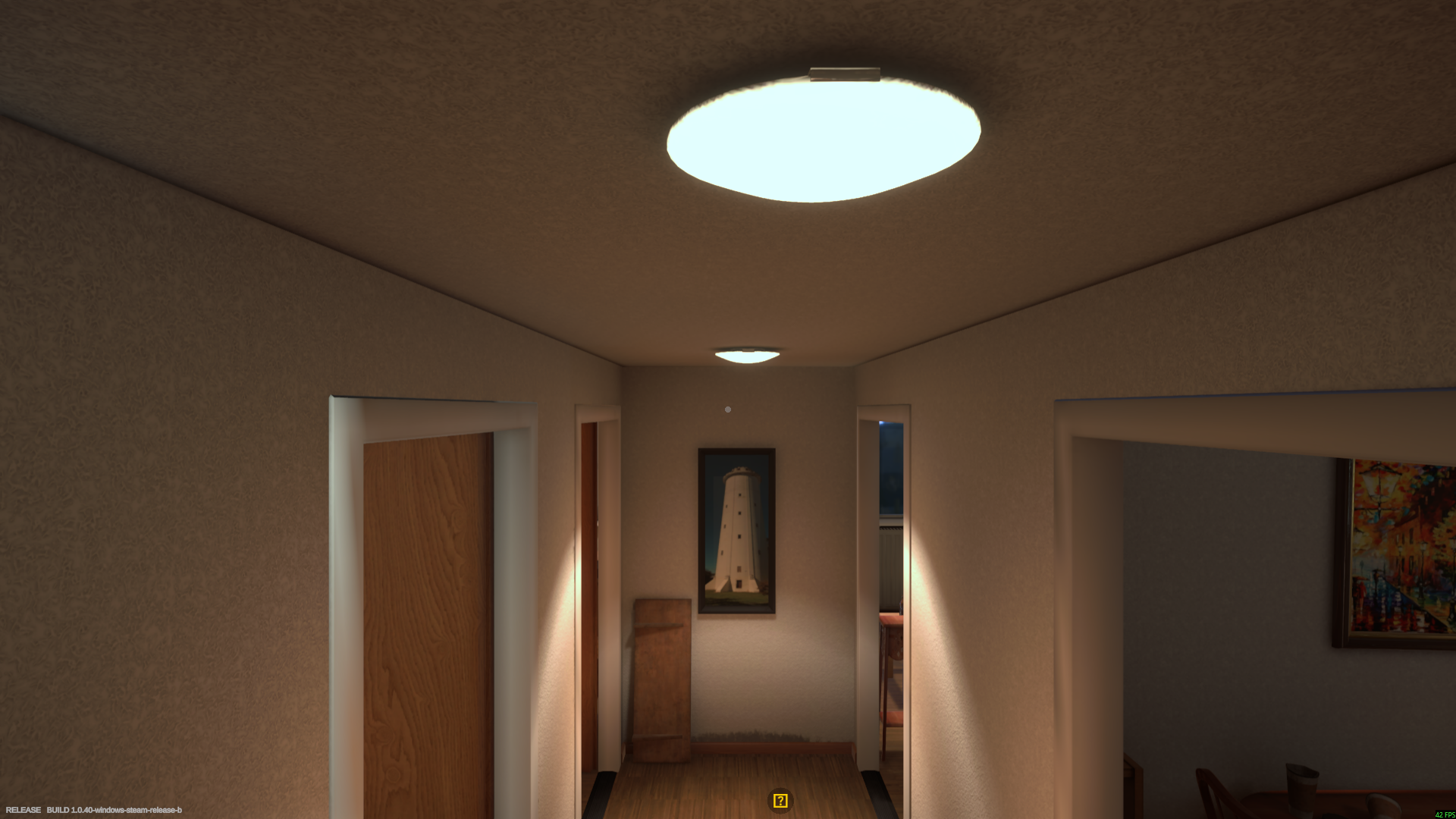
Hover above the training hallway
Rise and hover to explore the training apartment from a higher viewpoint.
Walking speedPremium
Adjust your walking pace while exploring a scene.
Enable the mod and expand the percentage control. Choose 100% to 400%; the default is 200%.
More ways to customise Forensics: Crime Scene Detective
- Forensics: Crime Scene Detective rule modifiers
Shorten the viewing delay for eligible nearby evidence.
Questions about ability modifiers
- How do I return to walking?
- Land on a safe floor, then switch Movement off. Normal gravity and walking controls return.
Using these features
Choose the feature in the Windows app after connecting your game. Check its requirements before making a change.
Setup for Forensics: Crime Scene Detective →