

Rule Modifiers
1 optionShorten the viewing delay for eligible nearby evidence.
View rule modifiers →Adjust your walking pace, fly through scenery or shorten the viewing delay for eligible evidence in Forensics: Crime Scene Detective. Choose how you move and investigate while searching each scene.

Start with free mods
Download Bytonian Mods for Windows and try these free features. Choose one to see how it works and any requirements.
Shorten the viewing delay before eligible nearby evidence is marked as discovered.
Enable for a 0.15-second delay, or expand to choose between 0.05 and 2 seconds.
Normal distance, viewing-angle, visibility and close-inspection requirements still apply.
Movement controls let you adjust walking speed or use Fly to rise, hover and pass through scenery. Quick evidence discovery reduces the wait while you look at eligible nearby evidence. It does not find hidden clues for you.
Open the game in Bytonian Mods and enable the feature you want during exploration. In Movement, select Fly and use the Movement toggle or your shortcut (V by default). Use WASD to move, Space to rise, Ctrl to descend and Shift for faster movement. Land on a safe floor before switching it off.
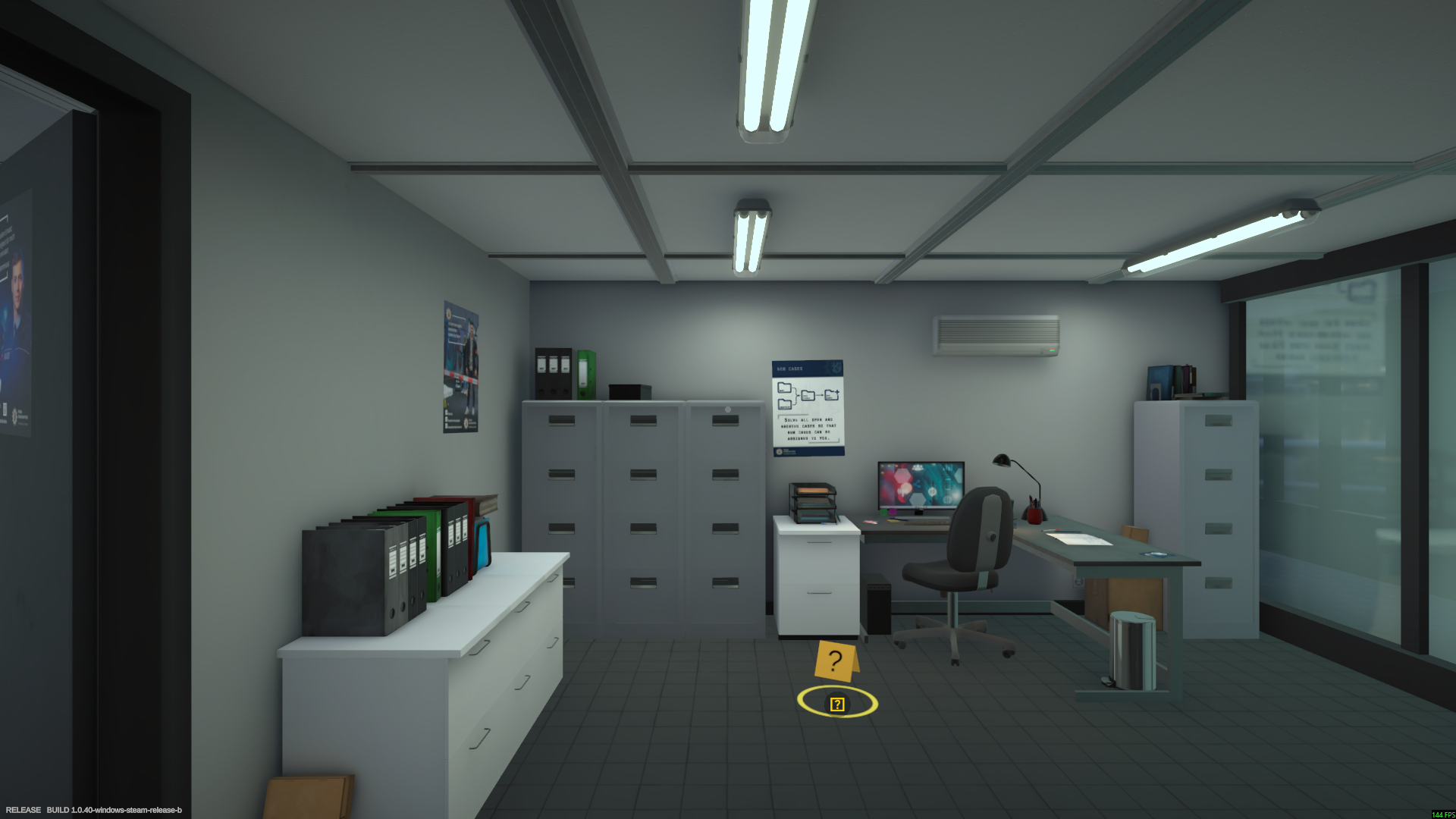
Inside the LKA laboratory
Explore the laboratory and select your next case from the file cabinets.
Shorten the viewing delay for eligible nearby evidence.
View rule modifiers →Adjust your walking pace or fly through scenery from a higher viewpoint.
View ability modifiers →Browse the Steam achievement names and descriptions for Forensics: Crime Scene Detective. Choose and unlock achievements for free with Bytonian Mods in the Windows app.
View all achievements →Download the Windows app and follow the setup prompts.
Open Forensics: Crime Scene Detective and select it in Bytonian Mods. Follow the app’s connection prompts.
Review the available options in the app and choose the ones that suit how you play.