
Unlocks
2 optionsChoose a ball skin or move your challenge collection forward with separate Premium controls.
View unlocks →Unlock ball styles, advance your challenge collection or switch the Flappy Dunk court to a bold black and yellow design. Keep your winged basketball in the air and time each tap to line up the next hoop.
Requires the Windows app and the Bytonian Mods browser extension for Chrome or Edge. Browser setup guide
Start with free mods
Download Bytonian Mods for Windows and try these free features. Choose one to see how it works and any requirements.
Apply a bright black and yellow design, or return to the classic court.
Choose a Design, then apply it.
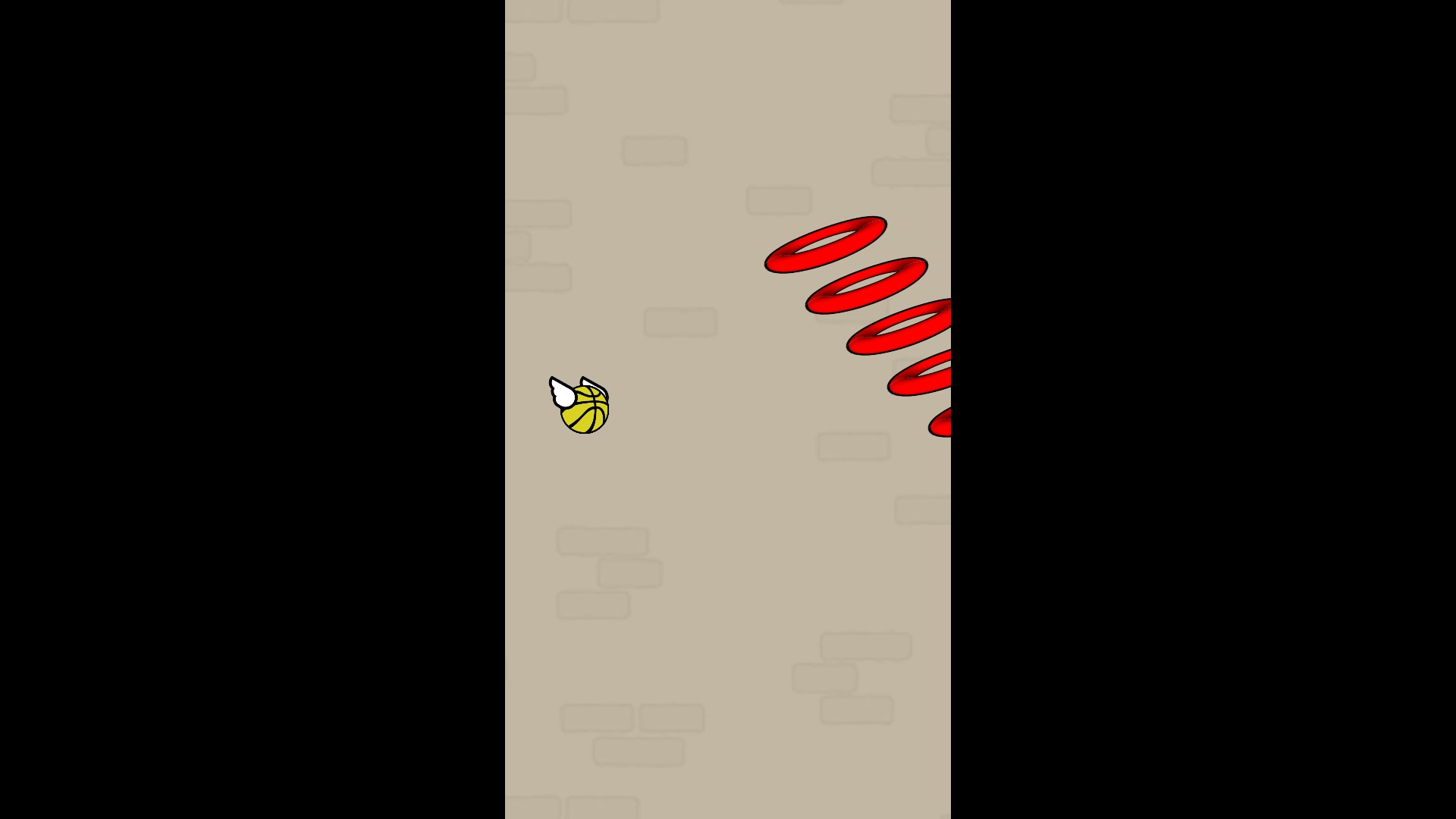
Line up your next hoop
Take on a slanted hoop course in Flappy Dunk with a fresh basketball look.
Unlock the skin collection, then choose a favourite from the game’s normal Skins menu. Pick a colourful basketball to carry your new look onto the court.
Advance challenge progress, then revisit the Normal and Mirror collections at your own pace. Finish any remaining challenges through normal play.
The Free court theme adds a bright yellow background and a black-and-yellow ball design. Choose Classic and apply it when you want the original court back.
Choose a ball skin or move your challenge collection forward with separate Premium controls.
View unlocks →Switch between the free black-and-yellow theme and the original court.
View presentation modifiers →Download the Windows app and follow the setup prompts.
Set up the browser extension in Chrome or Edge, then open the supported YouTube Playable. Follow the connection guide if the game is already running.
Review the available options in the app and choose the ones that suit how you play.