
Unlocks
1 optionOpen more choices in the level menu.
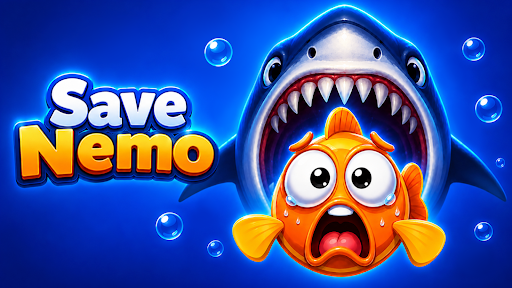
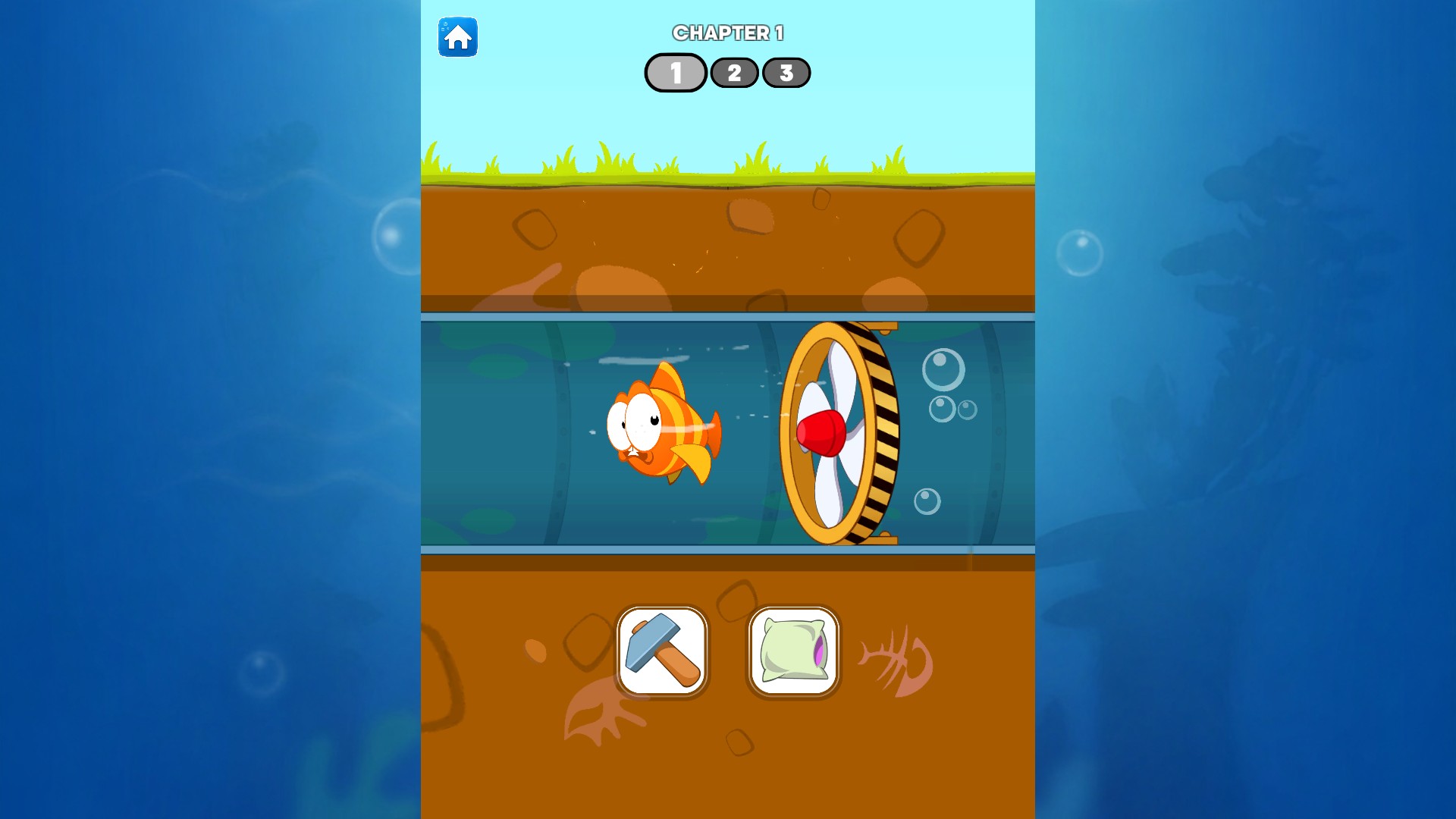
View unlocks →Complete a tricky puzzle to continue Nemo's story, open more numbered choices in the Levels menu, or restart the current chapter from its first puzzle. In Fish Story: Save the Nemo 🐠, you choose tools and solve pipe routes and other underwater obstacles across the chapters.
Requires the Windows app and the Bytonian Mods browser extension for Chrome or Edge. Browser setup guide
Start with free mods
Download Bytonian Mods for Windows and try these free features. Choose one to see how it works and any requirements.
Return to your current chapter's first puzzle and give it another go.
Use the action while playing a puzzle in the chapter you want to restart.
Help Nemo through his next puzzle
Choose how to get past each obstacle as Nemo makes his way through the story.
Use puzzle completion when you want to see what happens next. Level choices give you more places to start, while chapter restart takes you back to the chapter's opening puzzle.
Open the game and your Bytonian Mods controls, then choose the action you want. Use completion or chapter restart while a puzzle is open. After opening more level choices, reopen the game's Levels menu to see them.
Open more choices in the level menu.
View unlocks →Return to the opening puzzle of your current chapter.
View game actions →Complete the puzzle you're playing and carry on.
View progression systems →Download the Windows app and follow the setup prompts.
Set up the browser extension in Chrome or Edge, then open the supported YouTube Playable. Follow the connection guide if the game is already running.
Review the available options in the app and choose the ones that suit how you play.