

Customize your Field Master seeder
Choose the seeder's width upgrade level and apply your change. The attached implement widens so you can sow a broader strip while driving through the field.
Requires the Windows app and the Bytonian Mods browser extension for Chrome or Edge. Browser setup guide

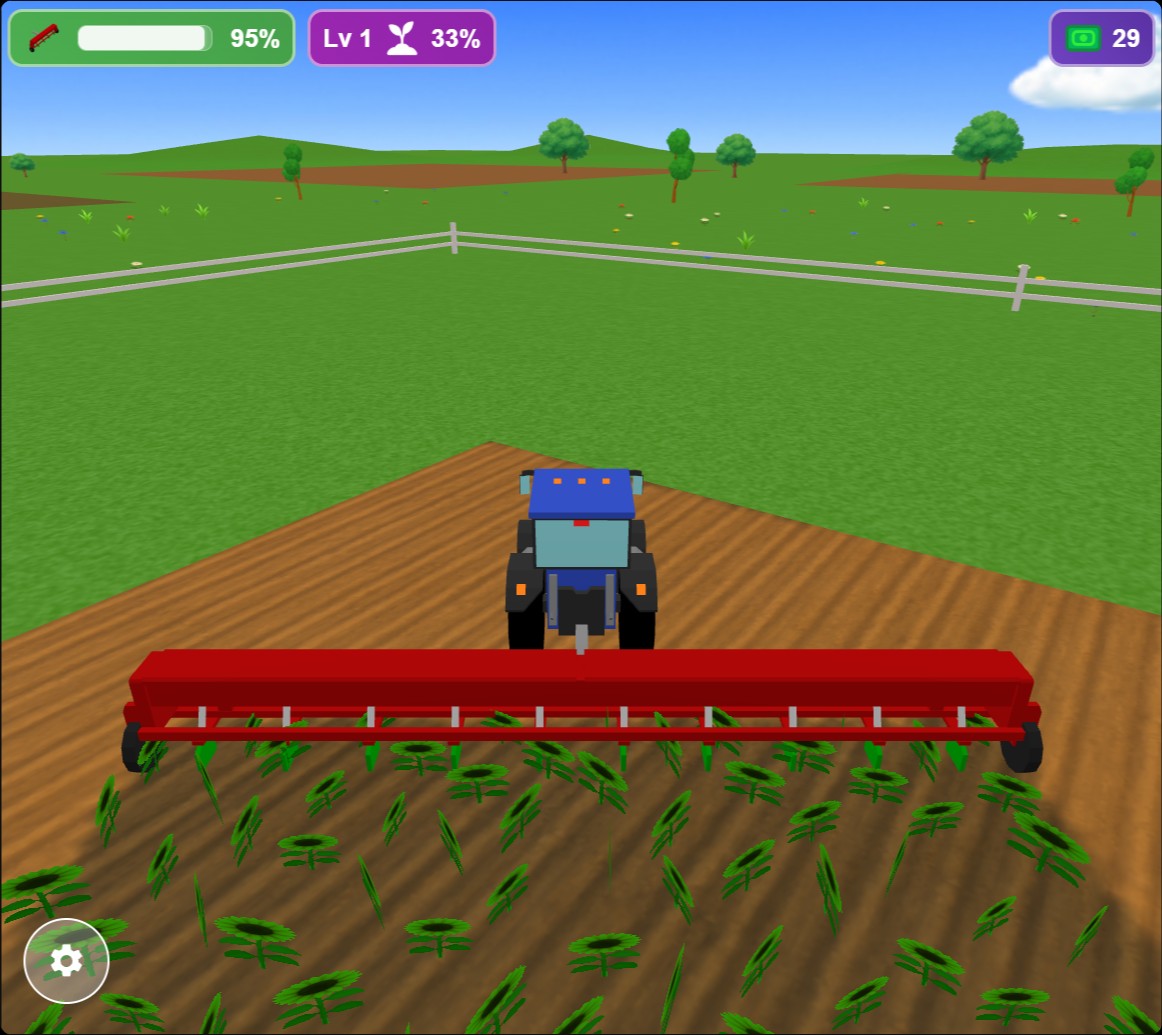
Sow a wider strip
The widened seeder plants sunflowers across a broad strip while using its normal seed supply.
Use the wider implement in the field
After applying your choice, enter the game, load the seeder from the seed supply and drive onto the prepared soil. The wider implement plants across its working strip.
Keep the seed supply stocked
Width changes the area covered by the seeder. Seeds are still loaded and consumed through normal farming play.
Available customisation options
Seeder working widthFree
Widen the seeder to plant a broader strip on each pass through the field.
Choose the seeder width upgrade level and apply it. Load seeds, then drive the attached seeder over prepared soil.
The seeder still needs its normal seed supply and consumes seeds while sowing.
Questions about customisation options
- Is the seeder width control free?
- Yes. Seeder working width is a free control.
- Does this change every farm implement?
- This control adjusts the seeder. Choose it for planting passes.
Using these features
Connect your game, then open Customise in the Windows app. Choose an option, check its available values and follow its instructions. Each option lists its own requirements and limits.
Setup for Field Master →