
Resources
1 optionChoose a Gems balance separately from your outfit selections.
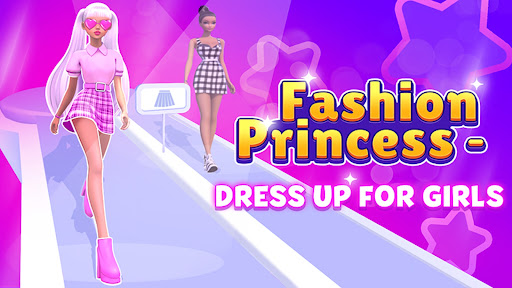
View resources →Choose a Gems balance with the free control before your next Fashion Princess - Dress Up for Girls runway round. The on-screen theme, such as Pink Chic in the opening round, guides your outfit choice as two contestants take the runway.
Requires the Windows app and the Bytonian Mods browser extension for Chrome or Edge. Browser setup guide
Start with free mods
Download Bytonian Mods for Windows and try these free features. Choose one to see how it works and any requirements.
Read and adjust your Gems balance.
Refresh the balance, then set a whole-number amount within the displayed range.
Changes Gems separately from your outfit choices.
Refresh the Gems card to read your balance, then choose a new total within the displayed range.
Follow the theme shown at the top of the game when selecting clothes and hairstyles. The Gems control changes your balance, while you choose outfits with the game's styling controls.
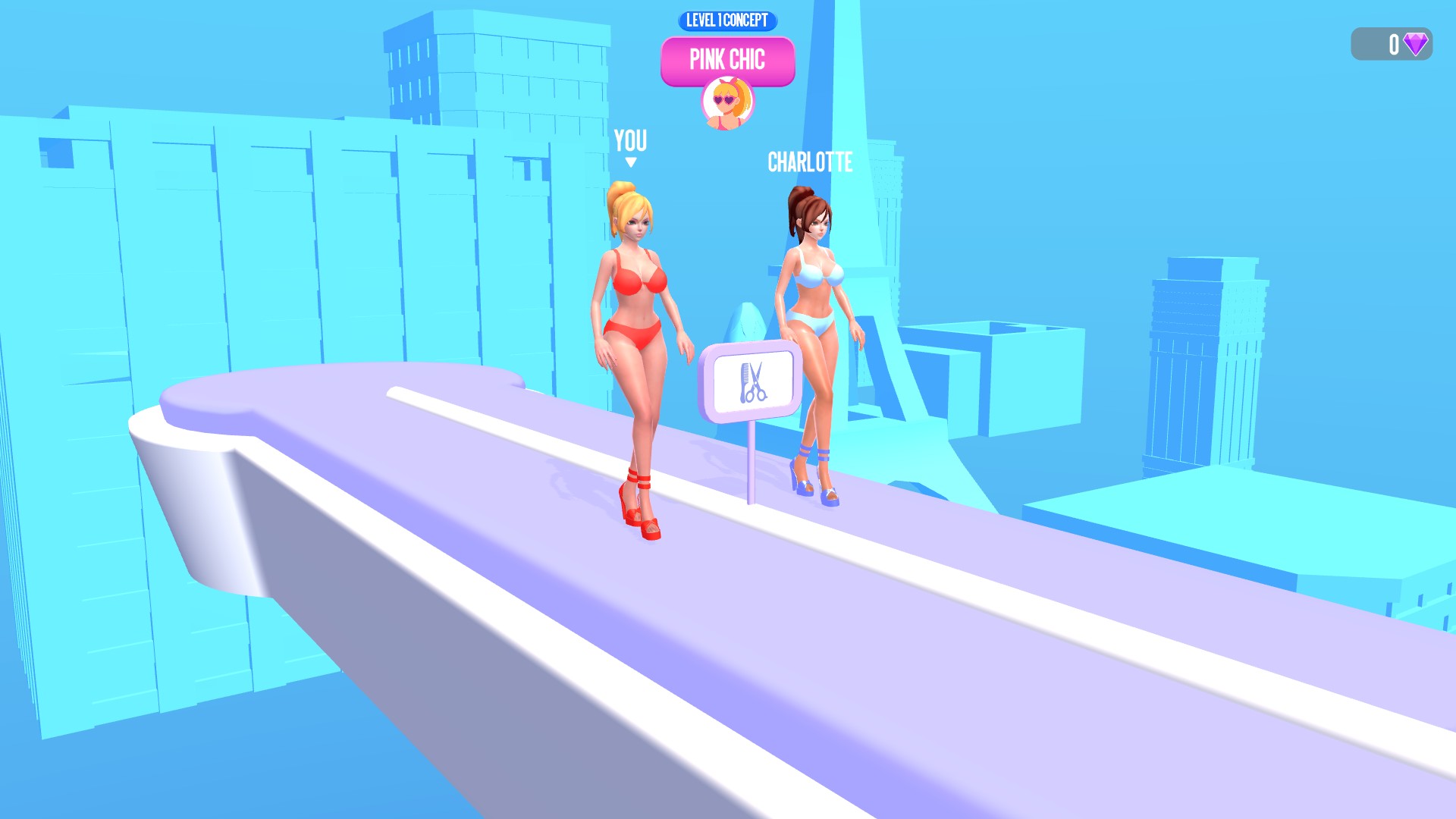
The Pink Chic runway
Two contestants enter the Pink Chic round on a raised runway.
Choose a Gems balance separately from your outfit selections.
View resources →Download the Windows app and follow the setup prompts.
Set up the browser extension in Chrome or Edge, then open the supported YouTube Playable. Follow the connection guide if the game is already running.
Review the available options in the app and choose the ones that suit how you play.