

Choose your coins and gems
Keep control of the two balances shown at the top of your farm. Refresh a card to see its total, then choose the amount you want.
Requires the Windows app and the Bytonian Mods browser extension for Chrome or Edge. Browser setup guide

Make the adjustment you want
Set a total directly, add more, or subtract an amount. Coins and Gems are separate controls, so changing your coin total leaves your gems alone.
Available resources
CoinsFree
Choose your coin balance, whether you want a little extra or a fresh total for your farm.
Refresh the Coins card, then add, subtract or set an amount from 0 to 1,000,000.
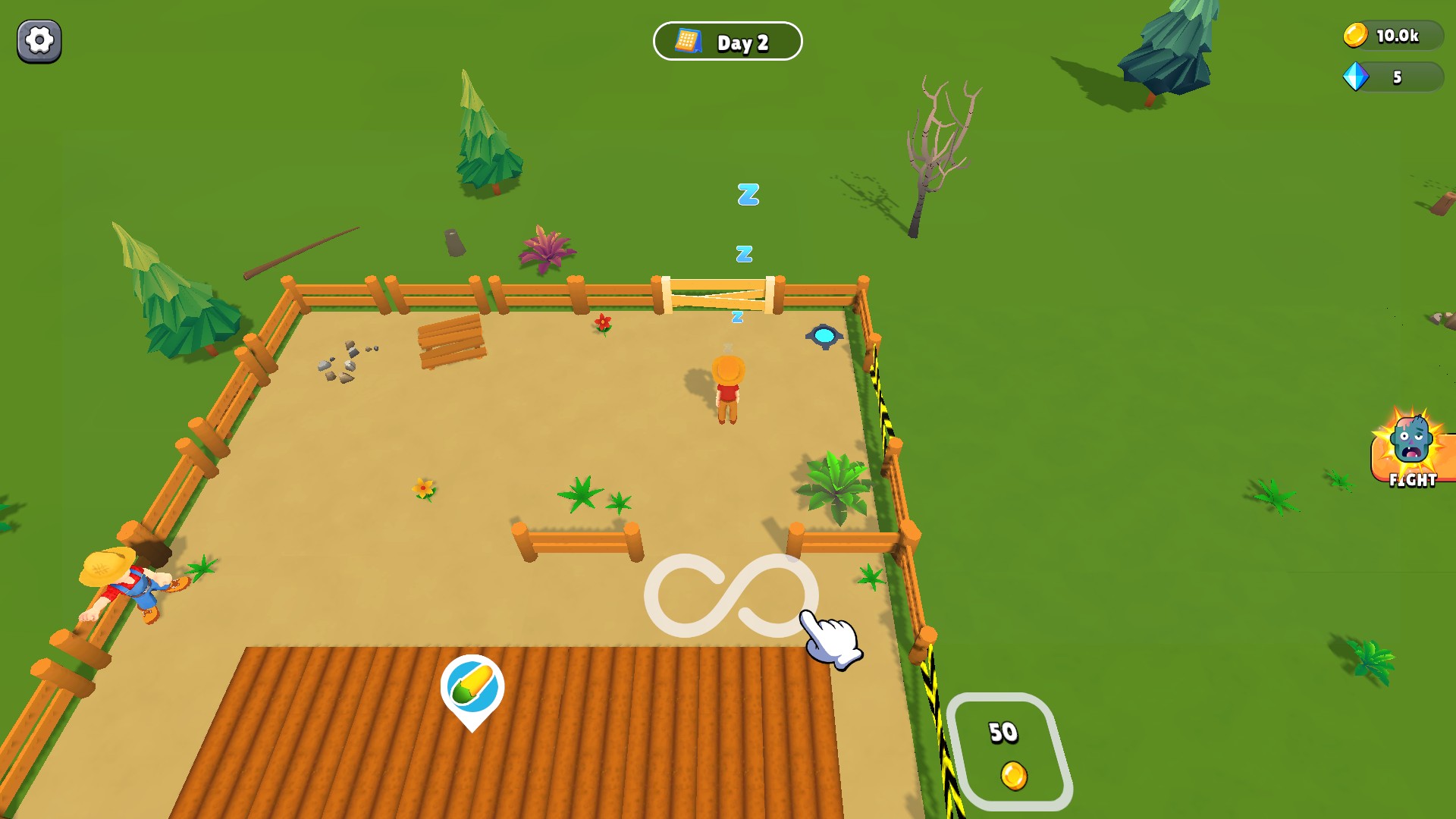
Choose your coin balance
Set your Coins balance and return to your farm with the amount you want.
GemsPremium
Set your gem total without waiting for another wave reward.
Refresh the Gems card, then add, subtract or set an amount from 0 to 1,000,000.
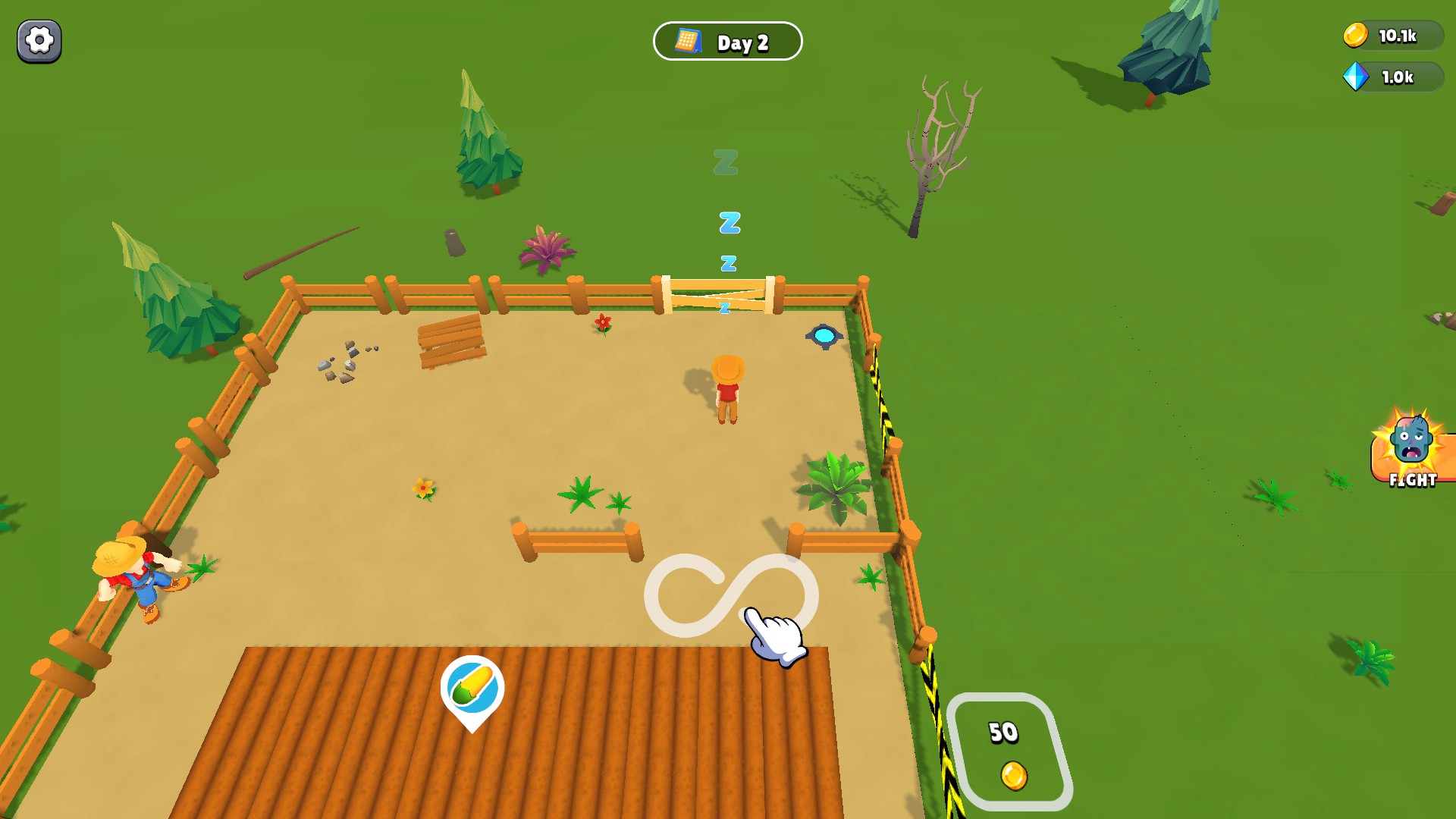
Choose your gem balance
Set the gem total you want and see it reflected at the top of your farm.
Using these features
Choose the feature in the Windows app after connecting your game. Check its requirements before making a change.
Setup for Farm Defenders →