

Resources
4 optionsSeparate controls for primary currency, upgrade balance, premium currency and experience.
View all resources →Set four separate resource totals for your city drive, repair collision-damaged bodywork, or right an overturned car so you can keep moving. Take a sports car through streets, traffic and ramps, choosing the control that fits your current drive.
Requires the Windows app and the Bytonian Mods browser extension for Chrome or Edge. Browser setup guide

Start with free mods
Download Bytonian Mods for Windows and try these free features. Choose one to see how it works and any requirements.
Right your current overturned vehicle and resume driving.
Enter a drive, then press Reset vehicle if your car is upside down.
Rights the current car; does not repair damage or choose a destination.
Set or adjust the current primary currency balance.
Refresh the current value, then set a target total or add an amount.
Changes this resource balance separately from the other totals.
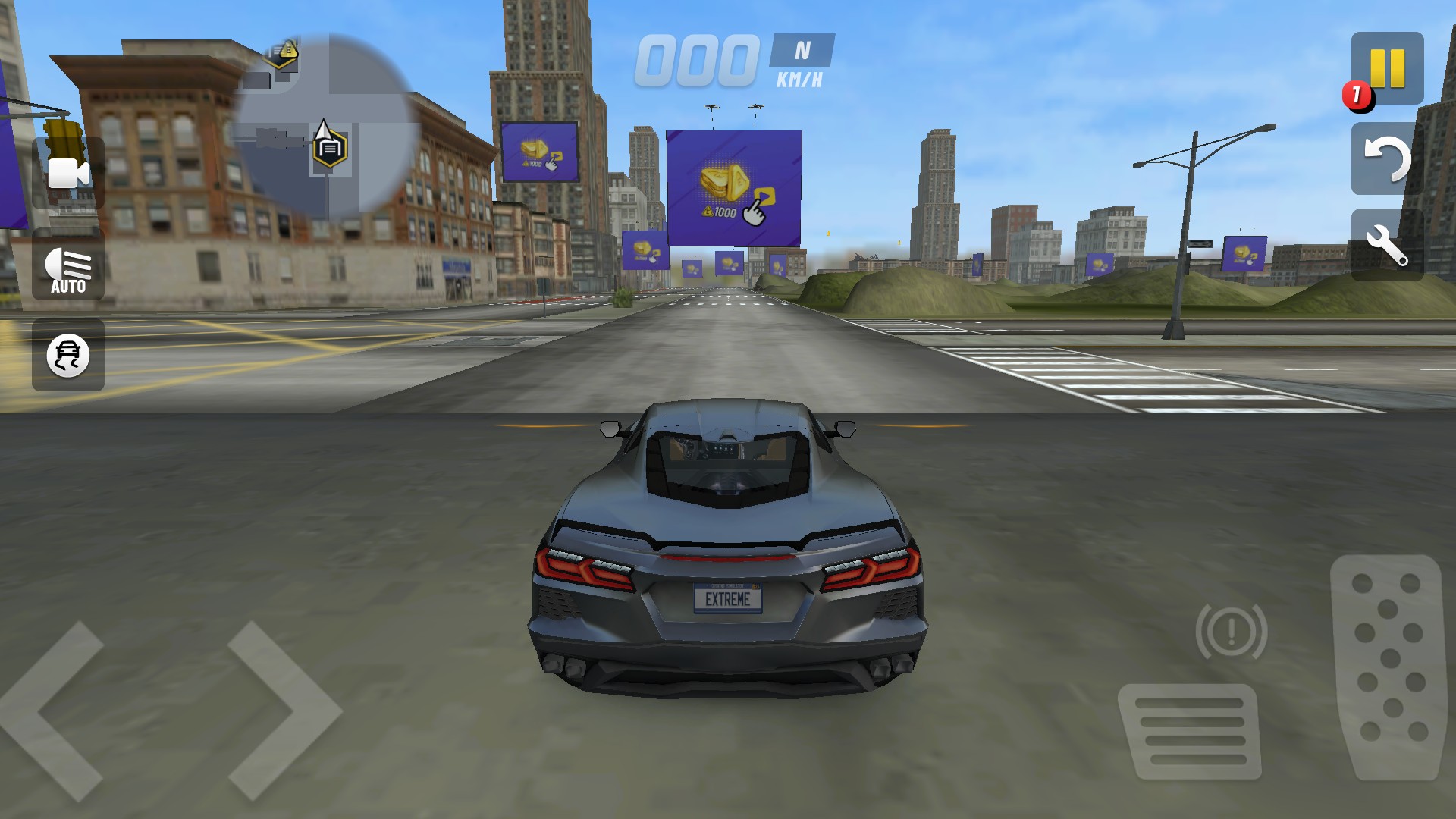
Explore the city in Extreme Car Driving Simulator
Take the gray sports car onto the city streets, with traffic, ramps and driving controls at hand.
Primary currency, upgrade balance, premium currency and experience each have their own resource card. Enter a target value or adjust the current total with the card controls.
Use Repair vehicle for damaged bodywork. Use Reset vehicle when your current car is upside down; it rights the car so you can drive again.
Enter a drive before using vehicle actions. Adjust resource balances with their separate cards; Repair vehicle restores the bodywork on the car you are driving.
Separate controls for primary currency, upgrade balance, premium currency and experience.
View all resources →Repair body damage or get an overturned car back onto its wheels.
View game actions →Download the Windows app and follow the setup prompts.
Set up the browser extension in Chrome or Edge, then open the supported YouTube Playable. Follow the connection guide if the game is already running.
Review the available options in the app and choose the ones that suit how you play.