
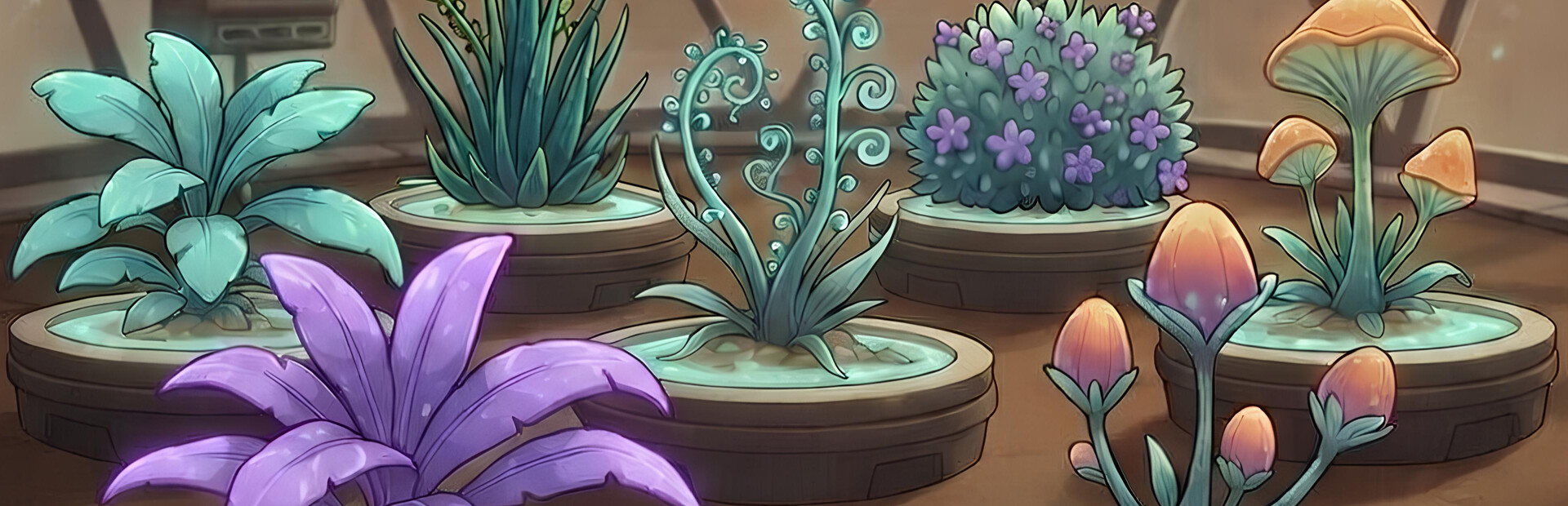
Try a different neighbor in your greenhouse
Browse the game's plant species, choose one and add a seedling to the first open empty bed. Try combinations such as Lunar Moss and Golden Orchid, whose interaction can produce Golden Contamination.
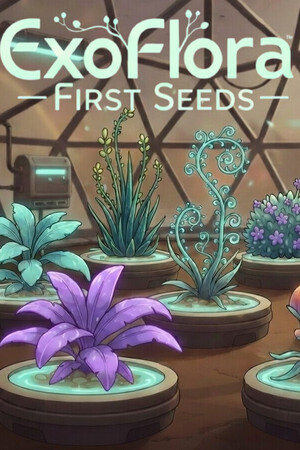
Browse before planting
Use names and available plant previews to choose a species. Add one seedling at a time; the first open empty bed receives it. Open or clear a bed when you need more room.
Care for every new seedling
Spawned plants still need suitable water, temperature and soil conditions. Their normal reactions, rewards and vulnerability to pests remain part of the garden. Finish watering or cancel a plant selected in the shop before using Spawn.
Available world modifiers
Spawn greenhouse plantsFree
Try alien plant combinations by adding a seedling to the first open empty greenhouse bed, without spending credits.
Open Spawn, choose a species and add one plant at a time while the greenhouse is open and running.
Finish watering or cancel the shop's selected plant first. An open empty bed is required. Seedlings need normal care, and shop unlocks continue separately.
What you can spawn
- Greenhouse plants (29)
- Including Lunar Moss, Crystal Bloom, Cryo Fern, Plasma Vine, Spore Cloud.
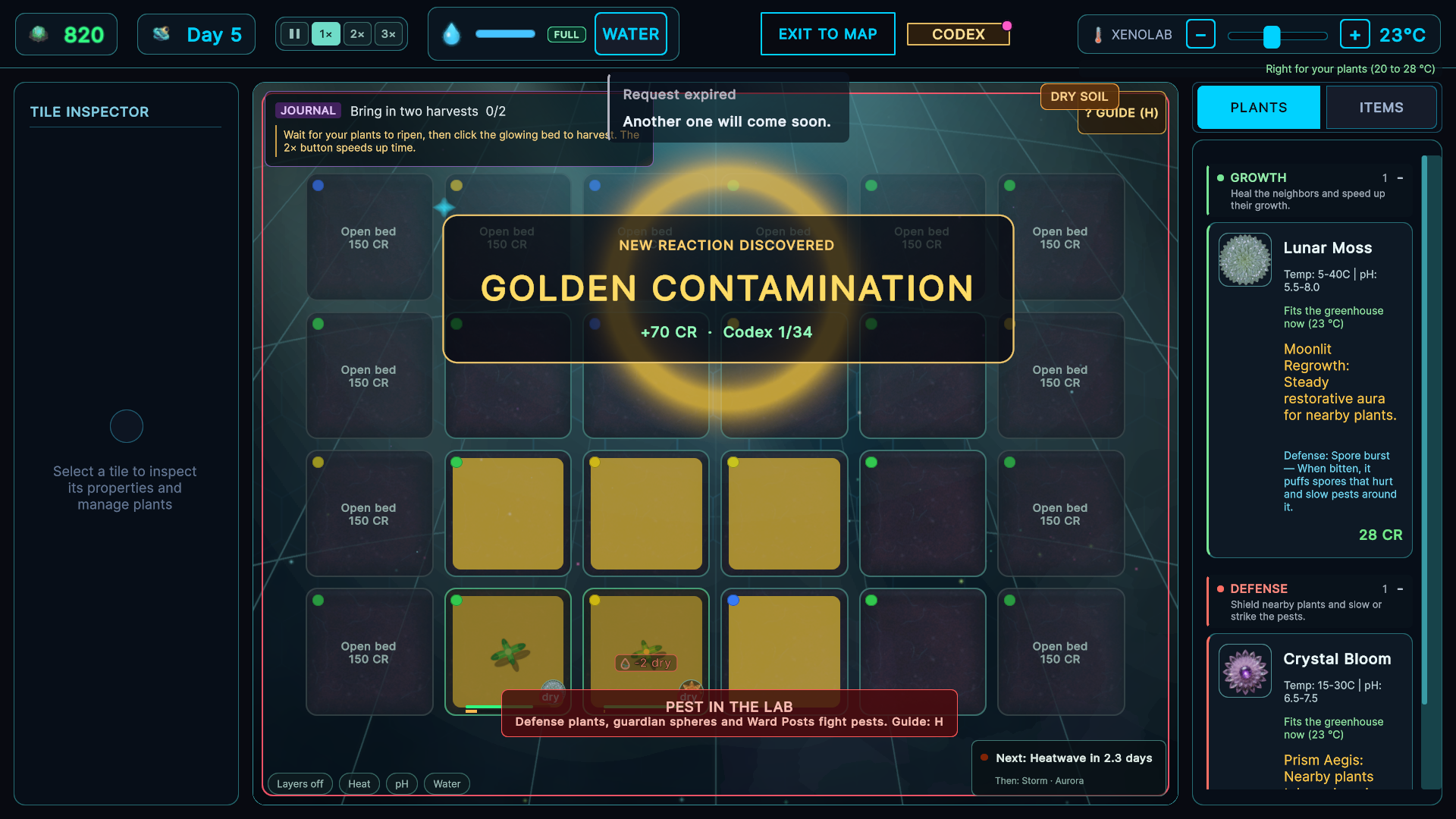
Explore reactions with spawned plants
Lunar Moss and Golden Orchid planted in neighboring beds trigger Golden Contamination and its 70-credit reward. Spawned plants keep the game's normal care needs.
More ways to customise ExoFlora: First Seeds
- ExoFlora: First Seeds resources
Set, add or remove whole credits from the game's greenhouse balance.
Questions about world modifiers
- Will Spawn replace a plant already growing?
- The control chooses an open empty bed. It does not replace a plant in an occupied bed.
- Can I choose a plant that has no preview?
- Two plant entries have no preview image. You can still find and choose them by name.
Using these features
Choose the feature in the Windows app after connecting your game. Check its requirements before making a change.
Setup for ExoFlora: First Seeds →