
Choose the credits for your next greenhouse plan
Give yourself room to try a different planting layout or prepare for another purchase. Read your current credits, then set a balance, add an amount or remove some.
Make one deliberate adjustment
Open a greenhouse, resume the game and refresh the balance. Enter a whole amount and choose Add, Remove or Set to amount. The supported balance is 0 to 100,000 credits.
Keep track as the garden changes
Harvests and plant reactions can change your credits during play. Refresh the balance before making another adjustment if the game has awarded or spent credits.
Available resources
CreditsFree
Choose your credit balance for the next greenhouse purchase or planting plan.
Open a greenhouse, resume the game and refresh the balance. Enter a whole amount, then choose Add, Remove or Set to amount.
Use a balance from 0 to 100,000 after finishing or normally skipping the tutorial. Refresh again if normal earnings or spending change your credits.
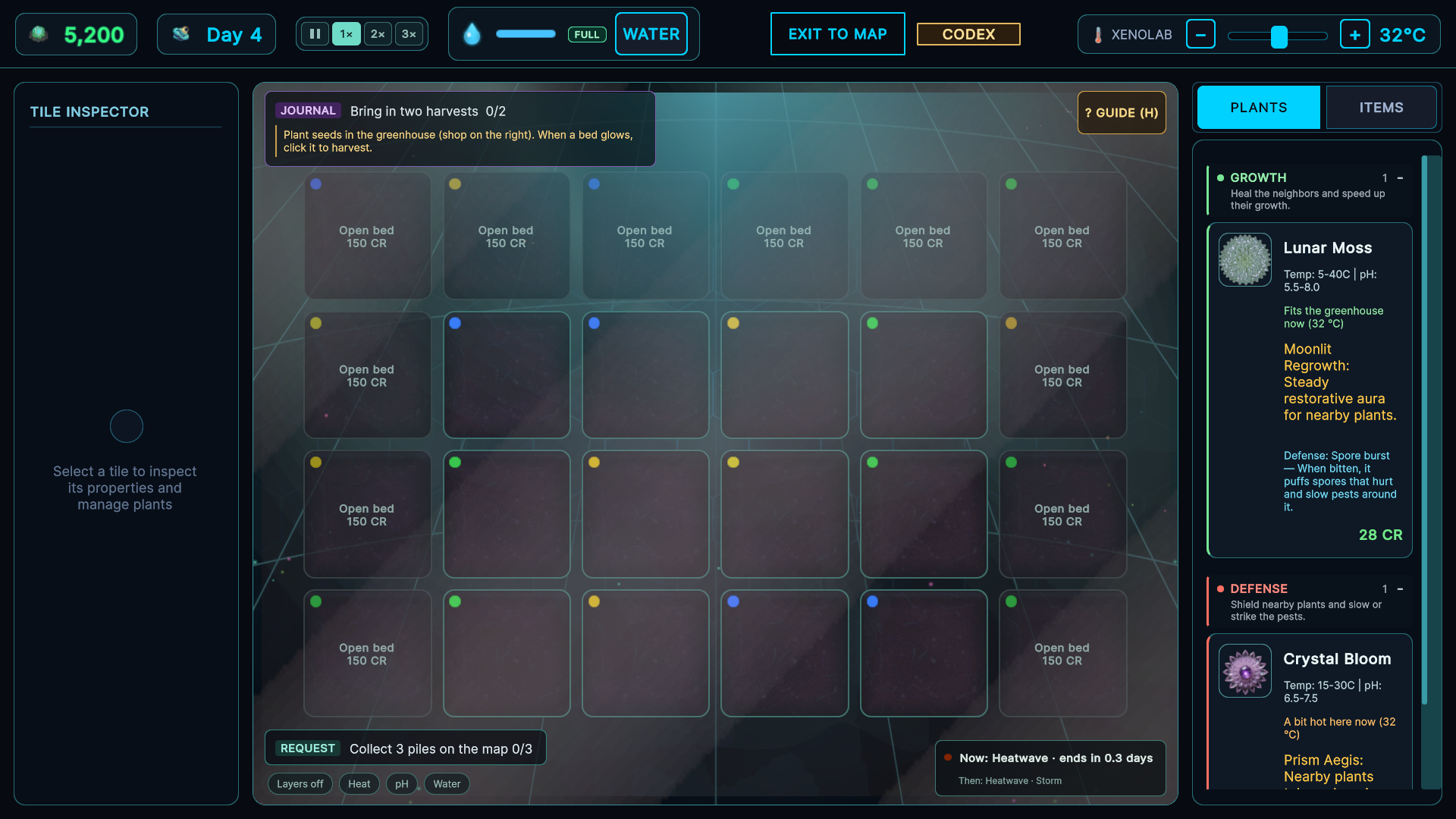
Choose your greenhouse credit balance
The Credits control sets the balance to 5,200, ready for greenhouse purchases.
More ways to customise ExoFlora: First Seeds
- ExoFlora: First Seeds world modifiers
Add alien plant seedlings to open empty beds without spending credits or changing shop unlocks.
Questions about resources
- Does this add credits continuously?
- Each action makes one adjustment. Your greenhouse continues to earn and spend credits through normal play.
- Can I use it while the game is paused?
- Resume the game and close any blocking report or menu first. Finish the tutorial or use its normal Skip choice before adjusting credits.
Using these features
Choose the feature in the Windows app after connecting your game. Check its requirements before making a change.
Setup for ExoFlora: First Seeds →