

Customise
1 optionChoose your Coins balance before returning to the arena.
View customisation options →Choose the Coins balance you want before your next fight in Epic Sword Battle! Fight in the Ragdoll Arena! Move your sword-wielding fighter into range and take on ragdoll opponents in short, unpredictable clashes.
Requires the Windows app and the Bytonian Mods browser extension for Chrome or Edge. Browser setup guide

Open Customise to choose a Coins balance with the Premium control. Enter an amount within the displayed range, then return to the arena.
Use the normal movement controls to get into sword range and take on your next opponent.
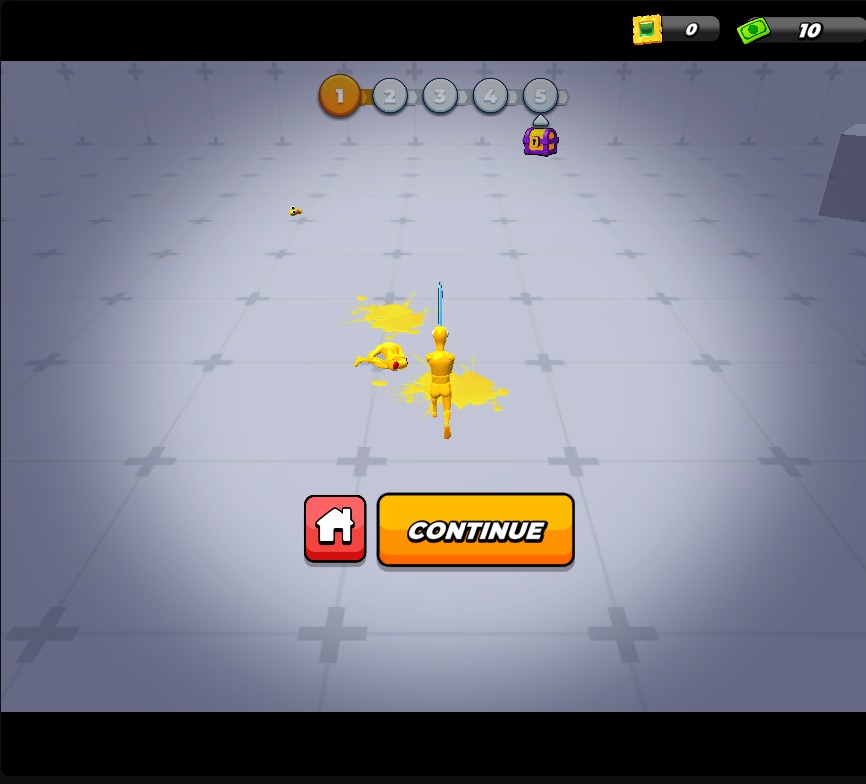
Victory in the ragdoll arena
The sword-wielding fighter stands beside a defeated opponent after an arena fight.
Choose your Coins balance before returning to the arena.
View customisation options →Download the Windows app and follow the setup prompts.
Set up the browser extension in Chrome or Edge, then open the supported YouTube Playable. Follow the connection guide if the game is already running.
Open Customise in Bytonian Mods, choose an option and follow its instructions. Check the available values and any limits before making your change.