
Resources
3 optionsRead and edit each upgrade track independently.
View resources →Choose separate slingshot, plane and income upgrade levels before your next Epic Plane Evolution launch. Income editing is free; slingshot and plane editing are Premium. Launch your aircraft from the slingshot into obstacle-filled terrain.
Requires the Windows app and the Bytonian Mods browser extension for Chrome or Edge. Browser setup guide
Start with free mods
Download Bytonian Mods for Windows and try these free features. Choose one to see how it works and any requirements.
Adjust the income upgrade setting and update its upgrade card.
Refresh the current value, then set or add a small whole-number change. The game’s displayed level may be one higher.
The game may show the upgrade level as one higher than the setting you enter.
Start with the free income control, or choose the Premium slingshot and plane controls. Each has its own value, so changing one does not require selecting all three.
Open Epic Plane Evolution through Bytonian Mods, choose an upgrade control and check its current setting before making a small change. The game may display an upgrade level one higher than the number you enter.
After changing a track, refresh its matching upgrade card to check the level before your next launch.
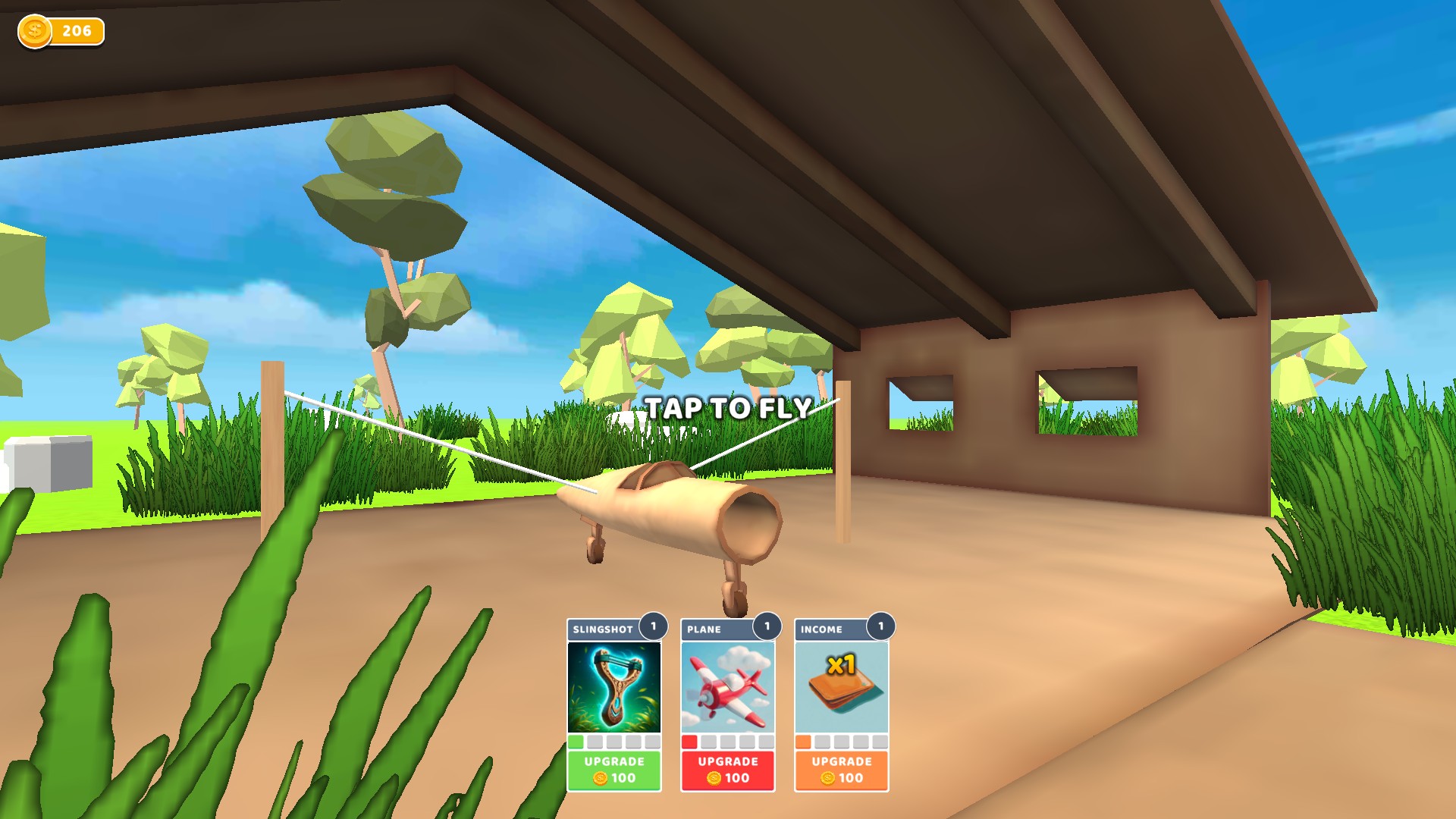
Ready for another launch
Line up the cardboard plane and choose your next upgrade before taking off.
Read and edit each upgrade track independently.
View resources →Download the Windows app and follow the setup prompts.
Set up the browser extension in Chrome or Edge, then open the supported YouTube Playable. Follow the connection guide if the game is already running.
Review the available options in the app and choose the ones that suit how you play.