
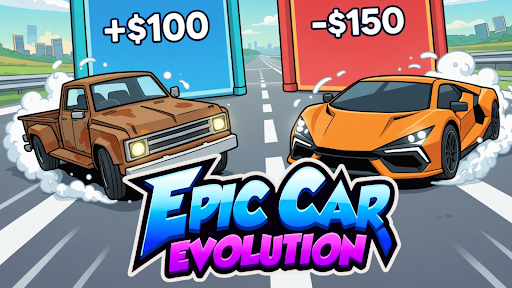
Customise
1 optionUnlock All Parking Spaces.
View customisation options →Drive through cash gates, avoid obstacles and bring earned cars back to your garage. More parking space gives you room to keep a wider collection between runs.
Requires the Windows app and the Bytonian Mods browser extension for Chrome or Edge. Browser setup guide
Start with free mods
Download Bytonian Mods for Windows and try these free features. Choose one to see how it works and any requirements.
Open all six parking spaces so you can keep more cars earned on runs. Existing cars and garage cash stay the same.
Play a run and keep an earned car first, then choose Unlock All Parking Spaces. After opening the spaces, play a run and keep its car before restarting.
Cars are earned through normal runs. Keep an earned car after opening the spaces so the game saves your opened garage before you restart.
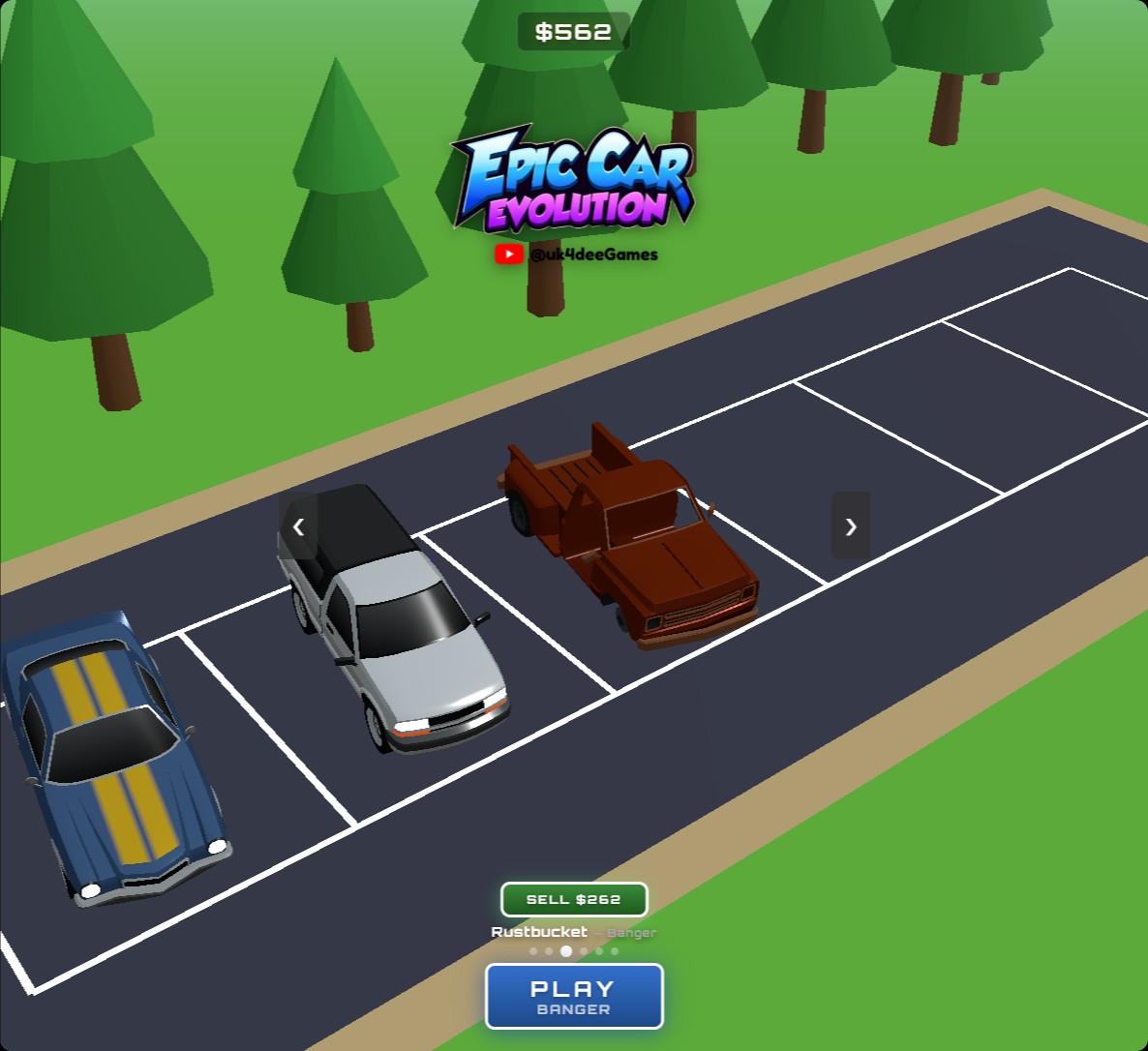
Keep an earned car in the third space
A Rustbucket earned on a normal run now occupies the opened third parking space beside the two existing cars.
Open the garage's four paid spaces alongside its two starting spaces. You can keep using the normal run rewards and Keep button as your collection grows.
Unlock All Parking Spaces.
View customisation options →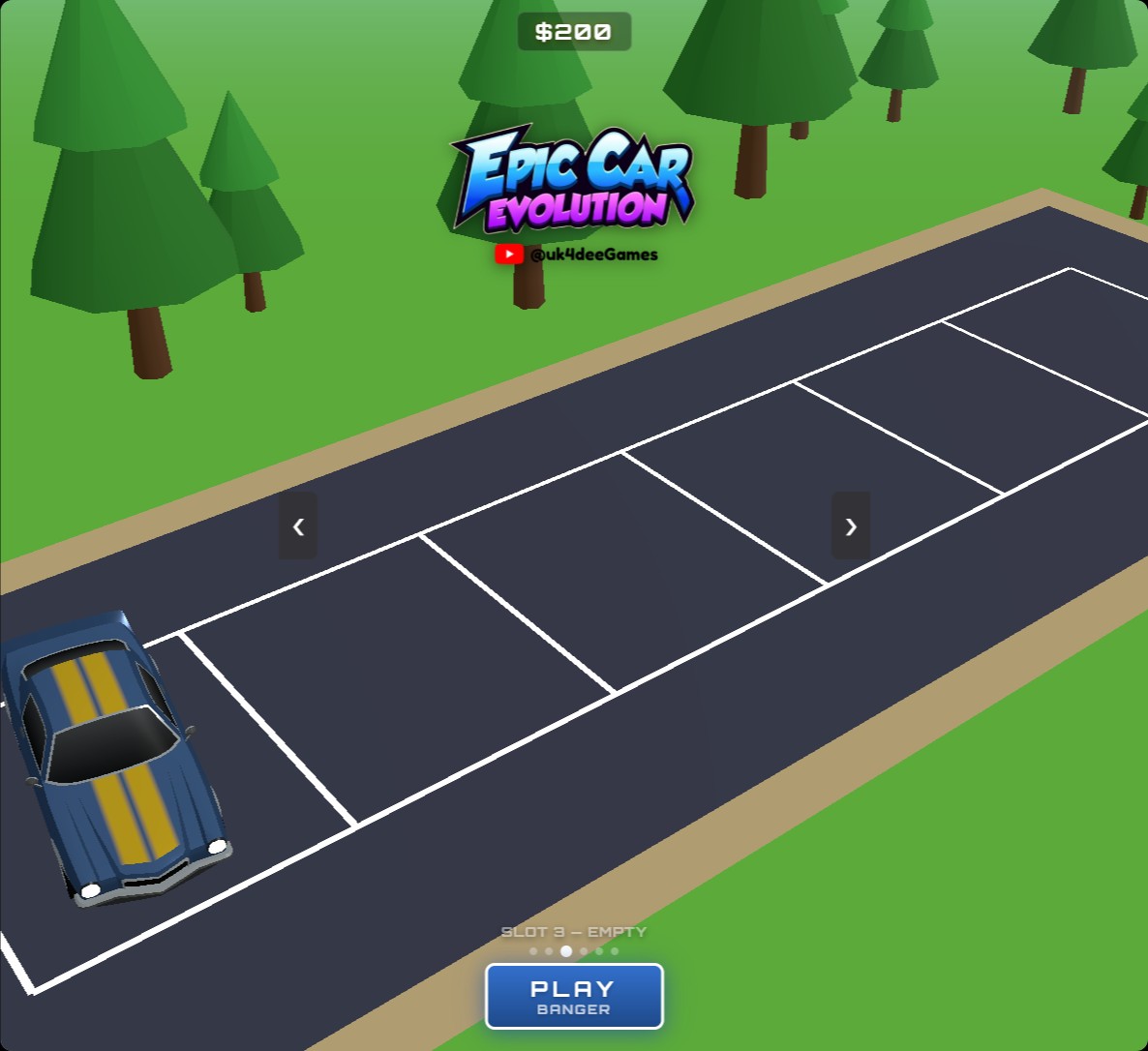
More room for earned cars
The third parking space is open and ready to use, with the garage cash balance unchanged.
Download the Windows app and follow the setup prompts.
Set up the browser extension in Chrome or Edge, then open the supported YouTube Playable. Follow the connection guide if the game is already running.
Open Customise in Bytonian Mods, choose an option and follow its instructions. Check the available values and any limits before making your change.