
Stars for power-up purchases
Choose how many stars you want available before returning to your Element Blocks board. You can then use the normal shop to buy a bomb when you need space.
Requires the Windows app and the Bytonian Mods browser extension for Chrome or Edge. Browser setup guide
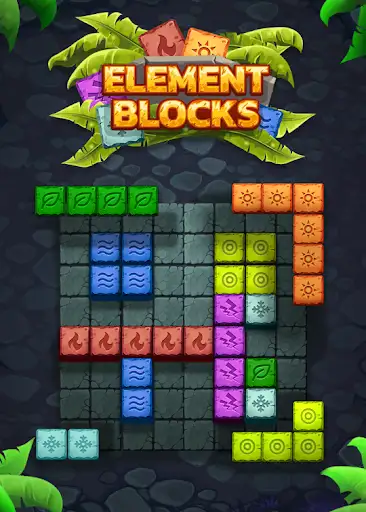
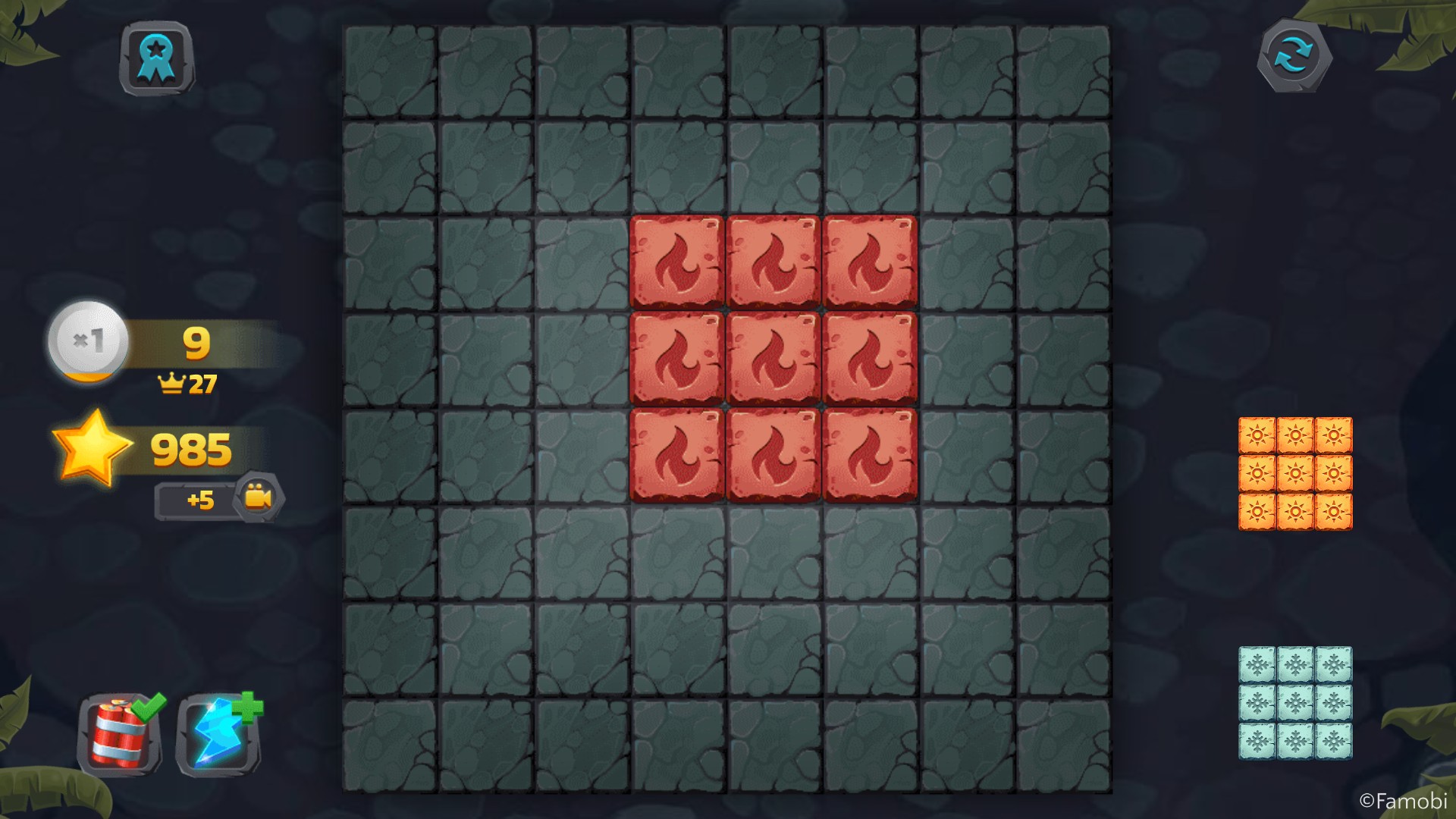
Stars for a bomb purchase
A bomb bought from the power-up shop, with 985 stars left after the 15-star purchase.
Spend stars in the bomb shop
Select a stars amount and apply it. Back in the game, open the bomb button to see its star price and confirm the purchase.
Once the bomb is ready, drag it onto the blocks you want to remove. Stars pay for the purchase; you choose where to use the power-up.
Available customisation options
StarsFree
Set stars for normal power-up purchases.
Choose an amount and apply it, then open the bomb shop, buy a bomb and drag it onto the board.
Questions about customisation options
- Does setting stars buy a bomb automatically?
- No. Open the normal bomb shop and confirm the purchase after setting your stars.
- Is the Stars option free?
- Yes. The Stars customization is Free.
Using these features
Connect your game, then open Customise in the Windows app. Choose an option, check its available values and follow its instructions. Each option lists its own requirements and limits.
Setup for Element Blocks →