
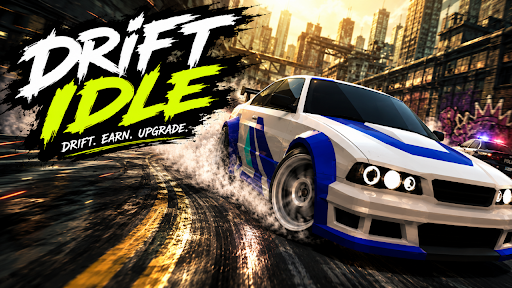
Customise
1 optionChoose a coin balance for cars, upgrades and cosmetic purchases in the garage.
View customisation options →Set your coin balance for another car, an upgrade or a new colour. Keep the laps rolling as you steer, drift and build up your garage.
Requires the Windows app and the Bytonian Mods browser extension for Chrome or Edge. Browser setup guide

Start with free mods
Download Bytonian Mods for Windows and try these free features. Choose one to see how it works and any requirements.
Choose your coin balance for cars, upgrades, paint, skid colors and smoke.
Set an amount from 0 to 10,000,000, apply it, then spend the coins through the normal garage and upgrade controls.
Cars follow the normal unlock order. Lap earnings continue to change the balance.
Each car follows the circuit while you steer its drift. Lap payouts and drift earnings help pay for income, speed and drift upgrades, with each car keeping its own upgrade progress.
The free Coins control gives you a budget for the game's normal shops. Move through the car lineup in order, or spend on paint, skid colors and smoke to personalize your current ride.
Choose a coin balance for cars, upgrades and cosmetic purchases in the garage.
View customisation options →Download the Windows app and follow the setup prompts.
Set up the browser extension in Chrome or Edge, then open the supported YouTube Playable. Follow the connection guide if the game is already running.
Open Customise in Bytonian Mods, choose an option and follow its instructions. Check the available values and any limits before making your change.