
Customise
2 optionsEdit Coins or select one of the first three levels.
View customisation options →Choose the coin balance shown in Draw Climber or select level 1, 2 or 3 before drawing legs for your cube. Then test your shape against ramps, gaps and raised obstacles as the race begins.
Requires the Windows app and the Bytonian Mods browser extension for Chrome or Edge. Browser setup guide
Start with free mods
Download Bytonian Mods for Windows and try these free features. Choose one to see how it works and any requirements.
Choose level 1, 2 or 3 before starting a race.
Select the level number shown in the game, apply it, then press Play from that level's menu.
Supports levels 1–3.
Draw legs to tackle the course
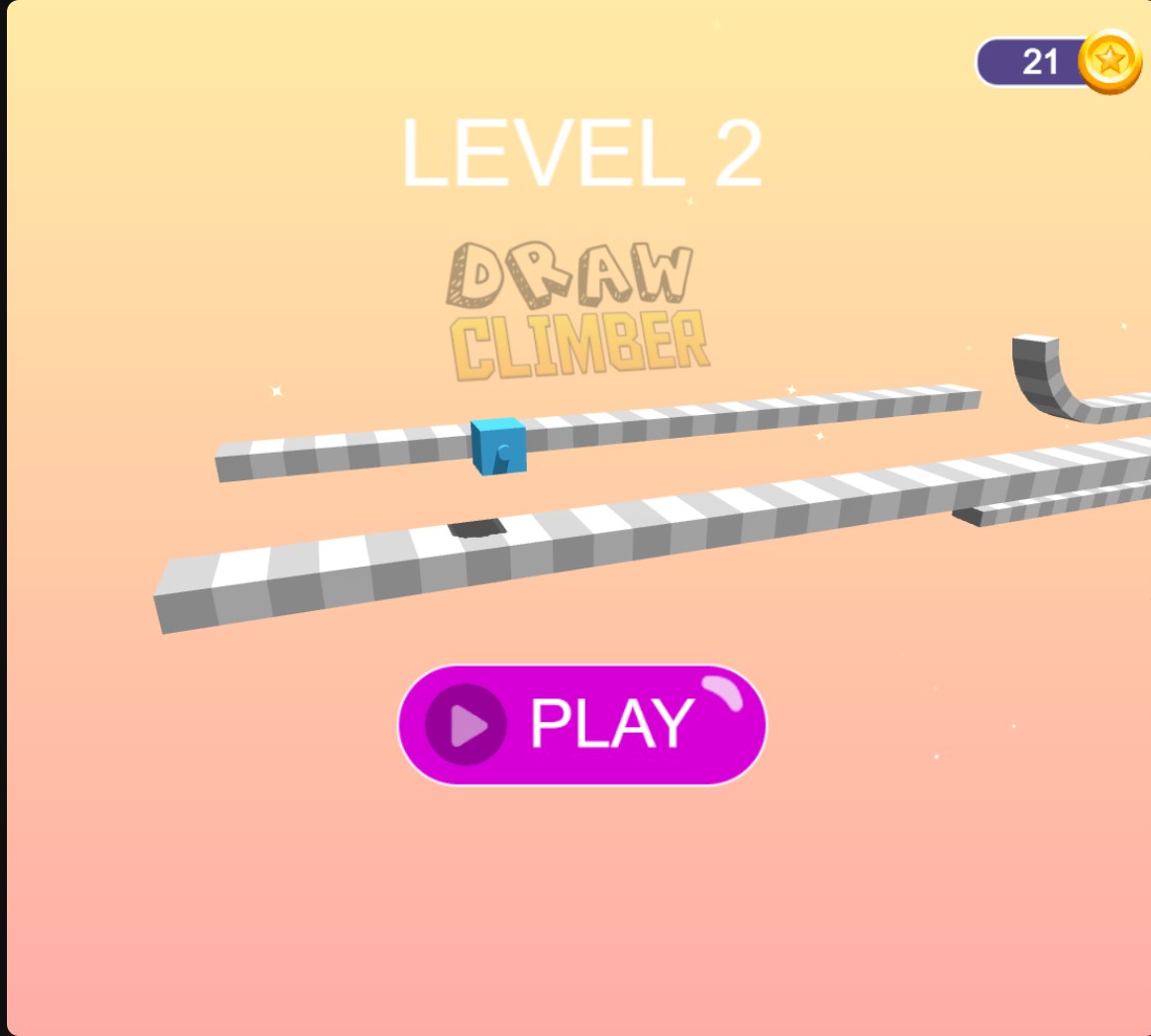
Draw Climber sends your cube along obstacle courses using the legs you sketch. This is the level 2 menu before the race begins.
Coins lets you set the balance shown in the game. The Free Level Selection control lets you choose levels 1–3 and load that course from the menu.
Start the race when you are ready, then sketch legs in the drawing area. Longer legs can help at a ramp, while a different shape may suit the next stretch.
Edit Coins or select one of the first three levels.
View customisation options →Download the Windows app and follow the setup prompts.
Set up the browser extension in Chrome or Edge, then open the supported YouTube Playable. Follow the connection guide if the game is already running.
Open Customise in Bytonian Mods, choose an option and follow its instructions. Check the available values and any limits before making your change.