

Choose your coin and gem balances
Set the coin and gem balances that Downhill Racer loads and displays. These Premium controls give each currency its own value so you can change one without having to change the other.
Requires the Windows app and the Bytonian Mods browser extension for Chrome or Edge. Browser setup guide

Apply and check the wallet
Enter a whole-number balance for the currency you want, then apply it. Look at the wallet balance rather than the separate coins-earned figure for the race.
What the balance controls cover
Choose Coins and Gems separately. Each control changes its own balance shown by the game.
Available customisation options
CoinsPremium
Sets the coins balance loaded and displayed by Downhill Racer.
Enter a whole-number balance and apply the customization.
Changes Coins separately from Gems.
GemsPremium
Sets the gems balance loaded and displayed by Downhill Racer.
Enter a whole-number balance and apply the customization.
Changes Gems separately from Coins.
More ways to customise Downhill Racer
- Downhill Racer game actions
Finish a race, recover your rider, activate an assigned skill or trigger brief growth.
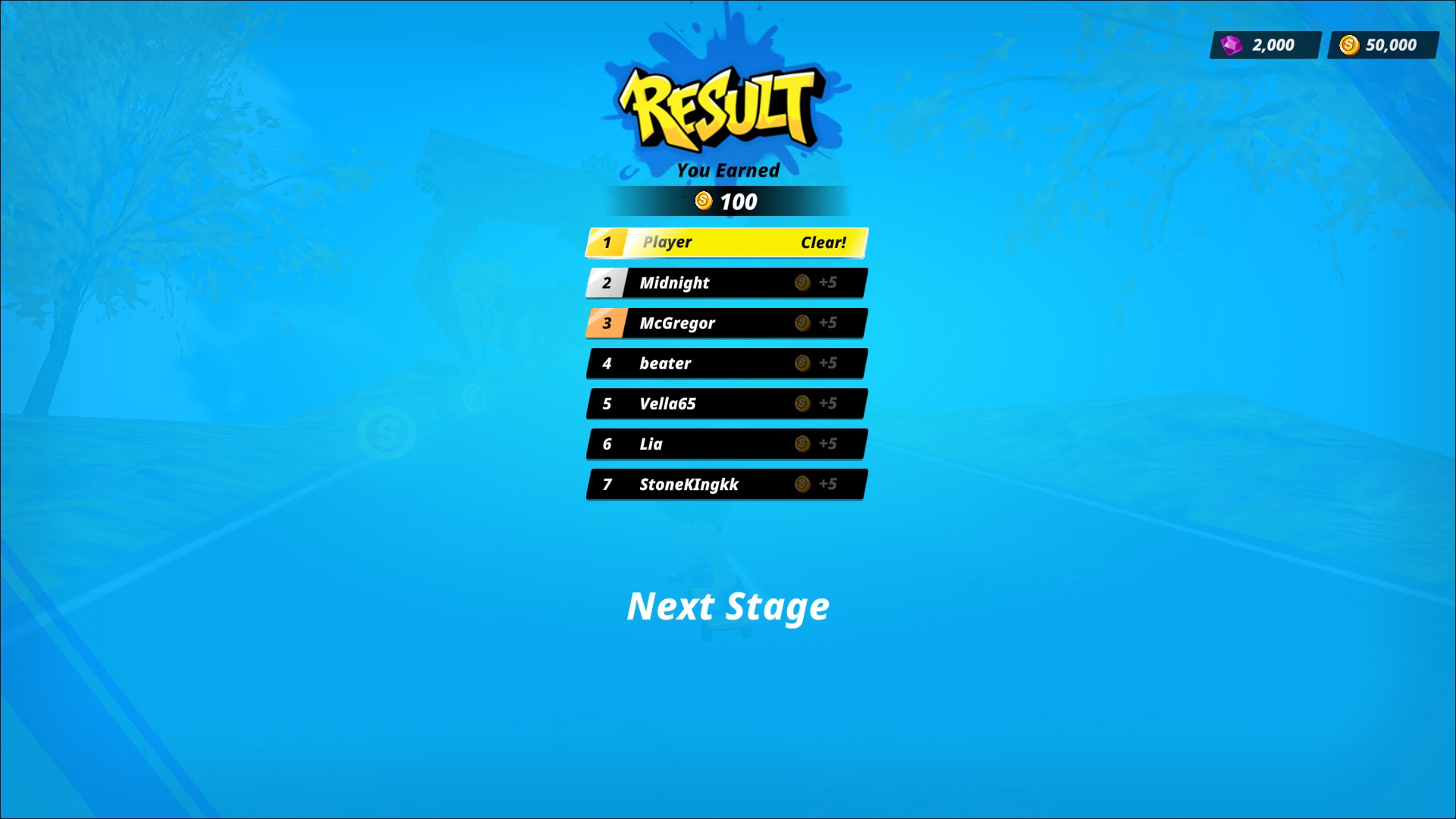
Set your coin and gem balances
The result screen shows the customized balances of 50,000 coins and 2,000 gems.
Using these features
Connect your game, then open Customise in the Windows app. Choose an option, check its available values and follow its instructions. Each option lists its own requirements and limits.
Setup for Downhill Racer →