
Customise
1 optionPick a puzzle from 1 to 100 with the free Picture number control.
View customisation options →Choose which DOP 4: Draw One Part puzzle to open next, finish the picture you are on, or reveal a dotted guide for the missing shape. Use Picture number to revisit a drawing challenge, Complete current puzzle to move on, or Show hint when you want to draw the answer yourself.
Requires the Windows app and the Bytonian Mods browser extension for Chrome or Edge. Browser setup guide
Start with free mods
Download Bytonian Mods for Windows and try these free features. Choose one to see how it works and any requirements.
Fill in the missing part and finish the current picture.
Use on an unfinished puzzle, then press the game's Next button.
It completes one picture at a time.
Choose a puzzle from 1 to 100 in your current picture order.
Finish the first puzzle, enter a number and select Apply & reload.
Complete the chosen puzzle and press Next before leaving to keep your progress. Different players may have different picture orders.
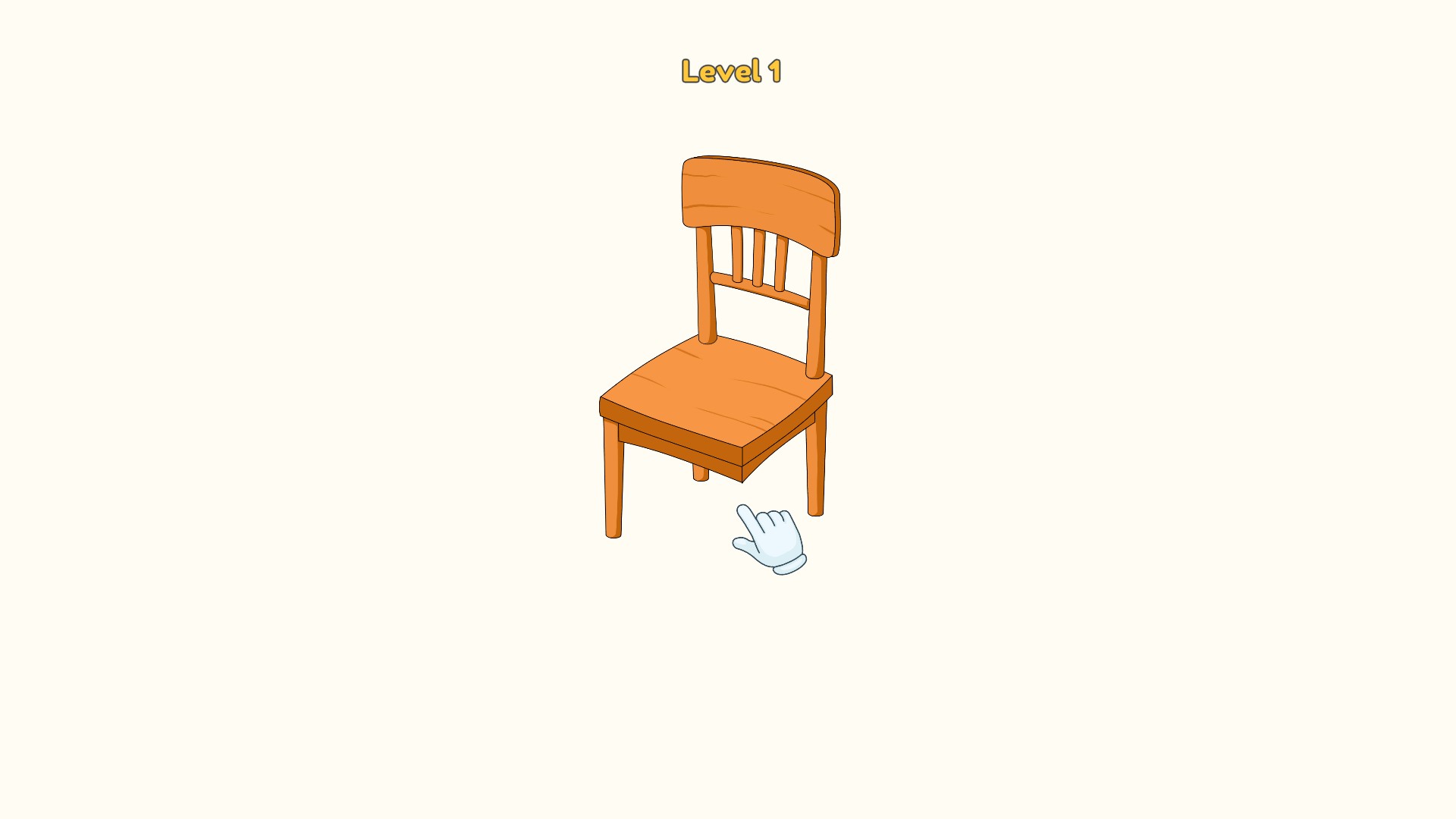
Find the missing part
A chair needs one more leg. Spot what is missing and draw it to complete the picture.
Customise offers a free Picture number control. Game Actions includes free puzzle completion and a Premium hint guide for players who want to keep drawing the answer themselves.
Open DOP 4 in YouTube Playables and wait for a puzzle to load. Use the Bytonian Mods controls alongside the game. For Picture number, finish the first puzzle, choose a number and select Apply & reload. Complete the selected puzzle and press Next before leaving so the game keeps your progress.
Pick a puzzle from 1 to 100 with the free Picture number control.
View customisation options →Finish a stuck puzzle or reveal a dotted guide for the shape you need to draw.
View game actions →Download the Windows app and follow the setup prompts.
Set up the browser extension in Chrome or Edge, then open the supported YouTube Playable. Follow the connection guide if the game is already running.
Review the available options in the app and choose the ones that suit how you play.