
Game Actions
2 optionsUse a hint to keep solving, or finish the active puzzle and continue.
View game actions →Reveal where to erase in the current DOP 2: Delete One Part puzzle, or complete that puzzle and reach the normal next-level control. Show Hint leaves the erasing to you; Complete Current Puzzle is for when you want to move on.
Requires the Windows app and the Bytonian Mods browser extension for Chrome or Edge. Browser setup guide
Start with free mods
Download Bytonian Mods for Windows and try these free features. Choose one to see how it works and any requirements.
Point the tutorial hand at the part of the current picture that should be erased.
Use this Free action after the puzzle has loaded, then erase the indicated area yourself.
Affects only the puzzle currently open; erase the indicated area yourself to finish it.
Show Hint points you toward the part of the picture to erase while leaving the puzzle for you to finish. Complete Current Puzzle solves the active level and reveals the game's normal next-level control.
Open DOP 2 and wait for the current puzzle to finish loading before using an action. The available actions affect the puzzle that is on screen, so move to the level you want first.
Use the action on the puzzle you have open, then continue with the normal level controls.
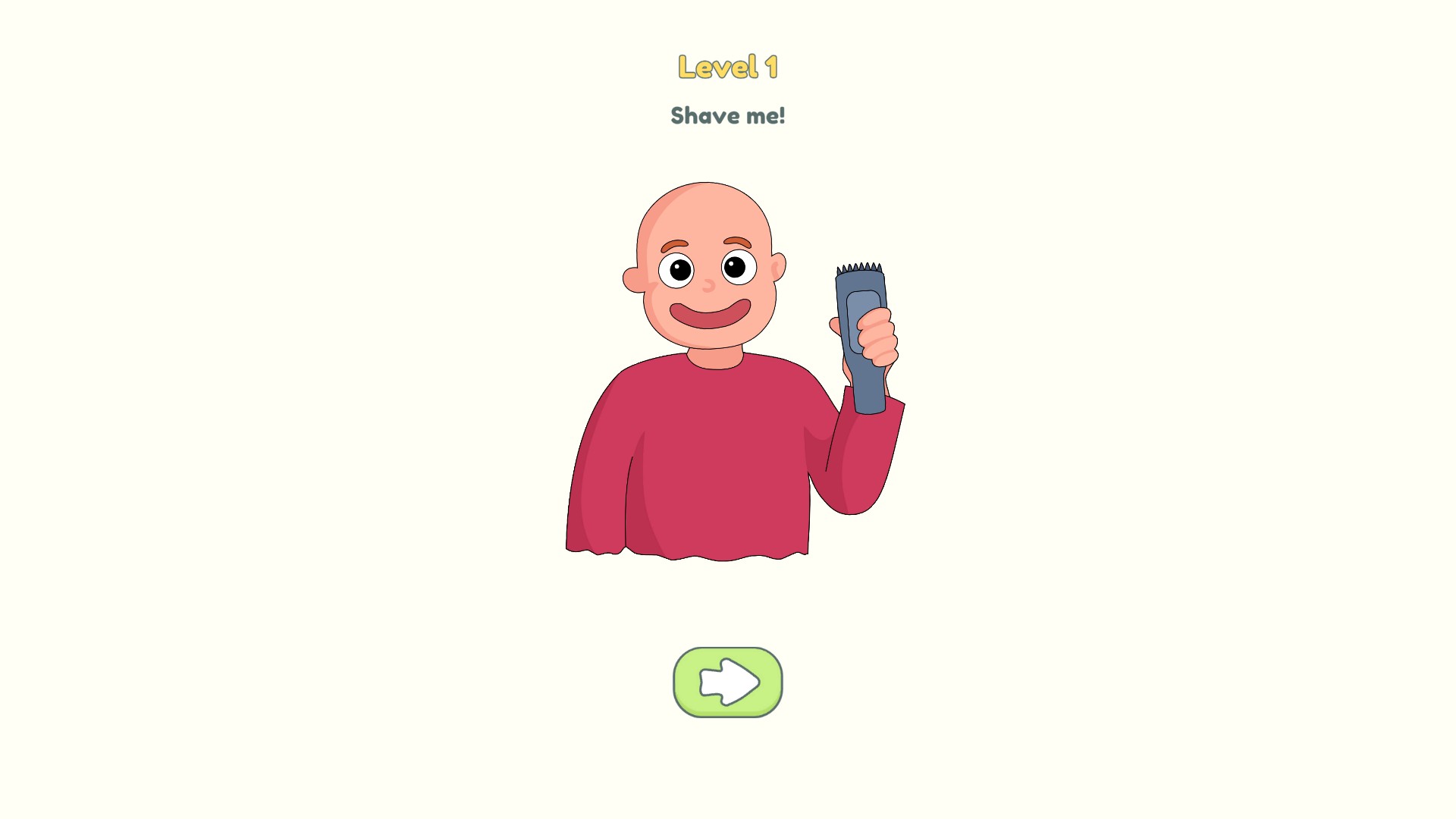
Complete a puzzle in DOP 2
A completed DOP 2 puzzle with the normal next-level arrow ready, demonstrating the Complete Current Puzzle action.
Use a hint to keep solving, or finish the active puzzle and continue.
View game actions →Download the Windows app and follow the setup prompts.
Set up the browser extension in Chrome or Edge, then open the supported YouTube Playable. Follow the connection guide if the game is already running.
Review the available options in the app and choose the ones that suit how you play.