
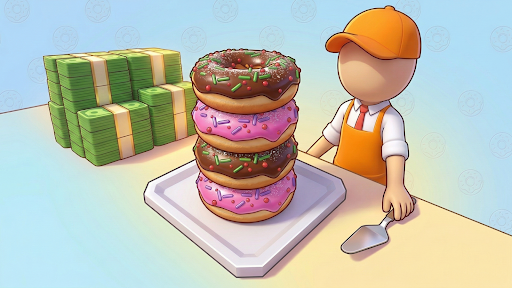
Resources
1 optionA cash balance you can choose and refresh.
View resources →Choose your restaurant cash balance or use a speed boost to cross the shop floor faster. Run your donut shop, add tables and work toward opening the next counter.
Requires the Windows app and the Bytonian Mods browser extension for Chrome or Edge. Browser setup guide

Start with free mods
Download Bytonian Mods for Windows and try these free features. Choose one to see how it works and any requirements.
Choose your restaurant cash balance from 0 to 10,000,000.
Refresh the current amount, enter your chosen balance and apply it.
This sets a balance rather than automatically refilling cash or building equipment.
The Resources category contains the Cash control. Set the amount you want rather than relying on a fixed cash grant.
The Stats Modifiers category contains Speed boost. Apply the player's movement boost, then use Restore speed when you want to return to normal.
Open Donut Place with Bytonian Mods connected and enable the package you want. Refresh Cash before choosing and applying a new balance. For movement, press Speed boost and keep using the game's normal controls.
A cash balance you can choose and refresh.
View resources →A removable movement boost for the restaurant player.
View stat modifiers →Download the Windows app and follow the setup prompts.
Set up the browser extension in Chrome or Edge, then open the supported YouTube Playable. Follow the connection guide if the game is already running.
Review the available options in the app and choose the ones that suit how you play.