
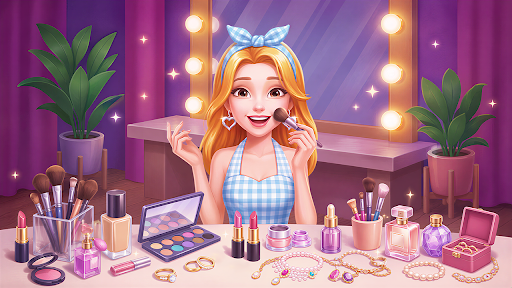
Set Your Doll GlowUp Diamonds
Use the Diamonds control to choose the balance shown in your game.
Requires the Windows app and the Bytonian Mods browser extension for Chrome or Edge. Browser setup guide

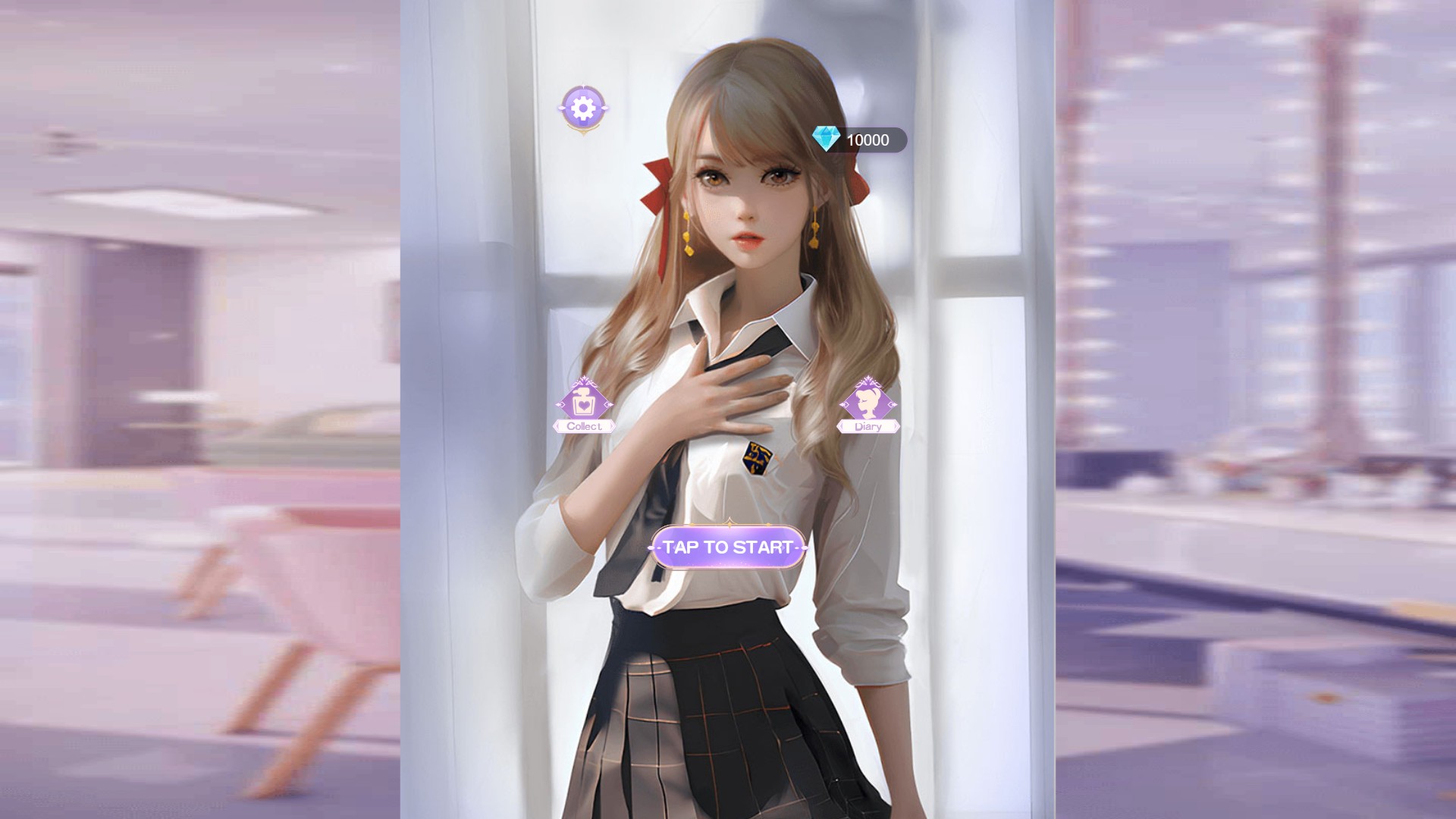
Set Your Diamond Balance
Choose your diamond balance in Doll GlowUp. The home screen shows 10,000 diamonds after editing.
Choose the diamond amount
Open the Diamonds control and enter the amount you want. Apply your choice and check the diamond counter when the game reopens.
Continue your makeover
Return to the story screen for the next treatment or open the cosmetic collection to browse your choices.
Available customisation options
DiamondsFree
Choose your diamond balance.
Enter a whole number from 0 to 1,000,000, apply the change and return to the game.
Questions about customisation options
- Is the Diamonds control free?
- Yes. This diamond-balance control is free.
- Can I choose a smaller balance?
- Yes. Enter any whole-number amount within the displayed range.
Using these features
Connect your game, then open Customise in the Windows app. Choose an option, check its available values and follow its instructions. Each option lists its own requirements and limits.
Setup for Doll GlowUp →