

Choose your Dogs vs Aliens coin balance
Set the coin balance you want before continuing your adventure. Coins accepts whole numbers from 0 to 1,000,000.
Requires the Windows app and the Bytonian Mods browser extension for Chrome or Edge. Browser setup guide

Apply your coin amount
Start the game and let your progress load. Open Customise, enter the amount under Coins and apply your choice before continuing.
Available customisation options
CoinsPremium
Choose a coin balance from 0 to 1,000,000.
Let your progress load, enter a whole-number amount under Coins and apply your choice.
Using these features
Connect your game, then open Customise in the Windows app. Choose an option, check its available values and follow its instructions. Each option lists its own requirements and limits.
Setup for Dogs vs Aliens →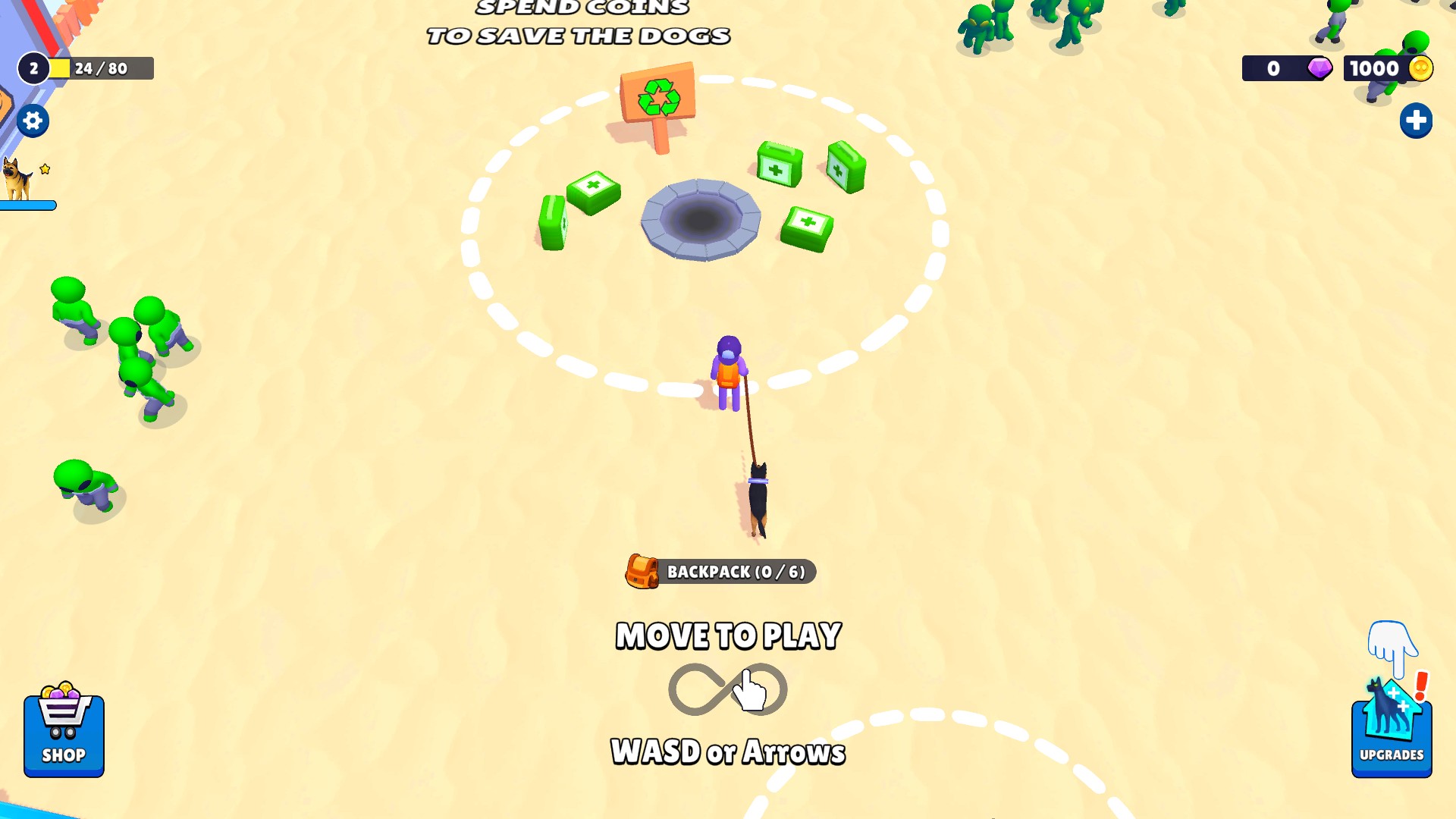
Choose your coin balance
Set your saved coin balance before continuing your dog rescue adventure.