
Resources
1 optionChoose bones for dog skins while keeping level requirements intact.
View resources →Reveal a dotted barrier suggestion before you draw, or set your Bones balance to shop for dog skins. Plan your line and protect the dog from the bees.
Requires the Windows app and the Bytonian Mods browser extension for Chrome or Edge. Browser setup guide
Start with free mods
Download Bytonian Mods for Windows and try these free features. Choose one to see how it works and any requirements.
Show a dotted suggestion for a protective barrier.
Use before drawing in the current unfinished puzzle, then draw your own line.
The hint does not draw or complete the puzzle for you.
Show Drawing Hint reveals a dotted suggestion in an unfinished puzzle before you start drawing. Follow it as a guide, then draw and complete the puzzle yourself.
Set your bones balance and reload the game before spending it in the shop. Skins with level requirements still need their normal unlocks.
Choose bones for dog skins while keeping level requirements intact.
View resources →Reveal a dotted barrier guide before you draw.
View game actions →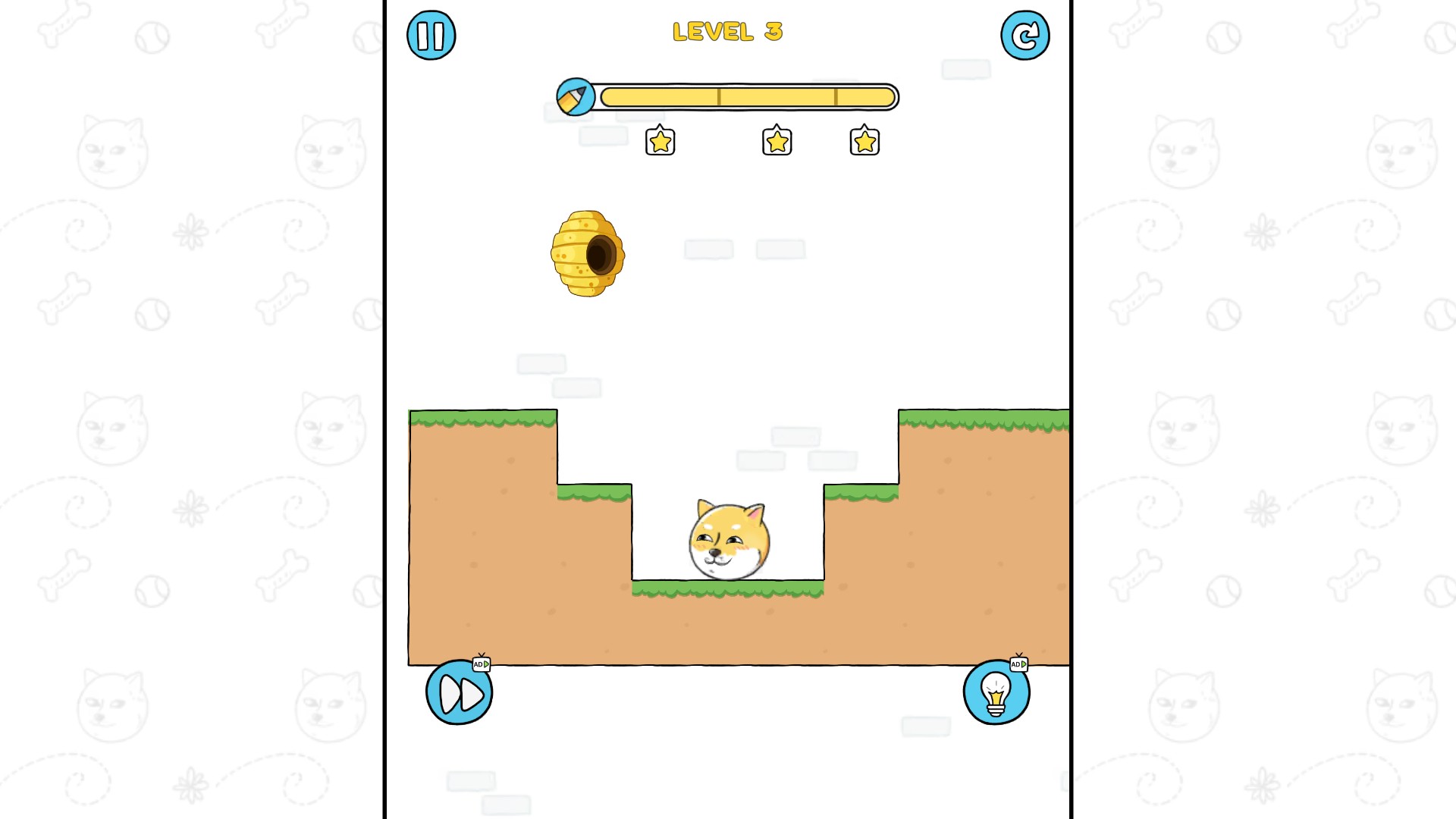
Draw a barrier to keep the dog safe
Plan a protective line around the dog before the bees leave their hive.
Download the Windows app and follow the setup prompts.
Set up the browser extension in Chrome or Edge, then open the supported YouTube Playable. Follow the connection guide if the game is already running.
Review the available options in the app and choose the ones that suit how you play.