
Dinosaurs Merge Master customization
Set your coins to 10,000 for normal dinosaur and archer purchases. Choose the units you want, combine matching units and arrange your formation on the board.
Requires the Windows app and the Bytonian Mods browser extension for Chrome or Edge. Browser setup guide
Set 10,000 coins
Select 10,000 Coins and apply the control. The game reloads with the chosen balance, ready for normal purchases.
Spend coins in the game
Tap the dinosaur or archer purchase button on the board. Each purchase keeps its displayed price and places a unit in an available square.
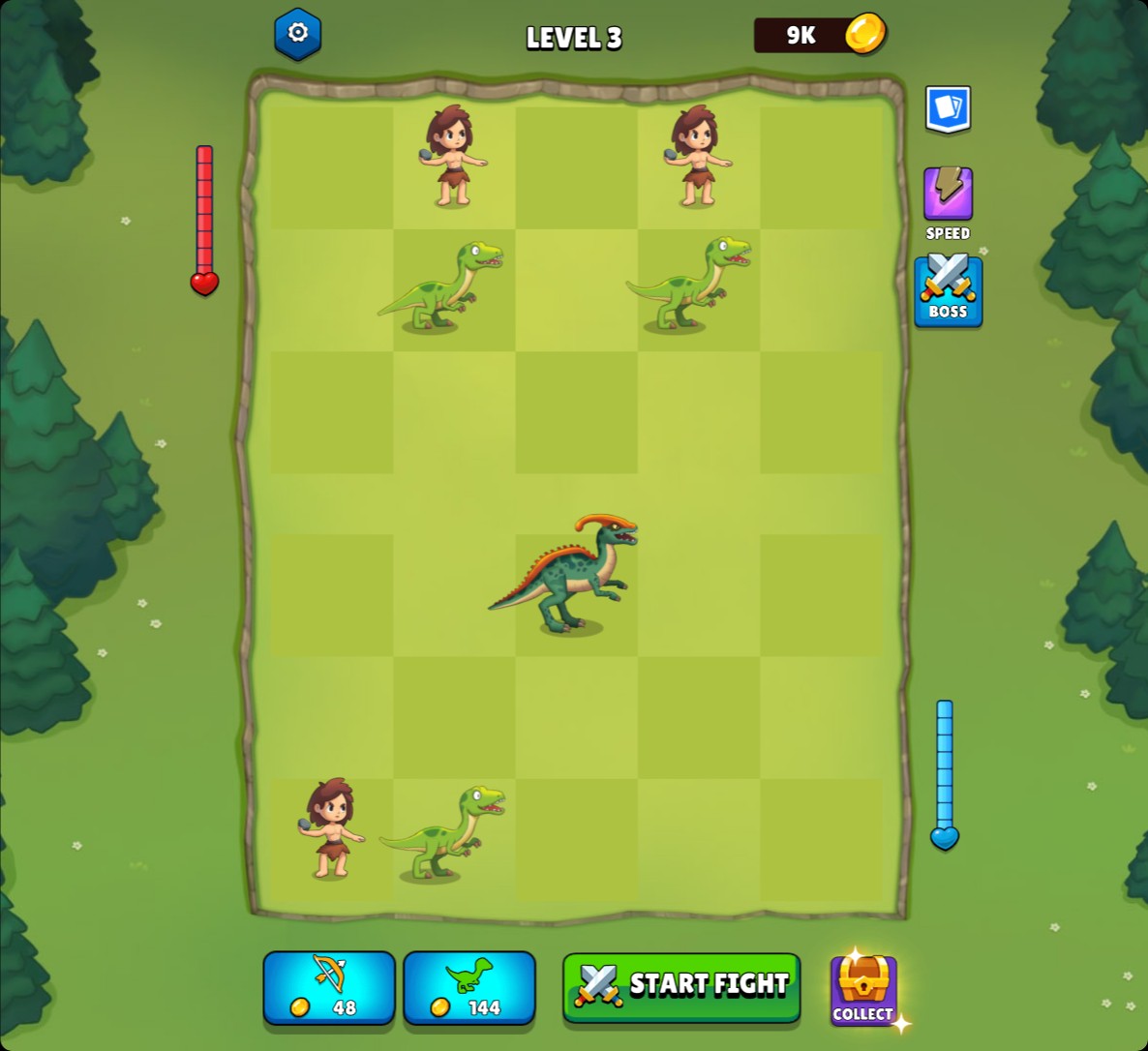
Hire another dinosaur
Set a coin budget and use the normal unit purchase buttons. Another dinosaur joins this formation while the coin display shows 9K.
Available customisation options
10,000 CoinsFree
Set your coins to 10,000 for normal dinosaur and archer purchases.
Select the control, apply it, then buy units with the normal buttons on the board.
Sets the balance to 10,000 rather than adding coins. Normal prices and available board space still apply.
Questions about customisation options
- Do unit prices change?
- Purchases keep the game's normal prices and use the coins available in your balance.
- What if my board is full?
- Merge matching units or rearrange your formation to make space before buying another unit.
Using these features
Connect your game, then open Customise in the Windows app. Choose an option, check its available values and follow its instructions. Each option lists its own requirements and limits.
Setup for Dinosaurs Merge Master →