
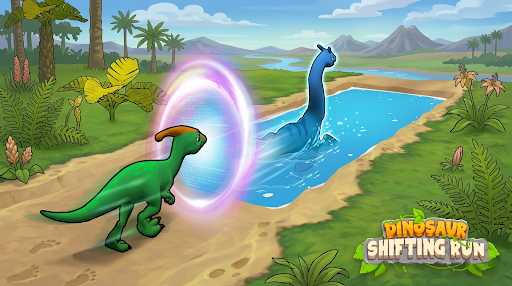
Resources
1 optionSet your meat balance and spend it on racer upgrades.
View resources →Set your meat balance for racer upgrades or trigger a boost during the race. Keep choosing the dinosaur form that suits the next obstacle as you run, climb and race.
Requires the Windows app and the Bytonian Mods browser extension for Chrome or Edge. Browser setup guide
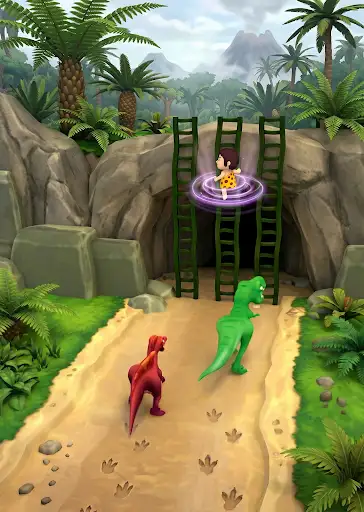
Start with free mods
Download Bytonian Mods for Windows and try these free features. Choose one to see how it works and any requirements.
Activate the game's race boost for your current racer.
Start a race, then activate Race Boost.
Keep choosing a form that suits the terrain. A boost does not replace your transformations.
Meat lets you choose your balance before spending it on racer upgrades. Race Boost activates the game's boost for your current racer during an active race.
Open Dinosaur Shifting Run through Bytonian Mods and select the control you want to use. Set meat before buying an upgrade, or start a race before activating Race Boost. Keep switching forms to suit the terrain ahead.
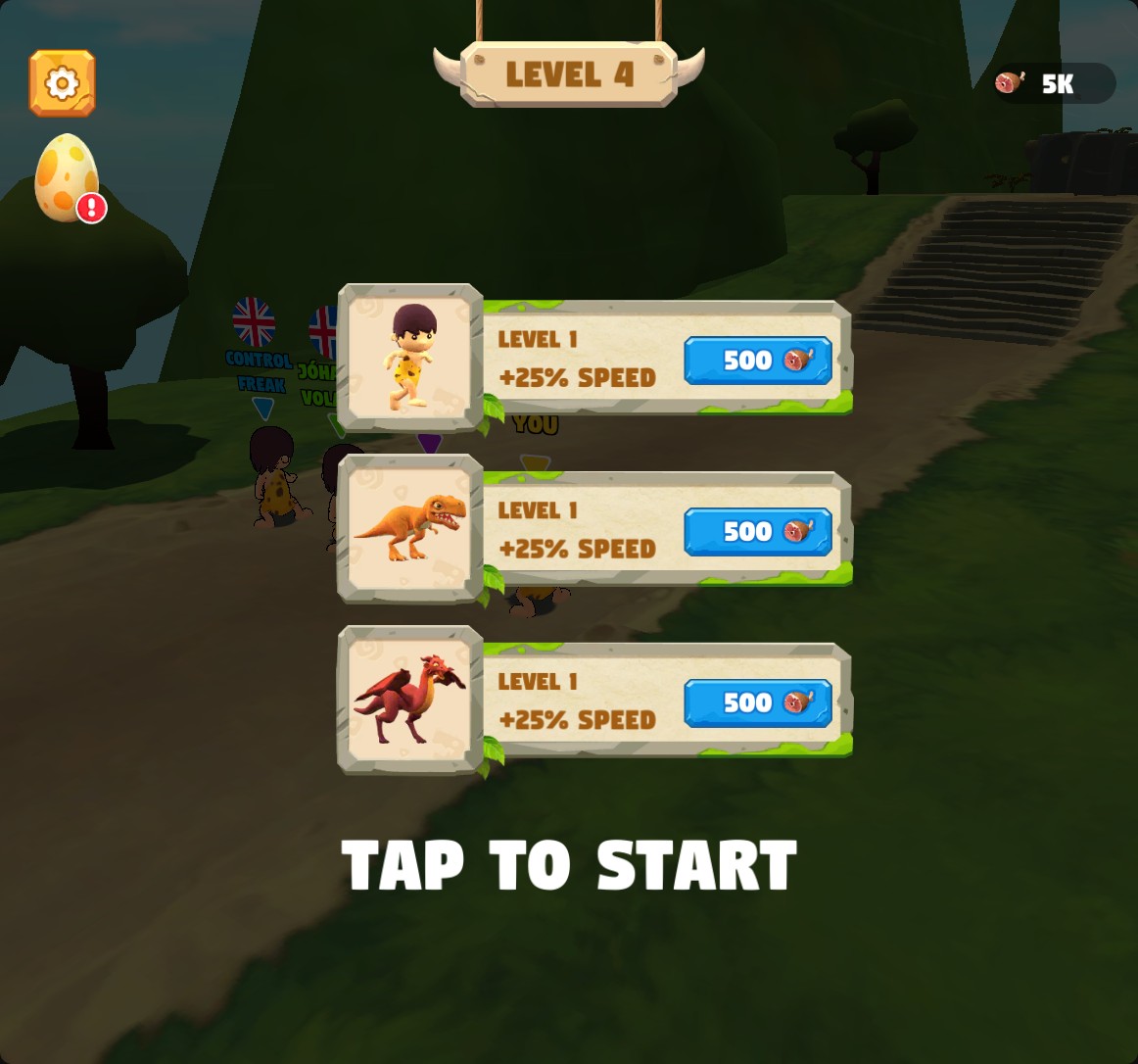
Race, transform and upgrade
Choose a form for each obstacle and spend meat on racer upgrades.
Set your meat balance and spend it on racer upgrades.
View resources →Activate a race boost while keeping control of your transformations.
View ability modifiers →Download the Windows app and follow the setup prompts.
Set up the browser extension in Chrome or Edge, then open the supported YouTube Playable. Follow the connection guide if the game is already running.
Review the available options in the app and choose the ones that suit how you play.