
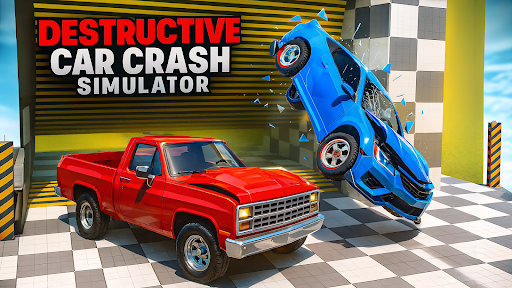
Stat Modifiers
1 optionChoose a percentage of normal engine power for the way you want the pickup to pull away.
View stat modifiers →Repair engine damage after a hard hit or adjust your pickup's pulling power. Take your next run through the arena's ramps, crushers and swinging hammers.
Requires the Windows app and the Bytonian Mods browser extension for Chrome or Edge. Browser setup guide
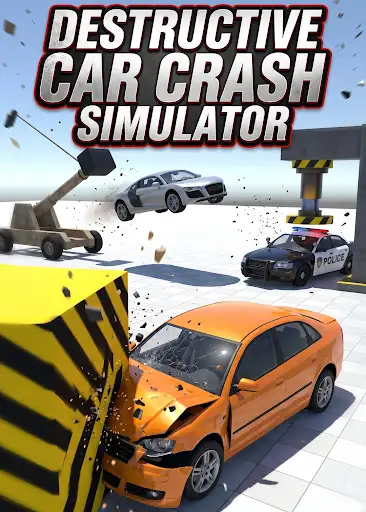
Start with free mods
Download Bytonian Mods for Windows and try these free features. Choose one to see how it works and any requirements.
Repair your car, clear engine smoke and get moving again without using another repair allowance.
Use Repair car when your vehicle needs a repair.
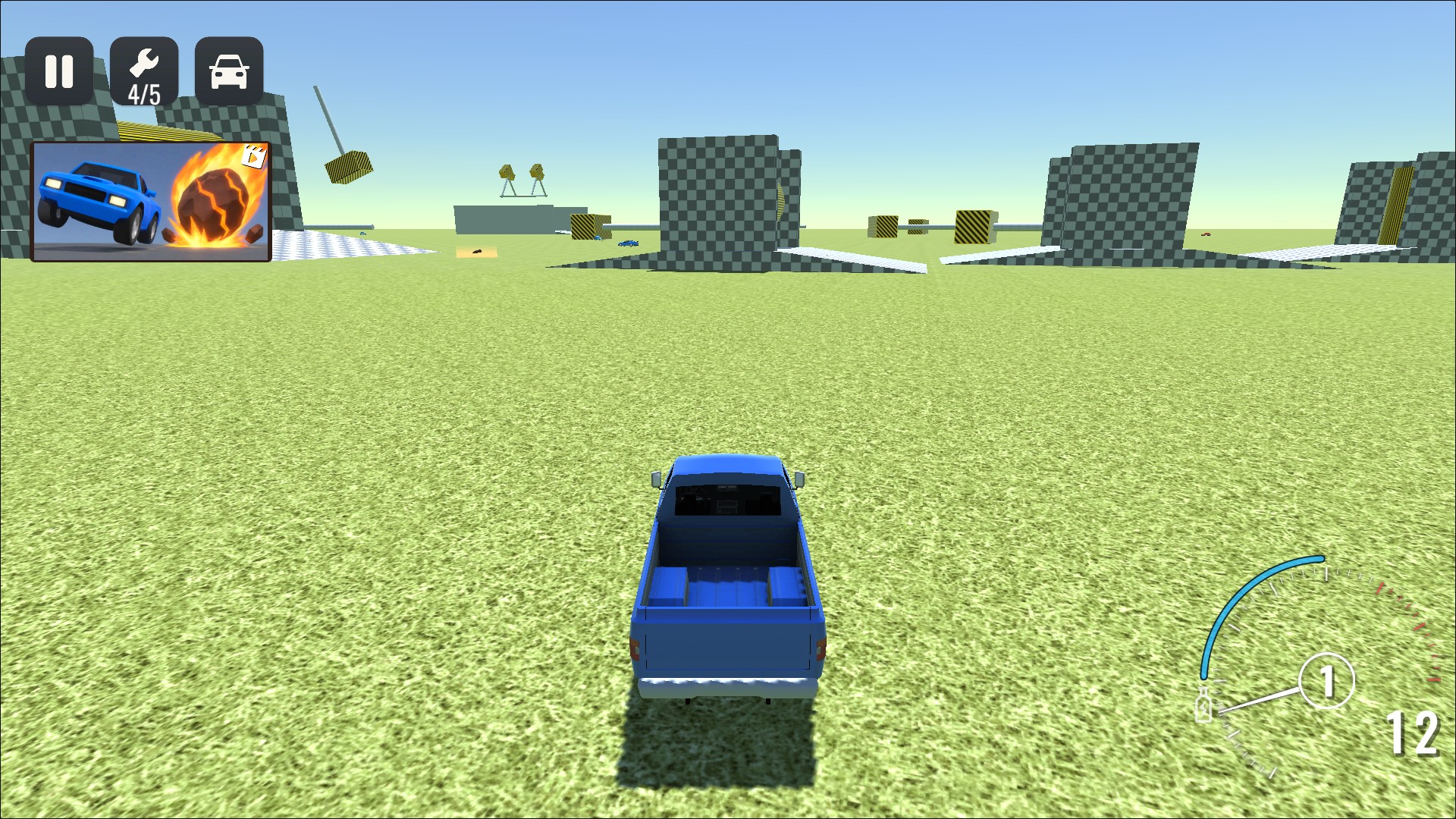
Back in the crash-test arena
Keep the pickup moving and take on the arena's ramps, crushers and swinging hammers.
Choose a percentage of normal engine power for the way you want the pickup to pull away.
View stat modifiers →Repair engine damage and clear smoke without spending another repair allowance.
View game actions →Download the Windows app and follow the setup prompts.
Set up the browser extension in Chrome or Edge, then open the supported YouTube Playable. Follow the connection guide if the game is already running.
Review the available options in the app and choose the ones that suit how you play.