
Deorbit - Space Survivors Customise
Choose what you want to change in Deorbit - Space Survivors: Gold. Open Customise in the app and follow the instructions for your chosen option.
Requires the Windows app and the Bytonian Mods browser extension for Chrome or Edge. Browser setup guide

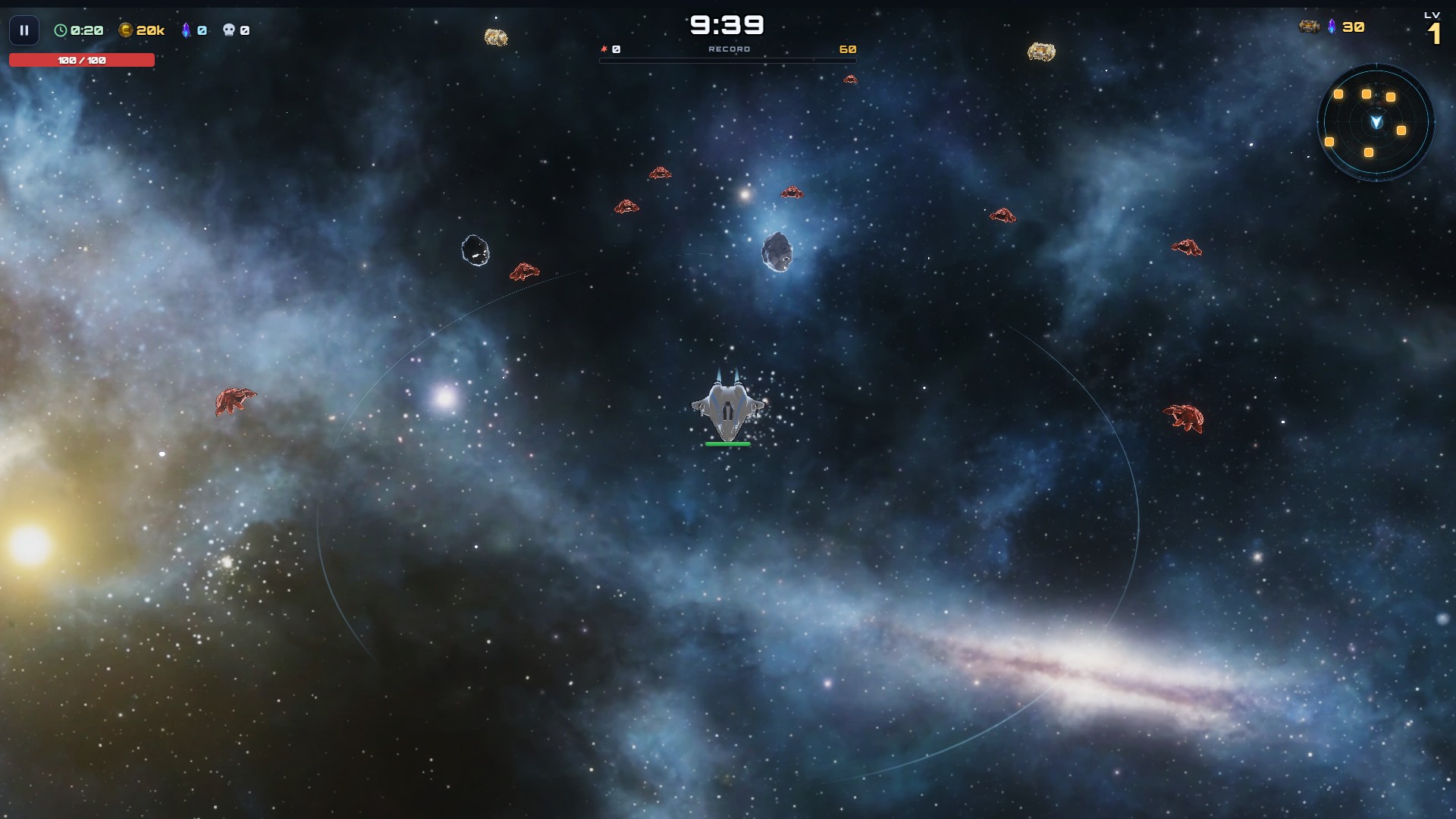
Choose your Gold balance
Set the Gold amount you want to see as you fly through enemy waves.
Available customisation options
GoldFree
Choose the Gold balance shown on your ship's HUD while you face enemy waves.
Enter the amount you want and apply it. The game reloads with your chosen balance.
Using these features
Connect your game, then open Customise in the Windows app. Choose an option, check its available values and follow its instructions. Each option lists its own requirements and limits.
Setup for Deorbit - Space Survivors →