
Flight and movement speed
Get a different view of Nevada or spend less time walking between places with two on-foot movement controls.

Choose your route with Fly
Open Movement, choose Fly and enable Movement. Direction follows where you look: use WASD to travel, Space to rise, Ctrl to descend and Shift for the faster speed. Set both flight speeds to suit the space, and return to solid ground before turning Movement off.
Set your movement pace
Turn Movement Speed on and choose a percentage from 50 to 300. The default is 150%. Turn it off to return to normal movement. Both tools are for active play on foot in single-player or your own hosted game.
Available stat modifiers
MovementFree
Rise above Nevada and pass through obstacles with adjustable normal and fast flight speeds.
Open Movement, choose Fly and enable Movement. Use WASD to travel, Space to rise, Ctrl to descend and Shift for faster flight. Return to solid ground before switching Movement off.
Use during active play on foot.
Supported movement styles: Fly
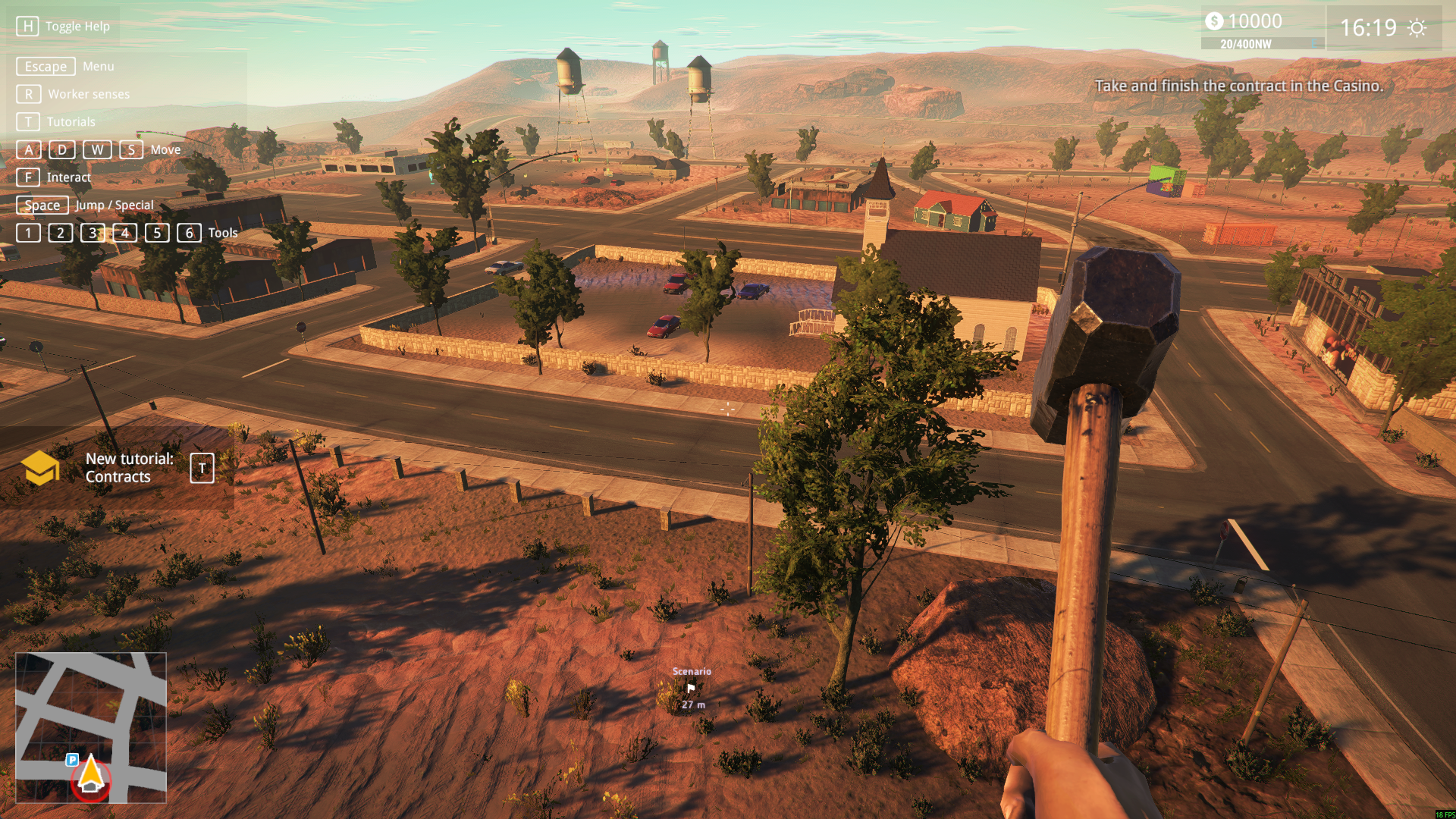
See Nevada from above
Fly in the direction you look with your normal movement controls. Land before switching flight off.
Movement SpeedFree
Adjust on-foot movement with a percentage from 50 to 300.
Turn Movement Speed on, choose a percentage, then turn it off to return to normal movement.
Use during active play on foot in single-player or your own hosted game.
More ways to customise Demolish & Build 2018
- Demolish & Build 2018 game actions
Add cash or set the hour while the game clock keeps moving.
Using these features
Choose the feature in the Windows app after connecting your game. Check its requirements before making a change.
Setup for Demolish & Build 2018 →